
Passport Card Photo Requirements: Are They the Same as a Passport Book?
A U.S. passport card uses the same photo standard as a passport book. Learn the size, when photos can be reused, and how to prepare prints with PhotoOmni.
Does a Passport Card Use the Same Photo as a Passport Book?
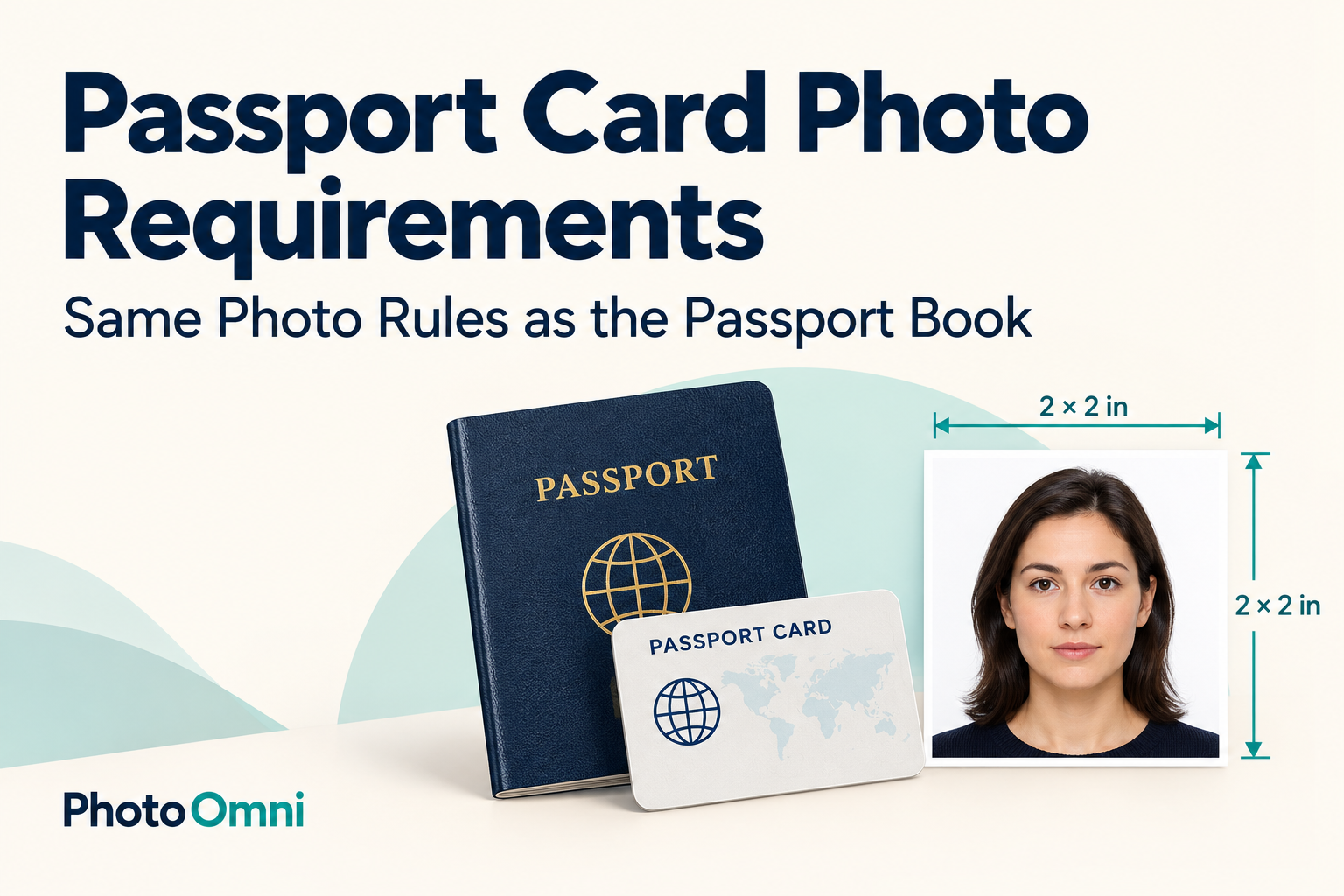
Yes. A U.S. passport card application uses the same standard passport photo requirements as a passport book application. The card fits in a wallet, but you do not submit a wallet-sized portrait or trim a photo to match the card.
This guide focuses on the picture you submit, whether you are ordering a card alone, applying for both documents, or adding a card after receiving your book. PhotoOmni can help you prepare the photo file and print layout; your application still needs to follow the government's instructions.
Reviewed October 14, 2026. This article covers U.S. passport cards.
Passport Card Picture Size: What You Actually Submit
For a paper application, the essentials are:
| Item | Required preparation |
|---|---|
| Printed size | 2 × 2 inches (51 × 51 mm) |
| Head height | 1–1⅜ inches (25–35 mm), chin to top of head |
| Recency | Color photo taken within the last 6 months |
| Background | Plain white or off-white; no shadows or objects |
| Pose | Face forward, eyes visible, mouth closed |
| Paper | Matte or glossy photo-quality paper |
Remove glasses unless you qualify for a documented medical exception. Submit an original, unaltered image; do not use beauty filters, AI-generated portraits, or digital background replacement. See the State Department's official photo requirements.
The printed portrait and the finished plastic card are different things. Do not ask a print shop to make the portrait credit-card-sized. Specify U.S. passport photo, 2 × 2 inches.
One Application for Both: Do You Need Two Photos?
The State Department lets you request a passport book, a passport card, or both on the same application. When requesting both together, provide the single photo required by that application; you do not need a different portrait just because you are ordering two documents. Its mail renewal instructions explicitly allow renewal of both and require one photo.
An extra print can be useful as a spare, but do not attach extra portraits unless instructed. Follow the photo attachment directions on your actual form.
Already Have a Book? Prepare a Photo for the New Application
Getting a card later is a separate application. Having a photo printed in your existing passport book does not replace the photo submission step. Do not scan the passport page or cut the portrait out of it.
If you kept the original photo file, first check its capture date and whether it still meets current requirements. A file sitting on your phone is not automatically suitable for a new application. If you are unsure, take a fresh photograph rather than reusing an old one.
Eligible adult book holders may use the mail renewal route to obtain their first card. Eligibility matters: use the official book-and-card application guidance and mail renewal checklist to choose your route.
Prepare Your Passport Card Photo with PhotoOmni
Start with the PhotoOmni U.S. passport photo page. You need the U.S. passport photo standard, not a custom crop based on the card's physical dimensions.
- Take a real photograph. Use a plain light wall and even lighting from the outset. Ask another person to hold the camera so you can face it naturally.
- Upload the original file. PhotoOmni offers AI checks and expert review, with a digital photo and a print-ready sheet. Check the current options before ordering.
- Review the delivered image. The U.S. requires an unaltered photo. If the output changes your face, skin, clothing, or background, request guidance or retake the original rather than assuming an edited result is acceptable.
- Print for a paper application. A digital download alone does not complete a paper application. Ask for actual-size printing and measure the individual square after printing.
PhotoOmni's review can help you prepare your submission, but the issuing authority decides whether to accept it. Product checks do not override official rules.
Printing: Keep the Individual Photo at 2 × 2 Inches
A 4 × 6 print sheet is a carrier for multiple photos, not the size of the portrait you submit. Disable options such as “fill page” or automatic enlargement. After printing, measure one individual photo before cutting it out, and handle it without creasing or damaging it.
For more printing help, read PhotoOmni's passport photo online printing guide. If you are comparing formats, see wallet-size photo dimensions versus passport photos.
Frequently Asked Questions
Is a passport card picture smaller than a passport book photo?
The application photo uses the same standard. The portrait's appearance on the manufactured document does not tell you what size print to submit.
Can I use my phone to take the photo?
Yes, you can start with a real camera photograph from a phone. Pay attention to distance and lighting, and use the original file rather than a screenshot or social-media download.
Can PhotoOmni issue a passport card?
No. PhotoOmni prepares photos; you submit the passport application through the appropriate government route.
Should I order a special passport card photo template?
Use the U.S. passport photo standard. A wallet-photo template or a crop shaped like a plastic card is the wrong starting point.