
Wallet-Size Photo Dimensions: Pixels, Inches and Passport Photo Comparison
Wallet-Size Photo Dimensions: Pixels, Inches and Passport Photo Comparison
Quick Answer
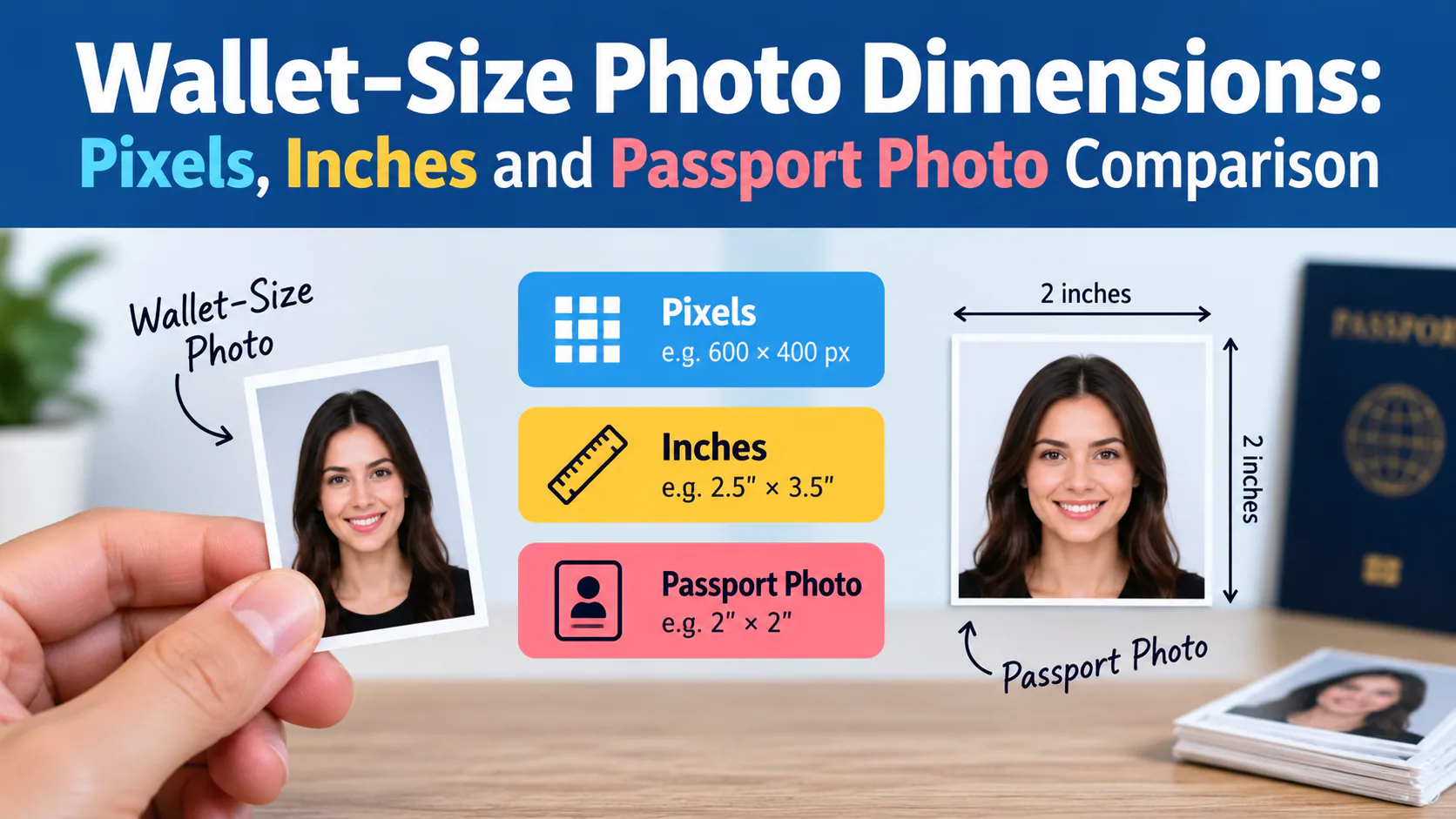
A wallet-size photo is typically 2×3 inches (some retailers use 2.5×3.5"), while a U.S. passport photo is always 2×2 inches (51×51mm) — they are not interchangeable, and printing a wallet photo to passport size (or trying to trim a wallet print down) won't meet the government's exact head-position and sizing requirements. At 300 DPI, a standard 2×3" wallet photo works out to 600×900 pixels, while a 2×2" passport photo is 600×600 pixels. If you need an actual passport photo, don't repurpose a wallet print — use a tool like PhotoOmni, which is built to the exact passport specification rather than a generic small-print size.
If you prefer to prepare the file online, the US passport photo maker can help check the crop, background, and passport-photo format before submission.
Wallet Size vs. Passport Size: Side-by-Side
A US passport photo maker can apply these dimensions and formatting checks to the uploaded photo.
| Wallet-Size Photo | U.S. Passport Photo | |
|---|---|---|
| Standard dimensions | 2×3 in (some stores: 2.5×3.5 in) | 2×2 in (51×51mm) — fixed, no variation |
| Metric equivalent | ~5×7.6 cm (or 6.35×8.89 cm) | 5.1×5.1 cm exactly |
| Pixels at 300 DPI | 600×900 px | 600×600 px |
| Aspect ratio | 3:2 (or 7:5 for the larger size) | 1:1 (square) |
| Head-size requirement | None — general portrait framing | Strict: head must measure 1"–1.4" (25–35mm), centered |
| Background requirement | None specified | Plain white or off-white, no shadows |
| Typical use | Wallets, cardholders, keepsakes, gifts | U.S. passport applications only |
| Typical cost | Under $1 per print at most retailers | $10–$20 in-store; less online |
Why You Can't Just Use a Wallet Photo for Your Passport
Even though both are "small" photo formats, a wallet photo fails passport requirements for a few concrete reasons:
- Wrong aspect ratio — wallet photos are rectangular (3:2), while passport photos must be perfectly square (1:1). Cropping a rectangle down to a square usually cuts off part of the head or shoulders.
- No head-size standard — passport photos require the head to measure a specific 1"–1.4" from chin to crown, centered in the frame. Wallet photos have no such rule, so the framing is essentially never correct by chance.
- No background requirement — wallet photos are often taken with whatever backdrop was available (a studio backdrop, a plain wall, even outdoors), while passport photos require a plain white or off-white background with no shadows.
- Sizing at print time — even if you resize a wallet photo's file dimensions to 2×2", the actual subject inside the frame won't match the government's head-position rules, since it wasn't composed for that purpose.
Common Wallet Photo Sizes You'll See at Retailers
| Retailer | Size | Typical Price |
|---|---|---|
| Walmart | 2.5×3.5 in | ~$0.38 for 2 prints |
| Costco | 2.25×3.25 in | ~$0.59 for 4 prints |
| Walgreens | 2×3 in | ~$0.99 for 4 prints |
Because there's no single mandated "wallet size" the way there is for a passport photo, it's worth checking your specific wallet or cardholder's photo slot before ordering prints.
If You Actually Need a Passport Photo
Skip repurposing an old photo altogether. PhotoOmni is built specifically to the 2×2" passport specification (not a generic small-print size): upload a selfie, and the AI automatically crops to the correct square aspect ratio, resizes the head to the required 1"–1.4" range, and replaces the background with clean white — with a human expert reviewing the result before you download or print it.
Frequently Asked Questions
Is a wallet-size photo the same as a passport photo? No. Wallet photos are typically 2×3 inches with no strict framing rules, while passport photos are exactly 2×2 inches with specific head-size and background requirements.
Can I crop a wallet photo down to passport size myself? Technically you can resize the file, but the head positioning almost never matches the passport spec, since the original wasn't composed for a square, centered-head format — this is one of the most common reasons self-made passport photos get rejected.
What's the actual pixel size for a passport photo? 600×600 pixels at 300 DPI, matching the 2×2 inch physical size — though most digital submission portals specify their own minimum resolution, so check the exact requirement for where you're submitting.
Why don't wallet photos have a background requirement? Because they're meant for personal use (keepsakes, gifts, ID cards that aren't government travel documents), not biometric verification — passport photos need a plain background specifically so facial recognition software can process them accurately.
Where can I get an actual passport-size photo instead of a wallet print? Pharmacies, shipping stores, and photo studios offer in-person passport photos, or you can make one from home with PhotoOmni by uploading a selfie and letting the AI handle the exact sizing and background.
Get the Right Size the First Time
Don't risk a rejected application over a repurposed wallet photo. Try PhotoOmni — upload a selfie, and get a photo built to the exact 2×2" passport specification, checked by a human expert, ready in minutes.
About the Author
PhotoOmni Editorial Team
The PhotoOmni Editorial Team researches official passport, visa, immigration, and identity-photo requirements. Every guide is reviewed for practical accuracy and updated when application rules, upload specifications, or government guidance change.