
Passport Photo Online Printing: Costs and Provider Options (2026)
Complete guide to passport photo online printing in 2026 — cost comparison ($5.99-$30), CVS/Walgreens vs online services, printing requirements, rejection prevention, and the best workflow for compliant passport photos.
Provider details and printing guidance checked: September 28, 2026
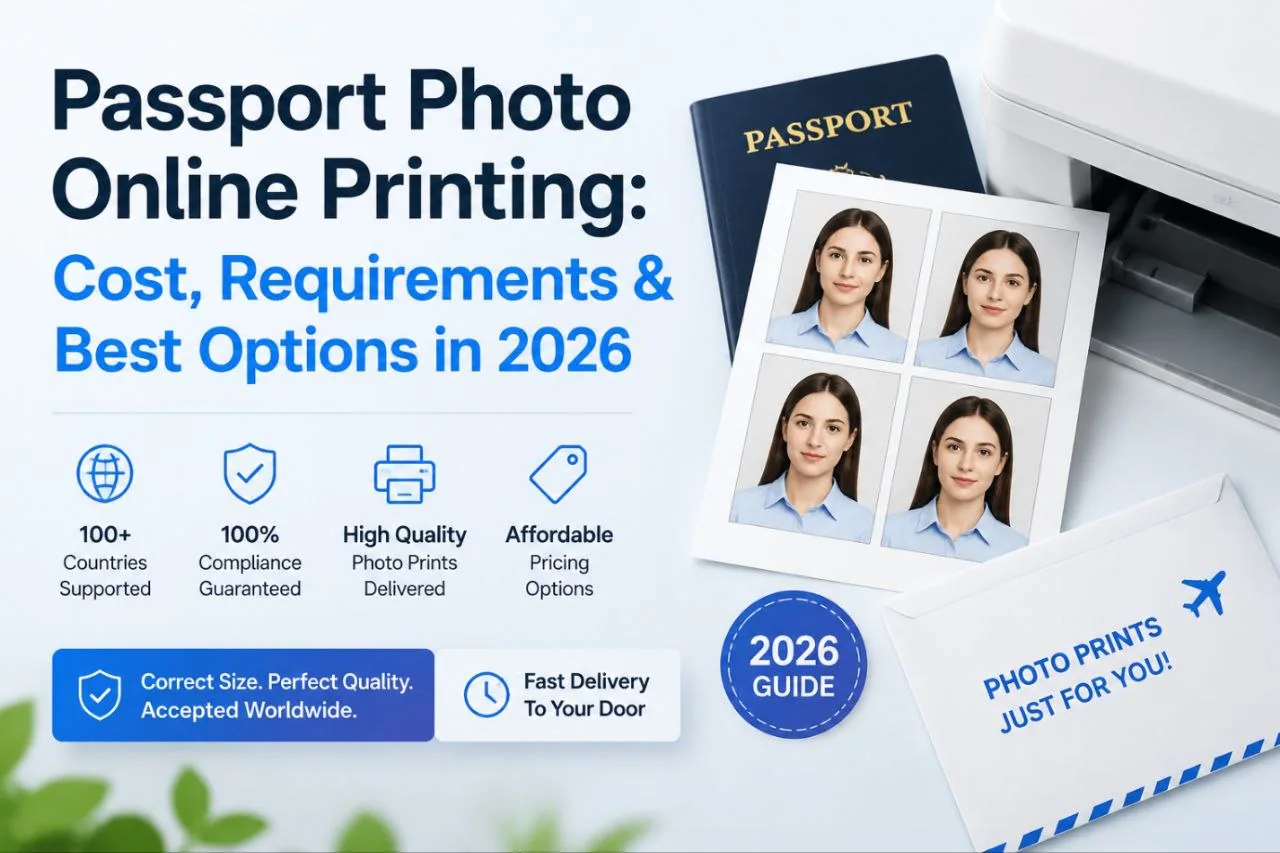
Passport Photo Online Printing: Cost, Requirements & Best Options in 2026
Getting a passport photo printed used to mean finding a photo studio, waiting your turn, and paying $15-30 for two small pictures. In 2026, that workflow feels outdated. You can create a compliant digital passport photo from your phone, check it against official requirements with AI, and print it wherever you want — a drugstore, an online service, or your own printer.
If you prefer to prepare the file online, the US passport photo maker can help check the crop, background, and passport-photo format before submission.
This guide covers what online passport photo printing costs, where to print, what the technical requirements are, and how to avoid rejection the first time.
Quick Answer
Online passport photo printing is a two-step workflow: prepare a compliant digital file, then print it through a pharmacy, print service or home printer. This page compares providers and costs. For exact paper, DPI, scaling and 4×6 layout instructions, use the passport photo printing size guide. For reusable crop overlays, see the passport photo template guide.
What Is Passport Photo Online Printing?
Online passport photo printing splits the old studio workflow into two independent steps: create the digital file, then print it anywhere. You're no longer locked into one provider for both.
A typical 2026 workflow: smartphone photo → AI compliance check → digital passport photo → online or local printing.
The appeal is the flexibility. Keep the digital file for future applications, order prints from a cheap online service, or walk into CVS when you need them same-day. You control the cost and the timeline.
Passport Photo Online Printing Cost Comparison (2026)
Here's what you'll pay across different options:
| Printing Option | Average Cost | Digital File | Time Required |
|---|---|---|---|
| Drugstore (CVS/Walgreens) | $14-16 | Usually available | 20-30 min (incl. travel) |
| Professional Photo Studio | $15-30 | Sometimes | 30-60 minutes |
| Online Passport Photo Service | $5-10 | Yes | 5-15 minutes |
| Home Printing | $0.20-1 per copy | Yes | 5-20 minutes |
PhotoOmni charges $5.99 and includes both AI compliance checking and human expert review — the same photo that would cost $15 at a drugstore.
Online options typically run 30-60% cheaper than studios. Creating the photo online instead of visiting a physical location cuts preparation time by roughly 70-80%.
Where Can You Print Passport Photos Online?
A US passport photo maker can apply these dimensions and formatting checks to the uploaded photo.
Option 1: Online Passport Photo Printing Services
Upload a ready digital photo, pick your format, and get prints delivered. Convenient, no store visit, and you keep the digital backup. Good if you don't need prints in the next 24 hours.
Option 2: CVS Passport Photo Printing
CVS has a large retail network with same-day pickup. Upload online or bring a USB drive. Around $14-16 for passport photo services.
Option 3: Walgreens Passport Photo Printing
Similar to CVS — local pickup, online ordering, and locations in most neighborhoods. Prices comparable at $14-16.
Option 4: UPS Store Passport Photos
UPS locations serve travelers who need quick document services. Approximately $15, convenient if you're already shipping other documents.
Online Passport Photo Printing vs Photo Studio
| Feature | Online Passport Photo | Photo Studio |
|---|---|---|
| Cost | $5-10 | $15-30 |
| Travel required | No | Yes |
| Digital file included | Yes | Sometimes |
| Available 24/7 | Yes | No |
| Guidance | AI compliance check | Human photographer |
| Printing flexibility | Multiple options | Limited to studio |
For most people, the online route wins on cost and convenience. Studios make sense if you want a human to coach your expression and lighting in real time. But with 40%+ of passport applicants now taking photos take passport photos at home instead of visiting studios, the trend is clear.
Can You Print Passport Photos at Home?
Yes — if you have a decent printer, photo paper, and a compliant digital file.
The catch: your final print must meet passport requirements. A blurry image printed on office paper will get why passport photos get rejected regardless of how good the original photo looked on your phone screen.
How to Print Passport Photos at Home
Step 1: Create a compliant digital passport photo. Smartphone camera, good natural lighting, plain white or off-white background. Don't use portrait mode or filters — they alter facial features and violate ICAO standards.
Step 2: Verify requirements before printing. Check size (2×2 inches for US), crop, background, and resolution. 300 DPI is the universal professional printing standard. Smartphone cameras capture at 72 DPI — a 4x resolution gap. At 300 DPI, each pixel is approximately 0.085mm. Hair strands are 0.05-0.1mm thick, meaning they're roughly 1 pixel wide at 300 DPI. If your image was upscaled from a low-res phone photo, edge details will look soft and the photo may be rejected.
Step 3: Use photo paper. High-quality photo paper, color printing, sharp output. Don't use regular office paper or a low-quality inkjet — faded colors and paper texture show up under scanning.
Step 4: Cut accurately. Final dimensions must be exact. No cropped face edges, no uneven cuts. Even a 2mm deviation from the required face position can trigger rejection.
Passport Photo Printing Requirements
US Passport Photo Requirements
| Requirement | Standard |
|---|---|
| Photo size | 2 × 2 inches (51 × 51 mm) |
| Background | White or off-white |
| Color | Full color |
| Expression | Neutral |
| Head size | 25-35 mm |
| File format | JPEG only |
| Color space | sRGB mandatory |
| Editing | No filters or facial alterations |
All ICAO-compliant photos must use the sRGB color space. Adobe RGB or Display P3 profiles will be rejected at processing. For US and UK applications, JPEG is the only accepted format.
International Passport Photo Size Examples
| Country | Passport Photo Size |
|---|---|
| United States | 2 × 2 inches (51 × 51 mm) |
| Canada | 50 × 70 mm |
| United Kingdom | 45 × 35 mm |
| China Visa | 33 × 48 mm |
| Schengen Area | 35 × 45 mm |
Different countries, different sizes. This is why passport photo tools that support multiple country profiles save time — you don't need to memorize or manually crop to each spec.
Why Passport Photos Get Rejected After Printing
Printing doesn't guarantee acceptance. Here are the most common failure points.
1. Incorrect Size
Wrong dimensions, incorrect crop, or head measurements outside the required range. A 1° head tilt can fail biometric matching at border control.
2. Poor Print Quality
Blurry image, low resolution, incorrect colors. If the original came from a 72 DPI phone photo upscaled to print size, the degradation is visible to human reviewers and automated scanners alike.
3. Wrong Paper Type
Regular printer paper changes how colors render and lacks the required surface quality. Use designated photo paper.
4. Original Photo Problems
Bad lighting, shadows on the face or background, wrong facial position. A high-quality print of a bad photo is still a bad photo.
Passport Photo Rejection Prevention Checklist
| Check Item | Requirement |
|---|---|
| Background | Plain white/off-white |
| Face position | Centered, both ears visible |
| Expression | Neutral, mouth closed |
| Glasses | Not allowed for US passport (since 2016) |
| Filters | Not allowed |
| Resolution | 300 DPI print standard |
| File format | JPEG, sRGB color space |
| Size | Country-specific dimensions |
Why AI Passport Photo Tools Improve Online Printing
AI tools close the gap between "I took a photo on my phone" and "this meets government standards." They don't just format an image — they check compliance against the actual rules.
1. Automatic Compliance Checking
AI analyzes face alignment, background quality, image dimensions, and lighting before you print. Modern face detection uses 68-point or 468-point facial landmark mapping to verify measurements against ICAO standards.
2. Correct Formatting
The tool prepares passport size, print layout, and digital format automatically. Background removal engines process images in approximately 2 seconds, using transformer-based models trained on 100,000+ annotated portrait images.
3. Reduce Rejection Risk
Catch common mistakes before spending money on prints. Given that the US rejects 20-25% of first-time photos, spending a few extra minutes on AI verification saves weeks of delay.
Passport Photo Online Printing Data Summary (2026)
| Data Point | Average / Standard |
|---|---|
| Online passport photo creation time | 5-15 minutes |
| Local passport photo service time | 20-60 minutes (incl. travel) |
| Online passport photo cost | $5-10 |
| Drugstore passport photo cost | $14-16 |
| Studio passport photo cost | $15-30 |
| Home printing cost | $0.20-1 per copy |
| US passport photo size | 2 × 2 inches |
| US first-time photo rejection rate | 20-25% |
| US annual photo-related re-applications | 5-6 million |
| Rejection delay per attempt | 2-3 weeks |
Best Workflow for Passport Photo Online Printing in 2026
Step 1: Take a photo with your phone. Natural lighting, plain background, eye-level camera position. Skip portrait mode and filters.
↓
Step 2: Check requirements with an AI tool. Verify size, background, face position, and resolution before printing.
↓
Step 3: Download your compliant digital passport photo. Keep the file — it's valid for future applications and other travel documents.
↓
Step 4: Print wherever convenient. CVS, Walgreens, UPS, home printer, or online printing service — your choice, same digital file.
Frequently Asked Questions
Can I print passport photos online?
Yes. Create a compliant digital passport photo using an online tool, then order prints from a drugstore, online printing service, or print at home.
How much does passport photo online printing cost?
Online passport photo services charge $5-10. Drugstore photo counters charge $14-16 for the same service. Professional studios range from $15-30. At $5.99, PhotoOmni includes AI compliance checking and human review.
Can I print passport photos at CVS?
Yes. CVS provides same-day photo services. Upload online or bring a USB drive. Cost is around $14-16.
Can I print passport photos from my phone?
Yes — if the photo meets official passport requirements. Make sure it has the right background, lighting, facial expression, and resolution (300 DPI output). The biggest risk is printing a low-res 72 DPI phone image that looks soft when enlarged.
What paper should passport photos be printed on?
High-quality photo paper. Regular office paper produces faded colors and visible texture that cause rejections. The paper surface quality matters as much as the image resolution.
Is online passport photo printing cheaper?
Usually yes — online options reduce costs by 30-60% compared with traditional photo studios. At $5.99 vs $15-30 at a studio or $14-16 at a drugstore, the savings add up quickly if you need photos for multiple family members or visa applications.
About the Author
Emma Richardson Senior ICAO Photo Compliance Expert, PhotoOmni
Emma Richardson is the Senior ICAO Photo Compliance Expert at PhotoOmni. With 12+ years of experience in passport and visa photo verification, she has helped applicants achieve 820,000+ successful photo approvals across 100+ countries and territories. She specializes in global passport photo requirements, ICAO-compliant photo standards, and biometric image verification.
Related Articles
- How to Take a Passport Photo at Home (2026 Guide)
- Passport Photo Requirements: The Complete 2026 Guide
- Why Was My Passport Photo Rejected? 15 Common Reasons & Fixes
Data: US Department of State (FY2024), UK Home Office (2023), ICAO Doc 9303 (8th edition), ISO/IEC 19794-5. Pricing from publicly listed rates as of July 2026.