
Passport Photo Background Requirements: White vs Off-White, Rules by Country
Compare white, off-white, light grey and country-specific passport photo background requirements and rejection risks.
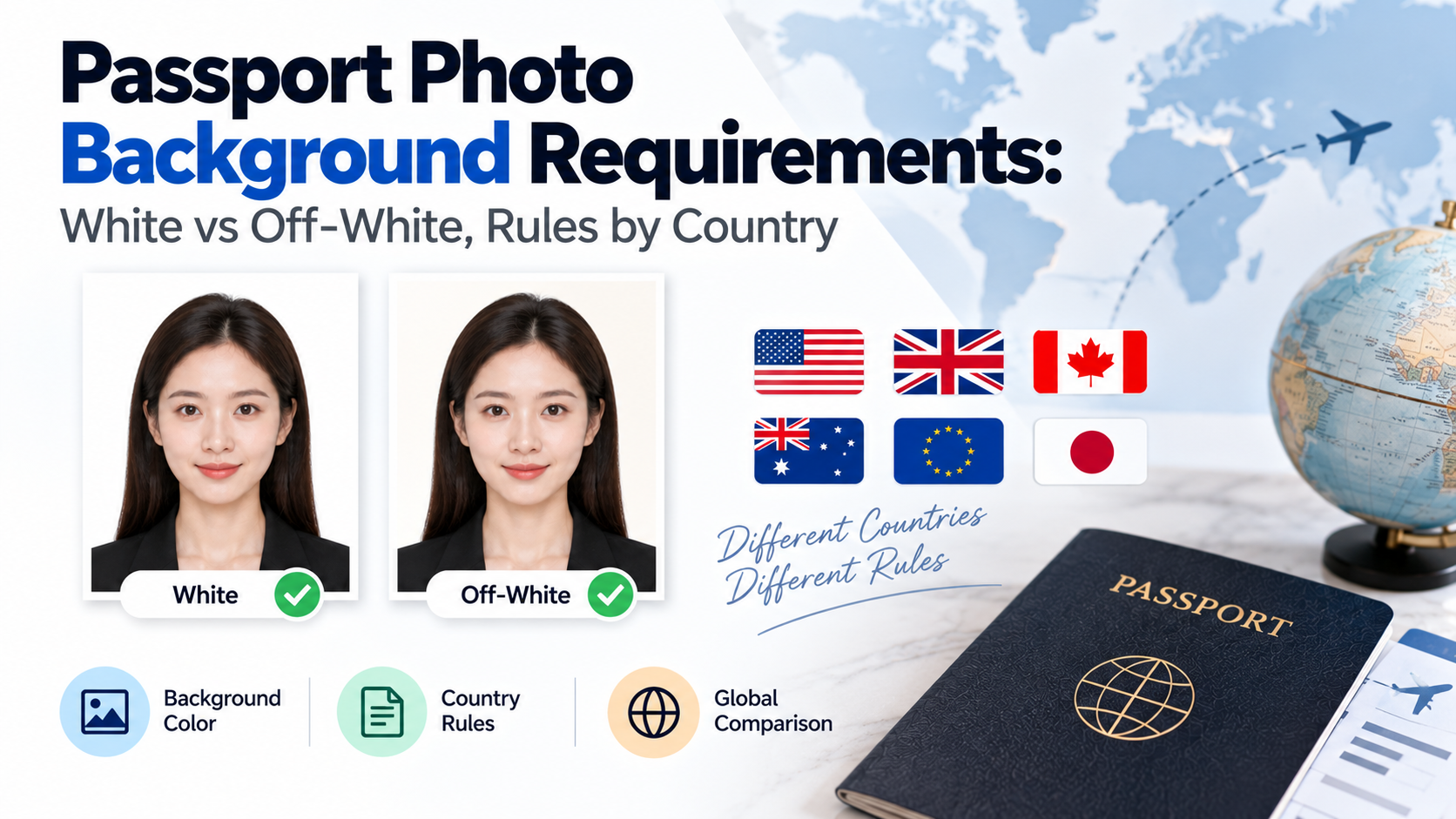
Quick answer: Most countries require a plain white or off-white/light grey passport photo background with no shadows, texture, or patterns, but the exact acceptable shade varies — some countries (like India, as of 2026) now require pure white only, while others still accept off-white or light grey. Always check the specific country's current requirement rather than assuming "light background" is universally sufficient.
"Plain background" sounds simple until you're actually taking the photo — how white is white enough, and does off-white ever pass? The answer depends on which country's requirements you're meeting, and the rules have been getting stricter in several countries recently.
If you prefer to prepare the file online, the US passport photo maker can help check the crop, background, and passport-photo format before submission.
White vs Off-White: Why It Matters
| Background Type | Where It's Typically Accepted | Where It's Been Tightened |
|---|---|---|
| Pure white | Universally accepted where required | Required exclusively by India (2026 standard), and increasingly preferred elsewhere |
| Off-white/cream | Previously common | No longer accepted for Indian passports as of the 2026 rule change |
| Light grey | Accepted by some countries (e.g. certain UK photo booth outputs) | Confirm per country — not universally accepted |
| Light blue | Required or accepted for specific document types in some countries | Country-specific — do not assume applicability |
Why White Specifically (Not Just "Light")
Beyond tradition, plain white backgrounds are preferred because they make it easier for both human reviewers and automated facial recognition systems to isolate the face from the background — clean contrast around the hairline, jaw, and shoulders reduces false rejections in systems that auto-crop or verify photos on upload. This is part of why the trend across several countries has been toward tightening background rules (moving from "off-white acceptable" to "pure white only") rather than loosening them, as more application systems move to automated photo verification.
Common Background Requirements Across Countries
While the exact acceptable shade varies, most passport and visa photo requirements share these general rules:
A US passport photo maker can apply these dimensions and formatting checks to the uploaded photo.
- No shadows behind the head or on the background itself
- No visible texture, pattern, gradient, or object in frame
- Even lighting across the entire background, not just the face
- No matching the background colour to your clothing (a common accidental issue with light-coloured shirts against a white wall)
Why Background Rejections Happen More Than People Expect
Background issues are one of the most common — and most avoidable — passport photo rejections, mainly because shadows and slight tints are easy to miss on a phone screen but become obvious once the photo is reviewed at full size or printed. A wall that looks "white enough" in a dim room can photograph as grey or yellow-tinted depending on your lighting source.
How to Get an Even, Compliant Background at Home
- Use a plain wall, ideally painted white, with no visible texture.
- Light the background separately from your face if possible, using two even light sources angled to avoid casting your shadow onto the wall behind you.
- Stand at least 1 metre from the wall to avoid your shadow falling directly behind you.
- Take the photo in natural daylight when possible, which tends to render whites more accurately than artificial indoor lighting.
- Check the photo on a larger screen, not just your phone, before finalizing it — background issues are easier to spot at full size.
FAQ
Is off-white background ever acceptable for a passport photo? It depends on the country. Some still accept it, but others — including India as of the 2026 rule change — now require pure white only. Always check the specific country's current requirement.
Why does my background look white on my phone but shows as grey once uploaded? This usually happens due to lighting conditions or camera auto-adjustment settings that don't reflect the true colour once viewed at full resolution or under different display settings.
Can I edit my passport photo background using software? Editing or replacing a background digitally is sometimes used to correct a non-compliant colour, but the result must still look natural and unedited overall — heavy retouching can itself cause rejection under photo authenticity rules for some countries.
Do I need a professional backdrop to get a compliant background? No — a plain wall with even lighting is usually sufficient, though professional backdrops reduce the risk of subtle shadows or texture.
How do I remove shadows from my passport photo background at home? Use two light sources at roughly equal distance and angle from your face, rather than a single overhead or side light, which tends to cast harsher shadows.
Fixing Background Issues Without a Retake
If your photo is otherwise good but the background has a shadow or slight tint, retaking it isn't always necessary. photoomni can correct and standardize the background to pure white automatically, matching the specific country's requirement — so a lighting issue at home doesn't mean starting the photo over from scratch.
About the Author
PhotoOmni Editorial Team
The PhotoOmni Editorial Team researches official passport, visa, immigration, and identity-photo requirements. Every guide is reviewed for practical accuracy and updated when application rules, upload specifications, or government guidance change.