
US Visa Photo Tool: How to Crop, Resize and Check a DS-160 Photo
Prepare a DS-160 visa photo by checking dimensions, file size, background, head position, and common upload errors before submission.
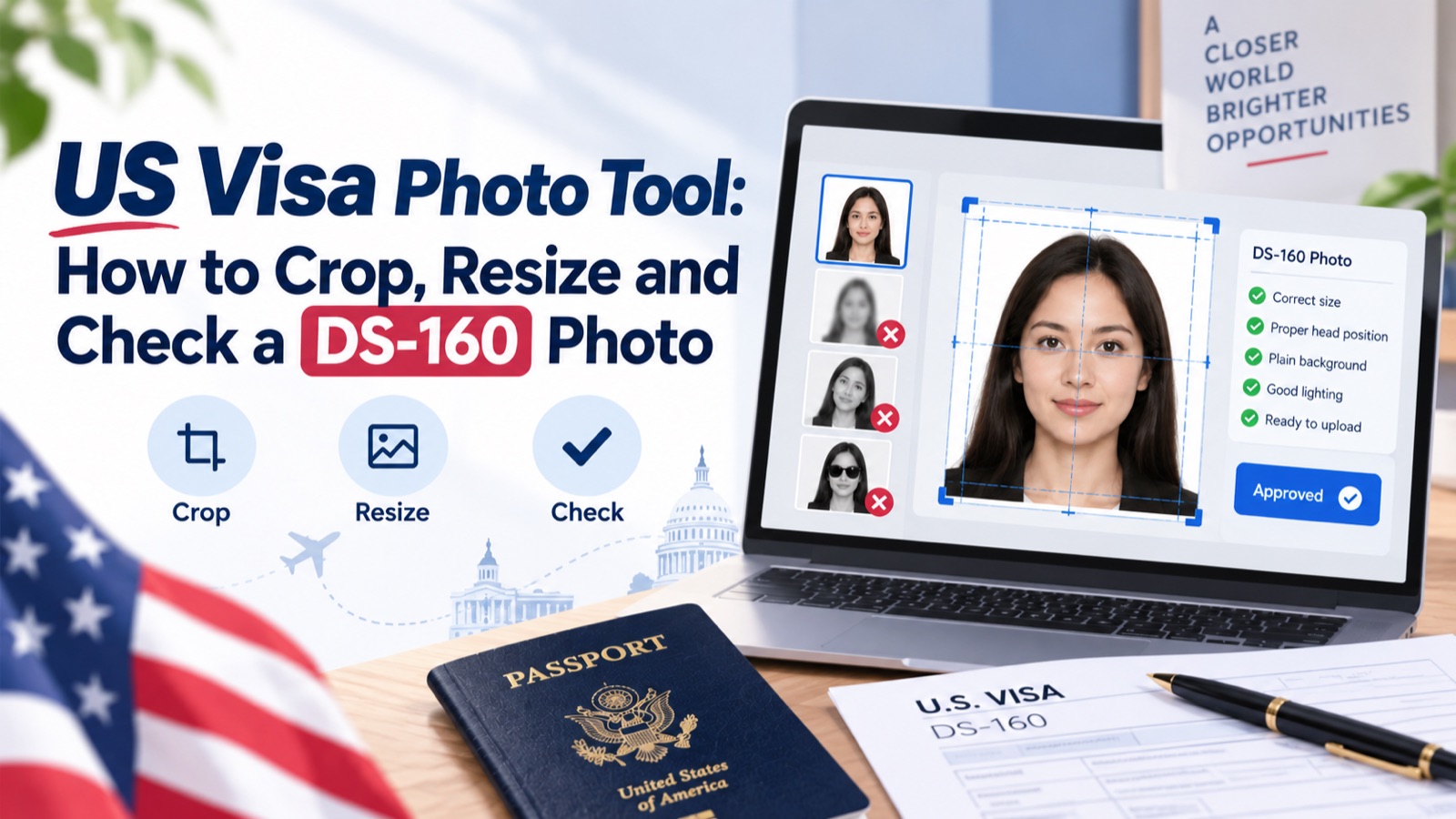
Quick answer: A DS-160 photo must be 600×600 to 1,200×1,200 pixels, JPEG format, under 240KB, with a plain white/off-white background, neutral expression, no glasses, and a head size of 50–69% of the image height. The system checks these automatically on upload, but a "generic rejection" message often means the issue is background or head size rather than file size — check every requirement, not just the obvious one.
The DS-160 online application system checks your photo automatically the moment you upload it — and unlike a human reviewer, it gives you an immediate pass/fail with limited explanation. Here's what the requirements are, what the common upload errors actually mean, and how to fix them before you resubmit.
If you prefer to prepare the file online, the US passport photo maker can help check the crop, background, and passport-photo format before submission.
DS-160 Photo Requirements
A US passport photo maker can apply these dimensions and formatting checks to the uploaded photo.
| Requirement | Spec |
|---|---|
| Dimensions | 600 × 600 to 1,200 × 1,200 px (square, 1:1 ratio) |
| File format | JPEG |
| File size | Under 240 KB |
| Background | Plain white or off-white |
| Head size | 50–69% of image height, chin to crown |
| Recency | Taken within the last 6 months |
| Expression | Neutral, mouth closed, eyes open |
| Glasses | Not permitted |
Common DS-160 Upload Errors and What They Actually Mean
Most guides list the requirements but skip what to do when the system actually rejects your file. Here's what each common error message points to:
| Error You See | Likely Cause | Fix |
|---|---|---|
| "Photo does not meet requirements" (generic) | Could be background, head size, or resolution — the system doesn't always specify | Re-check against every row in the table above, not just the obvious ones |
| File too large / won't upload | File exceeds 240KB | Re-export at slightly lower JPEG quality, or reduce dimensions before re-compressing |
| Photo appears blurry after upload | Original image resolution too low, stretched during resize | Start from a higher-resolution original before cropping to 600×600 |
| Face not detected / head size flagged | Head occupies less than 50% or more than 69% of frame height | Re-crop tighter or looser around the chin-to-crown line |
| Background rejected | Off-white background has a visible tint, shadow, or gradient | Retake against a flat white wall with even, diffused lighting |
Step-by-Step: Preparing a DS-160 Photo
- Take the photo against a plain white or off-white wall, with even lighting and no shadows behind you.
- Crop to a perfect square, positioning your head so it fills roughly 50–69% of the frame height.
- Resize to exactly 600×600 pixels.
- Export as JPEG and check the file size — compress further if it exceeds 240KB, without introducing visible artifacts.
- Upload to DS-160 and review the system's confirmation preview closely — a technically "accepted" upload can still look off if cropping shifted your face off-centre.
Why "Technically Compliant" Isn't Always "Accepted"
A photo can pass DS-160's automated dimension and file-size checks and still get flagged during consular review if the background has a subtle shadow, the expression isn't neutral enough, or lighting creates uneven skin tone. The automated check is a minimum bar, not a guarantee.
FAQ
Why does DS-160 keep rejecting my photo without saying why? The system's generic error message often doesn't specify which requirement failed. Check dimensions, file size, background, and head size individually rather than assuming it's just one issue.
What's the maximum file size for a DS-160 photo? 240KB. If your file is larger, reduce JPEG quality or dimensions before re-uploading.
Can I wear glasses in a DS-160 photo? No, glasses are not permitted under current requirements.
Does the DS-160 system check photo quality, or just size? It checks technical specs like dimensions and file size. Subtler issues like shadows or expression may not be caught automatically but can still cause problems at your consular interview.
How is head size measured for DS-160? As a percentage of total image height, chin to crown, and it must fall between 50% and 69%.
Getting It Right Without Trial and Error
Because DS-160's error messages don't always tell you which requirement failed, repeatedly re-uploading and guessing wastes time. photoomni's visa photo tool checks all of the requirements above — dimensions, head size, background, file size — before you ever get to the DS-160 upload screen, so you're fixing issues on your own time instead of against the application system's error messages.
About the Author
PhotoOmni Editorial Team
The PhotoOmni Editorial Team researches official passport, visa, immigration, and identity-photo requirements. Every guide is reviewed for practical accuracy and updated when application rules, upload specifications, or government guidance change.