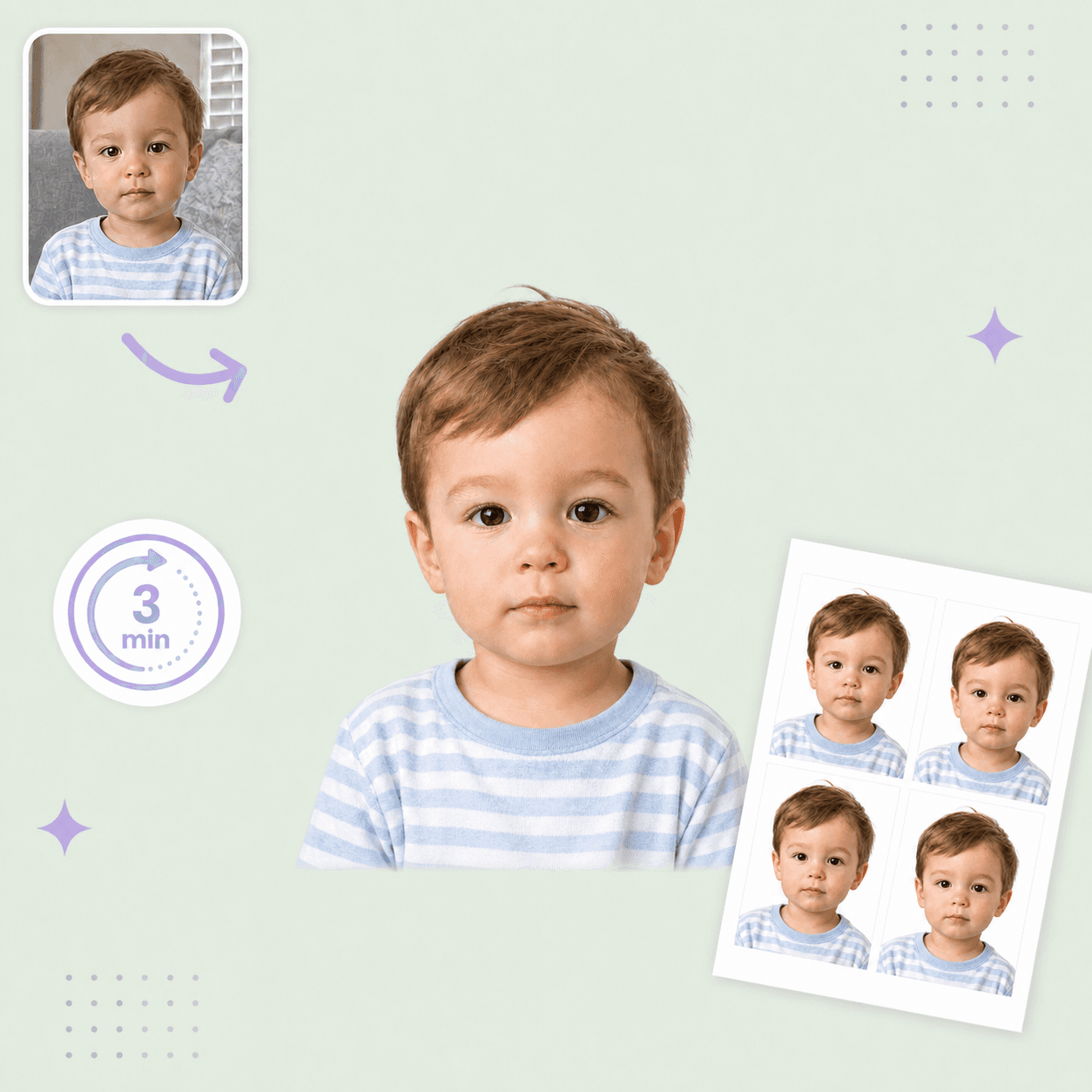



Canada baby passport photo guide
Canada Baby and Child Passport Photo Guide
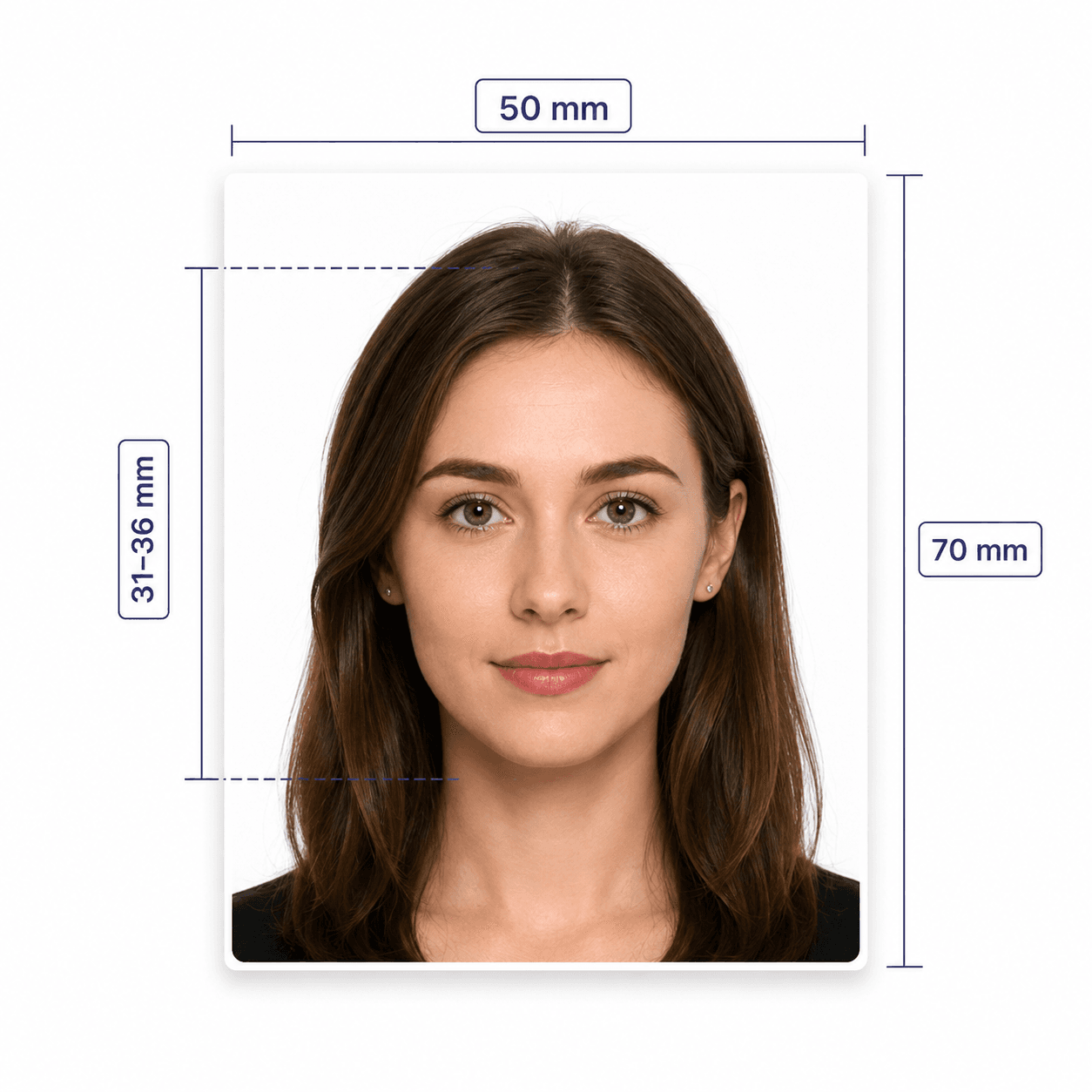
Canadian child passport photos follow the 50 x 70 mm passport standard, with added newborn guidance for expression and car seats.
Canada child passport photo requirements
The final photo must follow Canada passport rules for children and newborns.
Official source: Canada child passport photo requirements
Size
50 x 70 mm
Head height
31-36 mm
Photo count
2 identical photos
Newborn exception
A range of facial expressions is allowed
Car seat
White blanket behind the child's head; no shadows
Prepare a newborn photo
A white blanket and soft, even lighting make it easier to meet the child requirements.
- For a newborn in a car seat, cover the seat behind the head with a white blanket.
- Keep hands, toys, pacifiers, and supports out of the frame.
- Avoid shadows around the ears, face, shoulders, and background.
- Use clothing that contrasts with the light background.
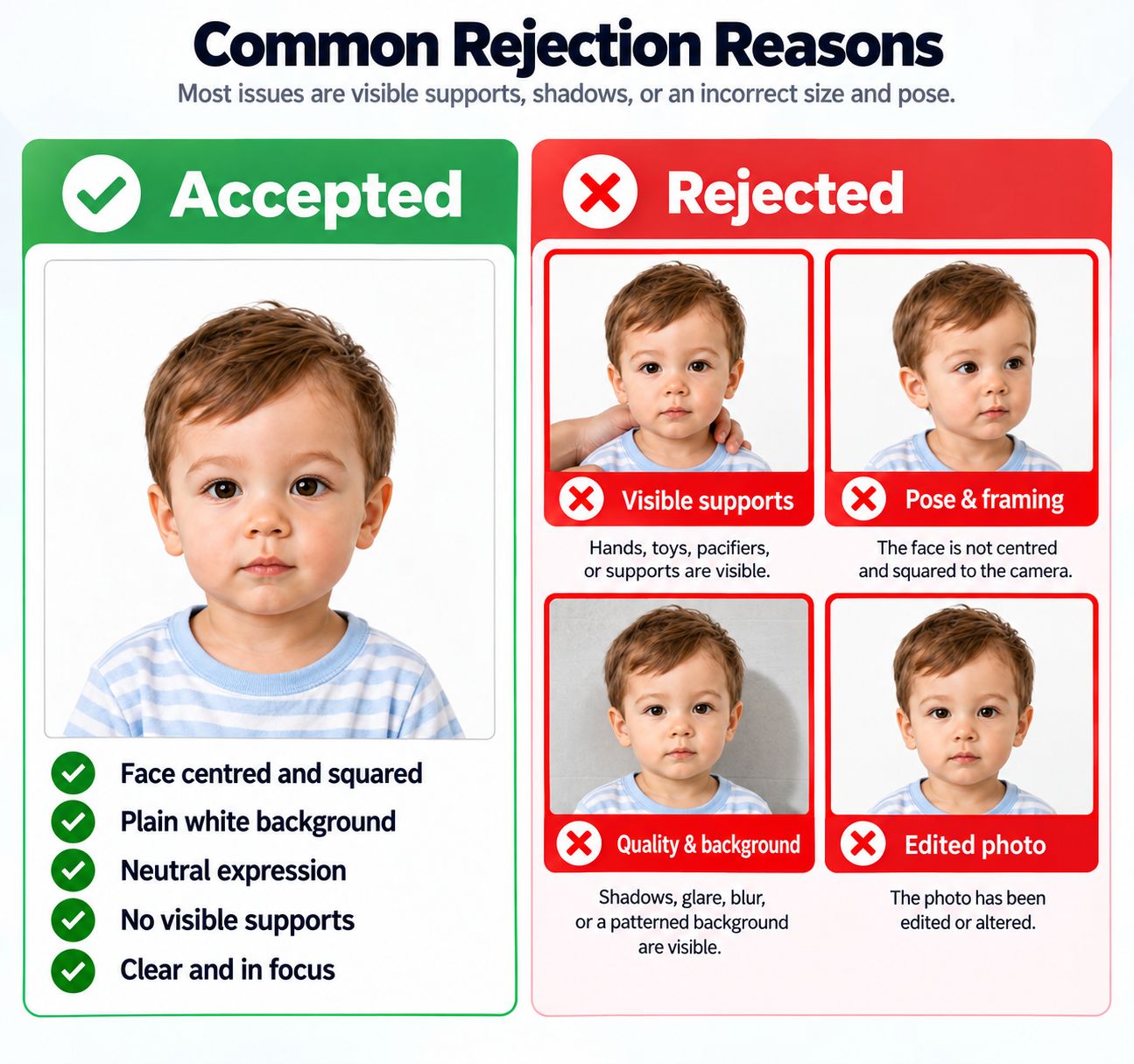
Common rejection reasons
Most issues are visible supports, shadows, or an incorrect size and pose.
- Hands, toys, pacifiers, or supports are visible.
- The face is not centred and squared to the camera.
- Shadows, glare, blur, or a patterned background are visible.
- The photo has been edited or altered.
PhotoOmni vs. online tools vs. photo studios
PhotoOmni adds at-home preparation and expert review to the official photographer process.
Convenience
- PhotoOmni
- Upload from home in minutes
- Other online tools
- Usually online
- Traditional photo studios
- Requires a store visit
Peace of mind
- PhotoOmni
- AI pre-check plus expert approval
- Other online tools
- May lack expert review or charge extra for it
- Traditional photo studios
- Depends on local staff
Expert adjustments
- PhotoOmni
- Included when needed
- Other online tools
- Varies by service
- Traditional photo studios
- Usually retake-based
Ready-to-use files
- PhotoOmni
- Digital photo plus print-ready sheet
- Other online tools
- May be limited or extra
- Traditional photo studios
- Digital copy may not be included
Rejection protection
- PhotoOmni
- 100% refund for photo-caused rejection
- Other online tools
- Policy varies
- Traditional photo studios
- Policy varies by shop
Total price & inclusions
- PhotoOmni
- One-time fee of $5.99
- Other online tools
- Add-ons can cost $3–$10+
- Traditional photo studios
- Often $15+; files vary