


Canada PR card photo guide
Canada Permanent Resident Card Photo Requirements
Use the Canada PR card photo editor to check, crop, and format your image online. PhotoOmni combines a fast photo checker with optional Human Verification and links to the official IRCC requirements. Read our Canada PR card photo requirements guide for a detailed checklist.
Canada PR card photo requirements
Use the requirement set for your application route and confirm the final instructions in the IRCC portal.
Official source: IRCC permanent resident photo requirements
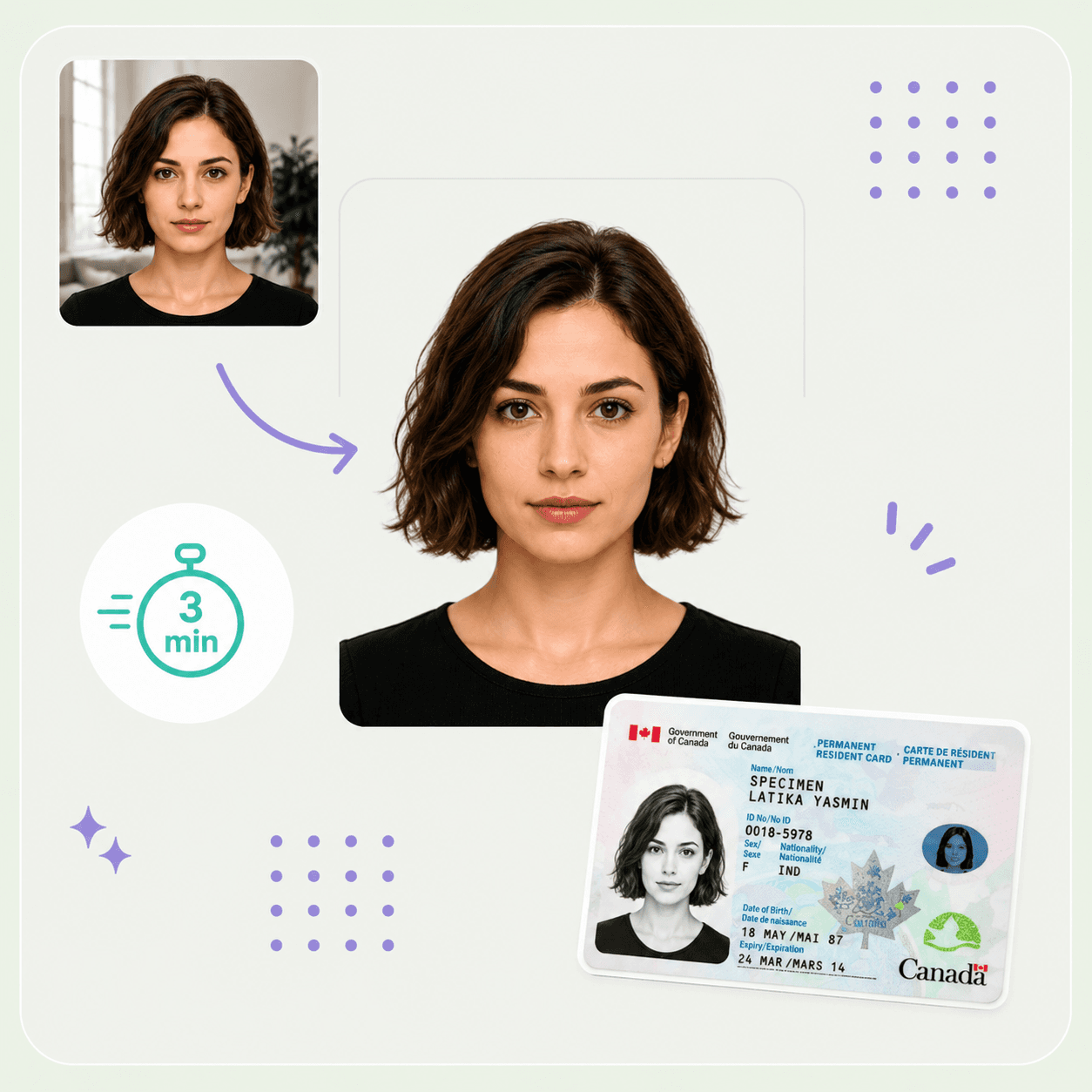
Sample output
1200 x 1680 px
Official digital dimensions
715 x 1000 to 2000 x 2800 px
Upload formats
.jpg, .png, .heic, .gif
Tool upload limit
10 MB
Official upload file
JPG/JPEG, 4 MB or less
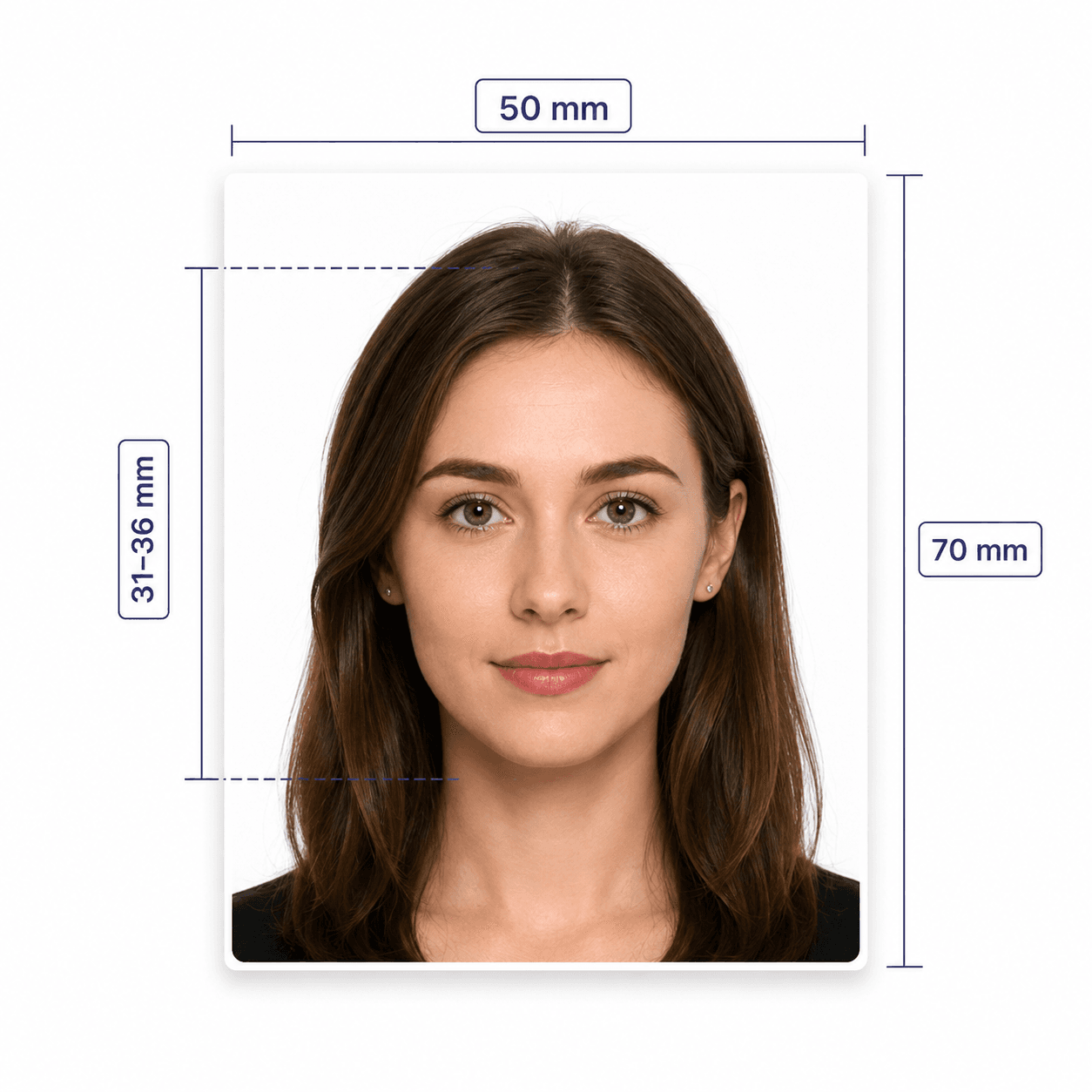
Printed size
50 x 70 mm
Printed head height
31-36 mm from chin to crown
Online submission
1 digital photo
Paper submission
2 identical photos
Photo age
Taken within 12 months
How to prepare your PR card photo
A clear, original source photo makes the checks more reliable.
- Face the camera directly with your head and shoulders centred.
- Use even light and stay 1 to 2 metres away from the background.
- Keep your eyes open, mouth closed, and expression neutral.
- Avoid tinted glasses, sunglasses, bulky clothing, and face coverings unless permitted for religious or medical reasons.
- Do not use filters, facial retouching, background replacement, or AI enhancement.
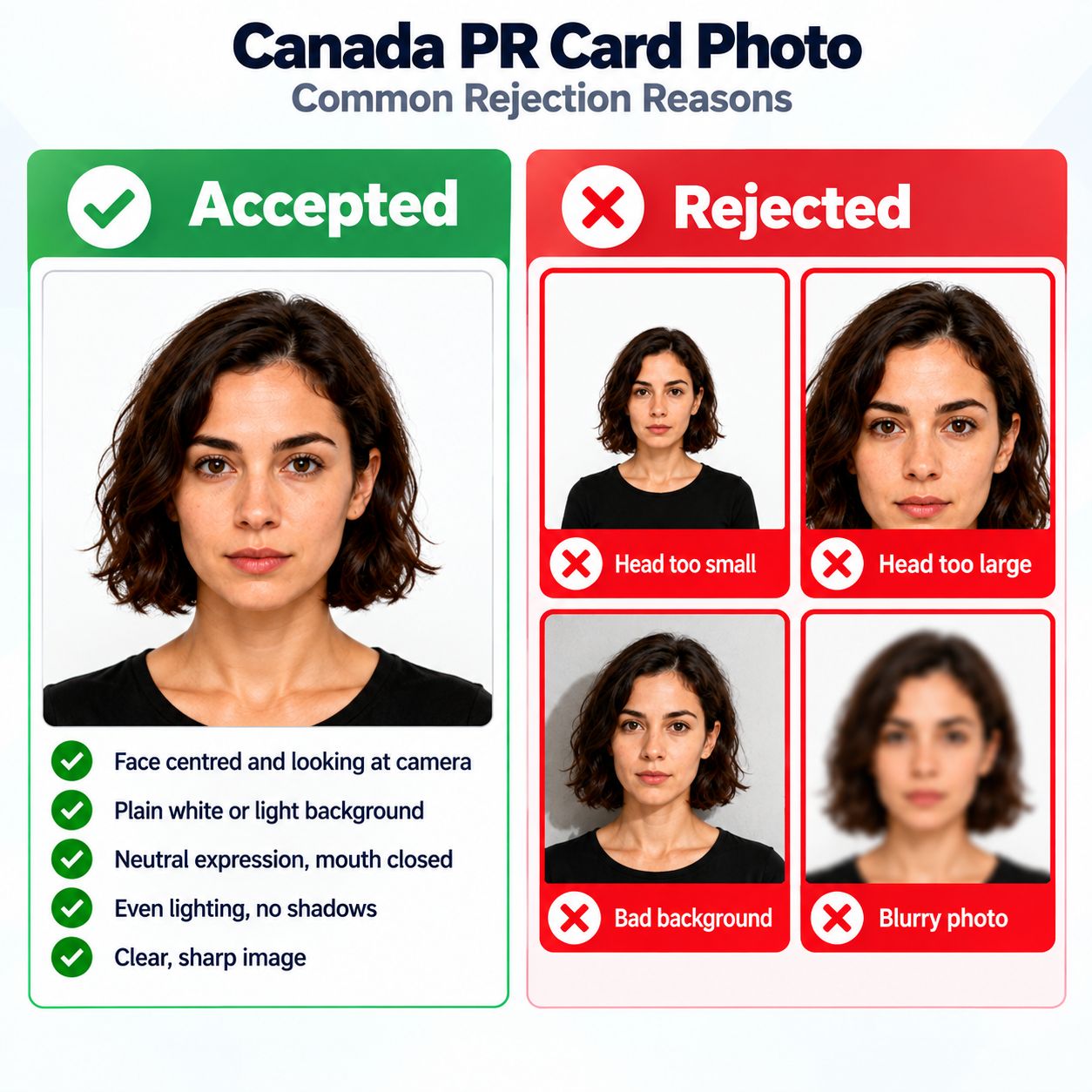
Common reasons Canada PR card photos are rejected
Small issues with size, file format, lighting, framing, or originality can delay an application.
- The official digital file is outside 715 x 1000 to 2000 x 2800 px or exceeds 4 MB.
- The upload is not a supported image format, or the image is blurry or out of focus.
- The face or shoulders are off-centre, tilted, covered, or affected by glare.
- The background is not plain white or has shadows or reflections.
- The photo was altered, taken from an existing photo, or does not show your current appearance.
PhotoOmni vs. online tools vs. photo studios
PhotoOmni keeps the Canada PR card photo checks in one flow before you submit online or on paper.
Convenience
- PhotoOmni
- Upload from home
- Other online tools
- Usually online
- Traditional photo studios
- Requires a store visit
Canada-specific specs
- PhotoOmni
- IRCC-focused checks
- Other online tools
- May use generic settings
- Traditional photo studios
- Depends on local staff
Compliance feedback
- PhotoOmni
- Checks size, background, lighting, and expression with expert review
- Other online tools
- May lack expert review or charge extra for it
- Traditional photo studios
- Usually retake-based
Ready-to-use files
- PhotoOmni
- Print sizing plus online renewal format
- Other online tools
- Formats may be limited
- Traditional photo studios
- Digital copy may cost extra
Rejection protection
- PhotoOmni
- 100% refund for photo-quality rejection
- Other online tools
- Policy varies
- Traditional photo studios
- Policy varies by shop
Total price & inclusions
- PhotoOmni
- One-time fee of $5.99
- Other online tools
- Add-ons can cost $3–$10+
- Traditional photo studios
- Often $15+; files vary