
Can You Retake or Change Your Passport Photo? Before Applying, During Processing and After Issue
Understand photo retakes before applying, replacement-photo requests during processing, and paid reapplication versus correction after passport issue.
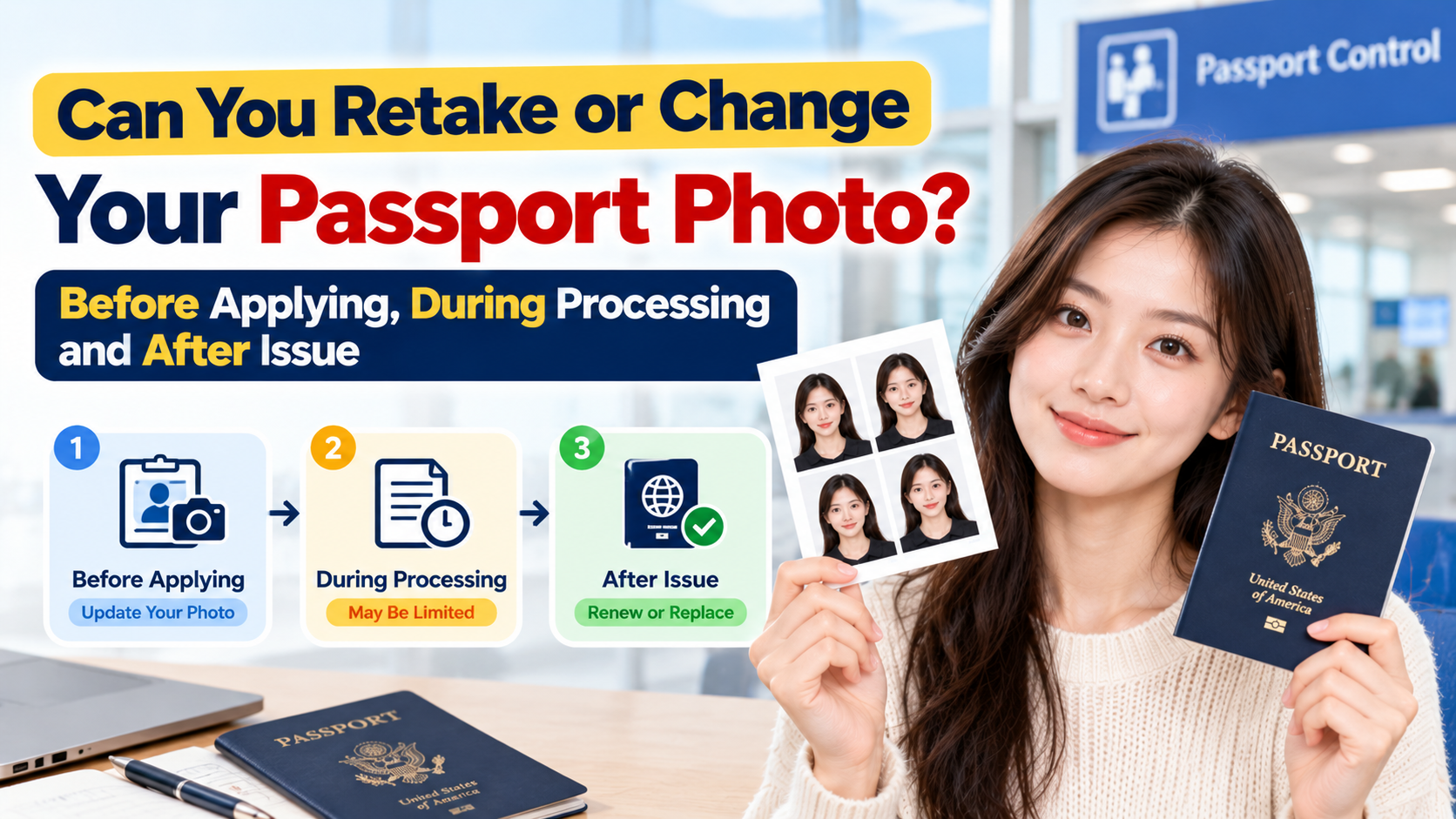
Quick Answer
For a U.S. passport, you can retake the photo before applying; what happens later depends on the stage and the reason for the change. Before you submit, you can retake it as many times as you like. During processing, you usually can't swap it yourself, and a bad photo may put your application on hold. After issue, never alter or replace the image inside the document yourself. A preference for a different picture and a government printing error follow different application routes.
Checked October 15, 2026 against U.S. Department of State guidance.
Here is what you can do at each stage.
Can I Retake My Passport Photo Before Applying?
Yes. You can take another original photo before submission, but a store may charge for another session or print. Check the provider's retake or refund terms; a free retake is not guaranteed.
Nothing is final until you hand over the paper application or press submit online. Take as many photos as you need until one is right. The State Department says unacceptable photos are the number one reason passport applications are put on hold, so a few extra minutes here is worth it.
Retake your photo if any of these apply:
- The photo is dark, blurry or grainy. The State Department's examples list underexposed, blurry and grainy photos as unacceptable.
- There are shadows on your face or the background. Shadows are a common reason for rejection.
- You're wearing glasses. Remove glasses unless the documented medical exception applies. If you can't remove them for medical reasons, include a signed note from your doctor.
- You're wearing a hat or head covering without a qualifying reason. Hats must come off, apart from religious or medical head coverings with a signed statement.
- The expression is wrong. Look directly at the camera with eyes open and a neutral or natural expression, keeping the mouth closed and avoiding showing teeth.
- The size or print is wrong. The printed photo must be 2 x 2 inches (51 x 51 mm) on matte or glossy photo-quality paper.
- The photo is edited. Filters, retouching and beauty modes are not allowed.
Applying online? For online renewal, the photo tool checks whether your photo meets the basic requirements, and an employee reviews the photo after the application is received. A passing check in the tool does not mean a human reviewer will accept it. Also, don't photograph or scan a printed photo to make the digital file.
Tip: Look at the photo at full size on a large screen before you submit. Many problems that are invisible on a phone, like soft focus, a shadow behind your shoulder or uneven lighting, show up immediately.
Can I Change My Passport Photo After I've Submitted the Application?
Do not assume you can reopen a submitted application and freely swap the image. The online photo tool lets you try a different photo before submission, but a later request for a replacement must follow the State Department's letter or email.
What happens next depends on the reviewer:
- If the photo is acceptable, your application continues as normal.
- If the photo is not acceptable, the application is generally put on hold and you're contacted about it. In practice you are asked to send a new photo that meets the requirements, often within a set deadline. Follow the instructions in the letter or message you receive.
Two practical points:
- A weak photo can cost you weeks. The delay comes from the back-and-forth, not from the retake itself, so if you have a trip coming up, a photo you're unsure about is a real risk.
- A preference change is not an established self-service update. Do not assume you can replace an acceptable image during processing just because you prefer another shot. Ask the State Department about your specific case.
If you realize right after submitting that your photo has a clear problem, such as glasses or a shadow, contact the State Department's National Passport Information Center to ask whether you can send a replacement. Don't just mail a new photo without confirming first, because it may not be matched to your application.
If your photo was already rejected and you're not sure what to do, see our guide on what to do when your passport photo is rejected.
Can I Change My Passport Photo After the Passport Is Issued?
No. A printed passport can't be edited, and there is no "photo swap" service. If you really want a different photo in your passport, your realistic options are:
| Situation | What you'd typically do |
|---|---|
| You dislike a correctly printed photo | You do not need a replacement merely because it is unflattering. If you still want another image, the State Department says eligible applicants may reapply with DS-82 and pay normal fees. |
| Your appearance changed significantly | Review the official appearance-change guidance. Significant facial surgery/trauma, major weight change or many large facial tattoos/piercings can require a new passport. Ordinary aging, beard growth and hair-color changes generally do not if you remain identifiable. |
| The government printed the image incorrectly or made a data error | Check the DS-5504 correction route. The official page distinguishes a printing defect from personal dissatisfaction and says qualifying errors in a still-valid passport are corrected without a correction fee. |
| Your passport is lost, stolen or damaged | Follow the appropriate official replacement instructions and include a current photo. Report a lost or stolen passport; do not falsely describe a preference change as a loss. |
Do you need to change it at all? If the photo is a valid, recognizable likeness, it doesn't need to be changed, even if it's unflattering. Border officers compare your face to the photo, not to a standard of attractiveness. The time to be picky is before you submit.
Retaking Your Photo: A Quick Checklist
Before you submit, go through this:
- Plain white or off-white background, no shadows.
- Even lighting on your face, no glare or harsh shadows.
- Face centered, looking straight at the camera, neutral or natural expression.
- No glasses, hats or filters.
- Correct size (2 x 2 inches) and a clean print on photo paper, or a clean digital file for online renewal.
- Taken within the last six months and reflecting your current appearance.
- No self-editing of an issued passport or substitution of a photo inside it.
FAQ
Can I retake my passport photo as many times as I want? Before you submit, yes. After submitting, you generally can't swap it yourself.
Can I change my passport photo if I don't like it? Before submission, choose another suitable photo. After issue, do not alter the document. If it is correctly printed but you dislike it, check eligibility to reapply with DS-82 and pay normal fees; a genuine printing defect uses a different correction process.
How do I change my passport photo after it's been issued? Do not change the document yourself. Use the applicable paid reapplication/renewal route or, for a qualifying printing/data error, the official correction route. Check eligibility and instructions first.
Will I have to pay again if my photo is rejected? Follow the notice for your existing application rather than starting and paying for another one on your own. A vendor may charge for a retake or print; any applicable fees depend on the requested action and provider terms. Do not assume a free retake.
Get It Right the First Time with PhotoOmni
The easiest way to avoid a retake, a hold or a delayed trip is to get the photo right before you submit. With PhotoOmni, you can take or upload a photo and use photo preparation and specification checks before ordering the intended digital file or print layout. Check the actual output against official requirements. Software review does not guarantee acceptance, and U.S. applicants should not rely on retouching or digital background replacement.
Taking a photo you're not sure about? Run it through PhotoOmni first, review the result, and retake an unsuitable original rather than digitally altering your appearance. The issuing authority makes the acceptance decision.
Create your passport photo with PhotoOmni →
Official Sources
- State Department: photo standards and appearance changes
- State Department: online photo checks and later replacement requests
- State Department: respond to a letter or email
- State Department: correct a passport or change an unwanted photo
About the Author
PhotoOmni Editorial Team
The PhotoOmni Editorial Team researches official passport, visa, immigration, and identity-photo requirements. Every guide is reviewed for practical accuracy and updated when application rules, upload specifications, or government guidance change.