
Why Was My DS-160 Photo Rejected? Upload Errors and Fixes
Learn why a DS-160 visa photo is rejected and how to fix file size, JPEG format, background, head position, and upload errors.
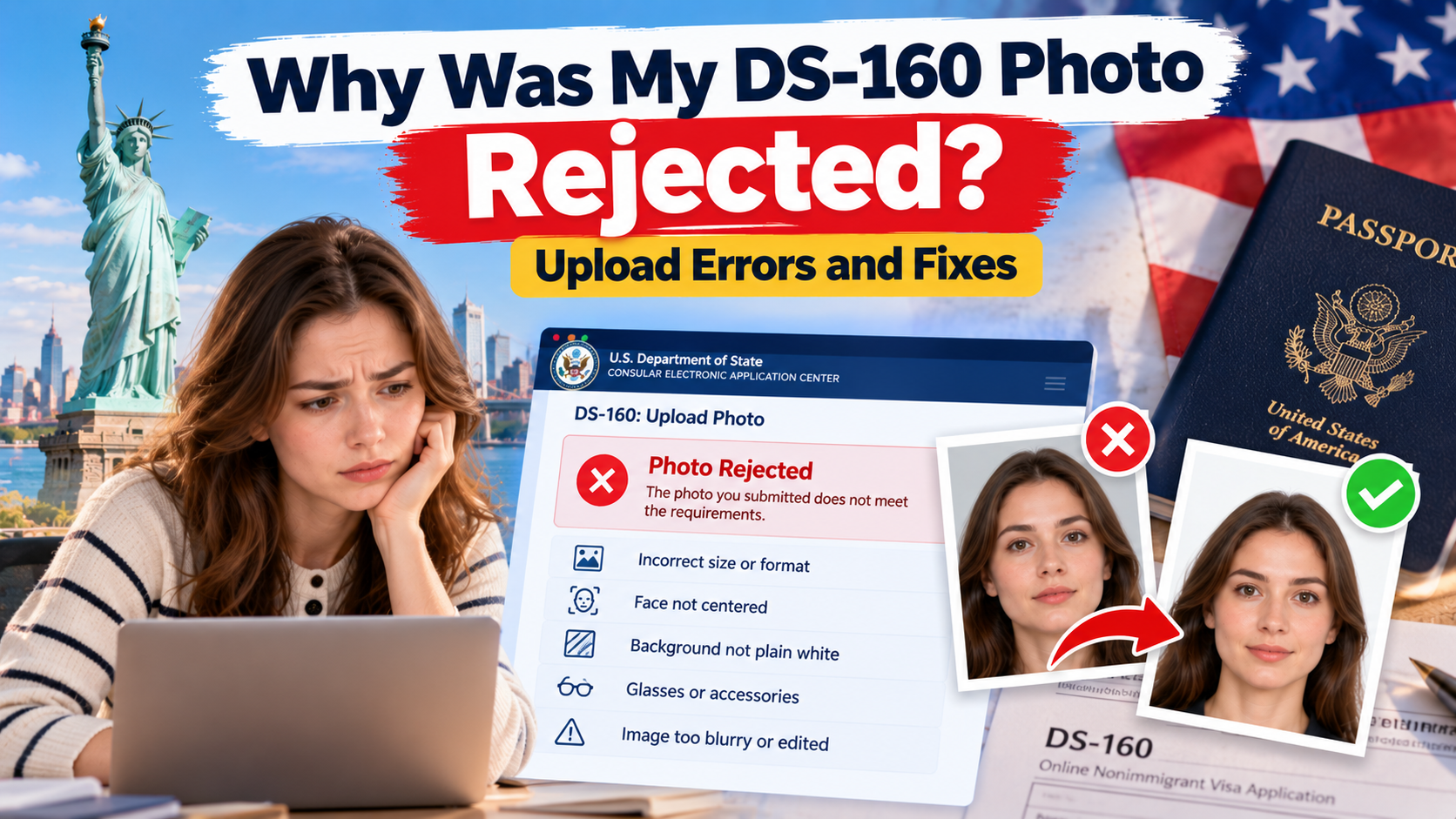
The DS-160 is the online form nearly every US nonimmigrant visa applicant has to file, and its photo upload has some of the tightest technical rules of any US government system. A rejected photo here can stall your form right before a visa interview, so it's worth getting the file exactly right the first time.
Quick Answer
DS-160 photos are digital-only and must be JPEG format, 600×600 to 1,200×1,200 pixels, square, sRGB color, and no larger than 240 KB with a compression ratio of 20:1 or less. The photo must show a full front-facing view against a plain white background, with no glasses and no filters. If the upload fails outright, it's almost always the file size or format; if it uploads but later gets flagged, it's usually glasses, background, or head size.
Photo Requirements at a Glance
| Requirement | Official specification |
|---|---|
| File format | JPEG only |
| File size | Up to 240 KB, compression ratio ≤ 20:1 |
| Pixel dimensions | 600×600 to 1,200×1,200 px, square |
| Color space | sRGB |
| Background | Plain white |
| Head size | 1 to 1⅜ inches (25–35 mm), 50–69% of frame |
Why Was My Photo Rejected?
1. Incorrect dimensions
Like other US government photo systems, DS-160 requires a perfectly square image within the 600–1200 px range. Anything rectangular, or outside that pixel range, fails before it's even reviewed.
2. File size is too large or too small
The 240 KB cap is strict, and it's noticeably smaller than what the online passport renewal system allows. A photo that passes for a passport renewal can still fail DS-160 simply because the file is too large — it needs to be compressed specifically for this form.
3. Background or shadows
The background must be plain white. Off-white, light gray, or anything with visible texture or shadow can trigger rejection, even if it looked acceptable on screen.
4. Face position or head size
The head must occupy 50–69% of the frame, measured 1 to 1⅜ inches from chin to crown. Photos that are cropped too tight or too loose, or where the head isn't centered, are a frequent cause of manual rejection even after the file passes the automated check.
5. Image quality or digital editing
No filters, no digital retouching, and — specific to DS-160 — no glasses, except in rare documented medical cases. Reflections, glare, or tinted lenses are also flagged.
How to Fix the Photo
- Start from an original, unedited photo taken within the last 6 months.
- Remove glasses before the photo is taken; check for shadows on the plain white background.
- Crop to a square frame with the head sized correctly within it.
- Export specifically as a JPEG under 240 KB — don't reuse a file prepared for a different application.
- Re-upload to the DS-160 form and confirm the preview before continuing.
How to Upload or Resubmit Your Photo
- Open your DS-160 application through the Consular Electronic Application Center (CEAC).
- Navigate to the photo upload step.
- Select your JPEG file from your device.
- If the system returns a server error rather than a rejection message, this is sometimes a CEAC site issue rather than a problem with your photo — try again later before re-editing the file.
- If your photo fails to upload at all by the time you reach your visa interview, you can bring a printed photo meeting the same requirements to the interview instead.
Accepted vs Rejected Photo Examples
| Accepted | Rejected |
|---|---|
| Plain white background | Off-white, gray, or textured background |
| No glasses, eyes fully visible | Glasses, glare, or tinted lenses |
| Square crop, correct head size | Head too large, too small, or off-center |
| File under 240 KB, sRGB JPEG | Oversized file or wrong color space |
Prepare a Compliant Photo With PhotoOmni
PhotoOmni checks a photo against DS-160's specific rules — which are stricter on file size and glasses than other US photo systems — including:
- Square crop within 600×600–1,200×1,200 px
- File size compressed to fit under 240 KB
- Head size within the 50–69% range
- Background and shadow detection
- Glasses and glare detection
- A manual review pass before you submit
Frequently Asked Questions
Can I use a selfie?
It's allowed, but DS-160's background and framing requirements are strict enough that a selfie against a plain white wall, checked carefully before upload, works better than a casual one.
Can I edit the background?
No. The background must be a real plain white background in the original photo, not a digitally replaced one.
What happens after my photo is rejected?
You can upload a new file directly through CEAC before your interview. If the upload never succeeds, bring a compliant printed photo to your interview instead.
Does passing an online checker guarantee approval?
No. A checker can confirm your file meets the technical specification, but the consular officer makes the final decision on your application.
Official Sources
About the Author
PhotoOmni Editorial Team
The PhotoOmni Editorial Team researches official passport, visa, immigration, and identity-photo requirements. Every guide is reviewed for practical accuracy and updated when application rules, upload specifications, or government guidance change.