
Indian Visa Photo Requirements 2026: Complete Size, Format & Background Guide
Indian visa photo requirements for 2026: square 51 × 51 mm size, digital upload rules, background, head position, and common rejection reasons.
Product route and document guidance checked: September 28, 2026
Applying for an Indian visa is straightforward — until your photo gets rejected. Indian visa authorities are known for strict photo standards, and a single mistake in size, background, or file format can delay your application by days or even force you to resubmit. This guide breaks down everything you need to know about Indian visa photo requirements in 2026, so you can get it right the first time.
Prepare the document-specific file with the PhotoOmni Indian visa photo tool. Select the visa preset rather than Indian passport or OCI, which use different shapes, backgrounds and upload rules.
Quick Answer: Indian Visa Photo Requirements
An Indian visa photo must be square, 51 x 51 mm (2 x 2 inches), sized between 350 x 350 px and 1,000 x 1,000 px for digital uploads. It must be a JPEG file — 10 KB to 1 MB for the e-Visa portal, or up to 300 KB for BLS/VFS uploads — with a plain white or light-colored background, a neutral expression, and a head size of 25–35 mm from chin to top of hair. The photo should be recent (taken within the last 6 months) and unedited.
If you prefer to prepare the file online, the Indian photo maker can help check the crop, background, and visa-photo format before submission.
Quick Summary: Indian Visa Photo Specifications
| Requirement | Specification |
|---|---|
| Photo size | 51 x 51 mm (2 x 2 inches), square |
| Pixel dimensions | 350 x 350 px (min) to 1,000 x 1,000 px (max) |
| Aspect ratio | 1:1 (equal width and height) |
| File format | JPEG |
| File size | 10 KB – 1 MB for e-Visa; up to 300 KB for BLS/VFS uploads |
| Background | Plain white or light-colored |
| Head size | 25–35 mm from chin to top of hair |
| Photo age | Taken within the last 6 months |
Keep in mind that these numbers vary slightly depending on how you're applying. The e-Visa portal, the BLS International/VFS Global application centers, and in-person consulate submissions each have their own upload rules, so always double-check the specific channel you're using before submitting.
A Indian visa photo maker can apply these dimensions and formatting checks to the uploaded photo.
1. Size and Dimensions
An Indian visa photo must be square, measuring 51 x 51 mm (roughly 2 x 2 inches). For digital submissions, this translates to a pixel range of 350 x 350 pixels at minimum and 1,000 x 1,000 pixels at maximum, always maintaining an exact 1:1 ratio. If your image isn't perfectly square, most application portals will reject it automatically before a human even reviews it.
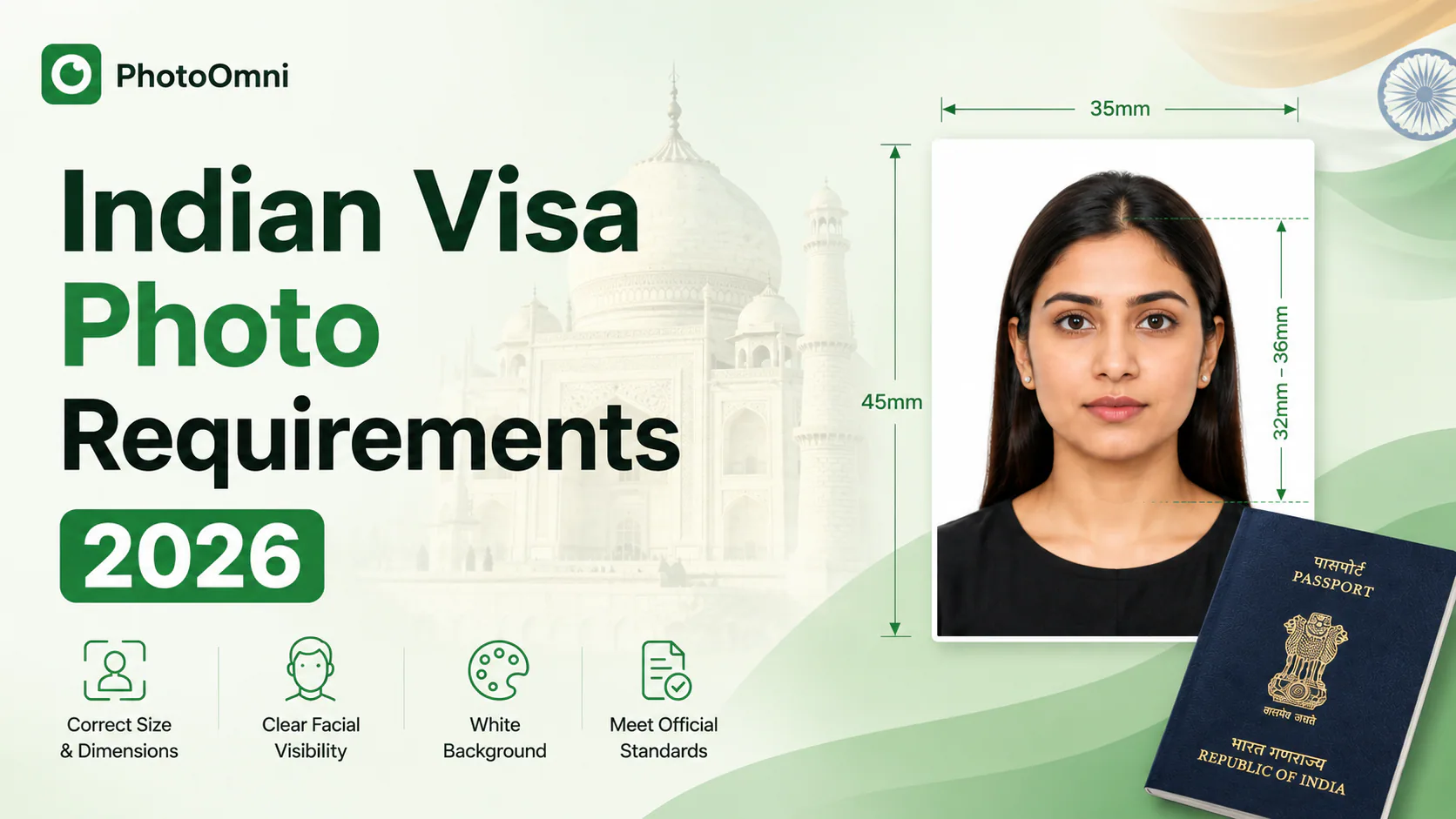
It's worth noting that this square format is unique to the visa photo — it should not be confused with Indian passport photos, which use a rectangular 35 x 45 mm format instead. Using a passport-style photo for a visa application (or vice versa) is one of the most common reasons applications get bounced back.
2. File Format and Size
Your photo must be saved as a JPEG file. The acceptable file size depends on where you're submitting:
- e-Visa portal: typically between 10 KB and 1 MB
- BLS International or VFS Global digital uploads: usually capped at 300 KB
This distinction trips up a lot of applicants. A photo that's perfectly fine for the e-Visa system may be too large for a BLS/VFS upload field, resulting in an error message or an outright rejection. If you're applying through a visa application center rather than the online e-Visa system, always compress your file down to the smaller limit to be safe.
3. Background
The background must be plain and light-colored — white is the safest and most widely accepted choice, though some guidance allows other light, neutral tones. Avoid patterns, shadows, textures, or busy backdrops. If you're taking the photo at home, a plain wall or a hung white sheet works well, as long as the lighting is even and doesn't cast shadows behind you.
4. Head Position and Size
Your photo needs to show a full frontal view of your face, centered in the frame, with your head measuring between 25 mm and 35 mm from the chin to the top of the hair. For extra precision, some official checklists break this down further: face height (from the top of the forehead to the bottom of the chin) should fall between roughly 3.5–4.0 cm, with eye height positioned around 2.5–3.5 cm from the bottom of the photo, and the face generally filling about 80–85% of the frame.
Eyes should be open and looking directly at the camera, and your expression should be neutral — smiling, frowning, or exaggerated expressions can all lead to rejection. The full head, from the top of the hair to the bottom of the chin, needs to be visible with no cropping. The photo should also be shot in portrait orientation, not landscape — a sideways or wide crop is a common cause of rejection.
Requirements for children and infants
Children under 10 get some flexibility, but the rules are more specific than most guides let on:
- Head size, eye position, and facial expression can be relaxed compared to adult standards
- An infant's head may be slightly tilted, and a slight grimace is generally tolerated
- Closed eyes are only acceptable for babies under one year old
- The child must be the only subject in the frame — no visible hands supporting them, no chair backs, no toys, and no pacifiers
- The mouth should be closed and the expression neutral, even for very young children
5. Clothing, Hair, and Headgear
A few additional details often catch applicants off guard:
- Clothing: Avoid uniforms, all-white clothing, and busy multicolored or patterned outfits, since they can distract from the face or blend into the background.
- Hair: Keep hair away from your eyes, eyebrows, and ears — tie it back or tuck it behind your ears if needed.
- Headgear: Only permitted for religious reasons, and it must not obscure any part of your face.
- Glasses: Guidance here is inconsistent across sources. Some checklists allow thin-framed prescription glasses with clear, glare-free lenses, while others state plainly that spectacles aren't permitted at all. Since requirements can vary by portal and by processing center, the safest approach is to remove your glasses entirely for the photo unless your specific application channel confirms otherwise.
- Borders: The photo must not have any border or frame around it.
- Red-eye and other people: The photo should not show red-eye, and no one else — including a parent's hand steadying a child — should appear in the frame.
6. How Recent Should the Photo Be?
Your photo should be no older than six months. Indian visa authorities want a photo that accurately reflects your current appearance, so digging up an old passport photo — even if it technically meets the size requirements — is a risky move.
7. Taking a Compliant Photo at Home with Your Phone
You don't need a professional studio to get a compliant photo. If you're shooting it yourself:
- Set your phone camera to its highest resolution and use the rear camera for better quality.
- Stand about 50 cm (20 inches) from the camera, or have someone else take the shot.
- Find a well-lit spot near a window, with light falling evenly on your face to avoid shadows.
- Face the camera directly, keep your shoulders straight, and keep a neutral expression — no smiling.
- Take several shots and pick the one where your eyes are level with the lens and there's no red-eye or glare.
8. Digital Upload vs. Printed Photo Submissions
Most applicants only think about the digital upload, but if you're applying in person at a BLS International or VFS Global application center rather than through the e-Visa portal, you may also need a printed photo on hand. In-person centers generally expect a standard 2 x 2 inch (5.08 x 5.08 cm) print that mirrors the same square format, background, and head-size rules as the digital version — the format doesn't change, only the delivery method does. Staff at these centers typically check your photo on the spot and will ask you to retake it before processing your application if it doesn't comply, so it's worth confirming with your specific center whether a printed copy is required in addition to your digital upload.
Common Reasons Indian Visa Photos Get Rejected
- Using a rectangular passport photo instead of a square visa photo
- Uploading a file that exceeds the size limit for the specific portal (e-Visa vs. BLS/VFS)
- A background that isn't plain white or light-colored
- Head size falling outside the 25–35 mm range, or a landscape-oriented crop
- Glasses causing glare or reflection, or headgear not worn for religious reasons
- Smiling or non-neutral facial expressions
- Red-eye, or another person (including a parent's hand) visible in the frame
- Photos older than six months
Get It Right the First Time with PhotoOmni
Manually cropping, resizing, and adjusting a photo to hit an exact pixel range and file size can be frustrating, especially when different application channels use different specs. PhotoOmni is built to take that guesswork out of the process: upload any photo of yourself, select "Indian Visa Photo," and let the tool automatically crop it to the correct 51 x 51 mm square, adjust the background, and compress the file to the right size — whether you're applying through the e-Visa portal or a BLS/VFS application center.
Getting your photo right the first time means one less thing standing between you and your trip to India.
This guide is intended for general reference. Always confirm the latest photo specifications on the official Indian Visa Online portal or your nearest BLS International/VFS Global application center before submitting, as requirements can change.
About the Author
Emma Richardson Senior ICAO Photo Compliance Expert, PhotoOmni
Emma Richardson is the Senior ICAO Photo Compliance Expert at PhotoOmni. With 12+ years of experience in passport and visa photo verification, she has helped applicants achieve 820,000+ successful photo approvals across 100+ countries and territories. She specializes in global passport photo requirements, ICAO-compliant photo standards, and biometric image verification.