
Passport Photo Online Checker: What It Actually Checks, What It Can't Guarantee
Learn what online passport photo checkers can verify and why they cannot guarantee government acceptance.
Passport Photo Online Checker: What It Actually Checks, What It Can't Guarantee
Quick Answer
An online passport photo checker verifies measurable things — head size, background color, dimensions, file format — using automated image analysis. It cannot guarantee government acceptance, because a human employee at the State Department still reviews every photo after you submit your application. Even the official renewal tool only checks "basic requirements," not full visual compliance. Use a free checker like PhotoOmni to catch obvious errors before you apply, but understand that no online tool — free or paid — can promise final approval.
If you prefer to prepare the file online, the US passport photo maker can help check the crop, background, and passport-photo format before submission.
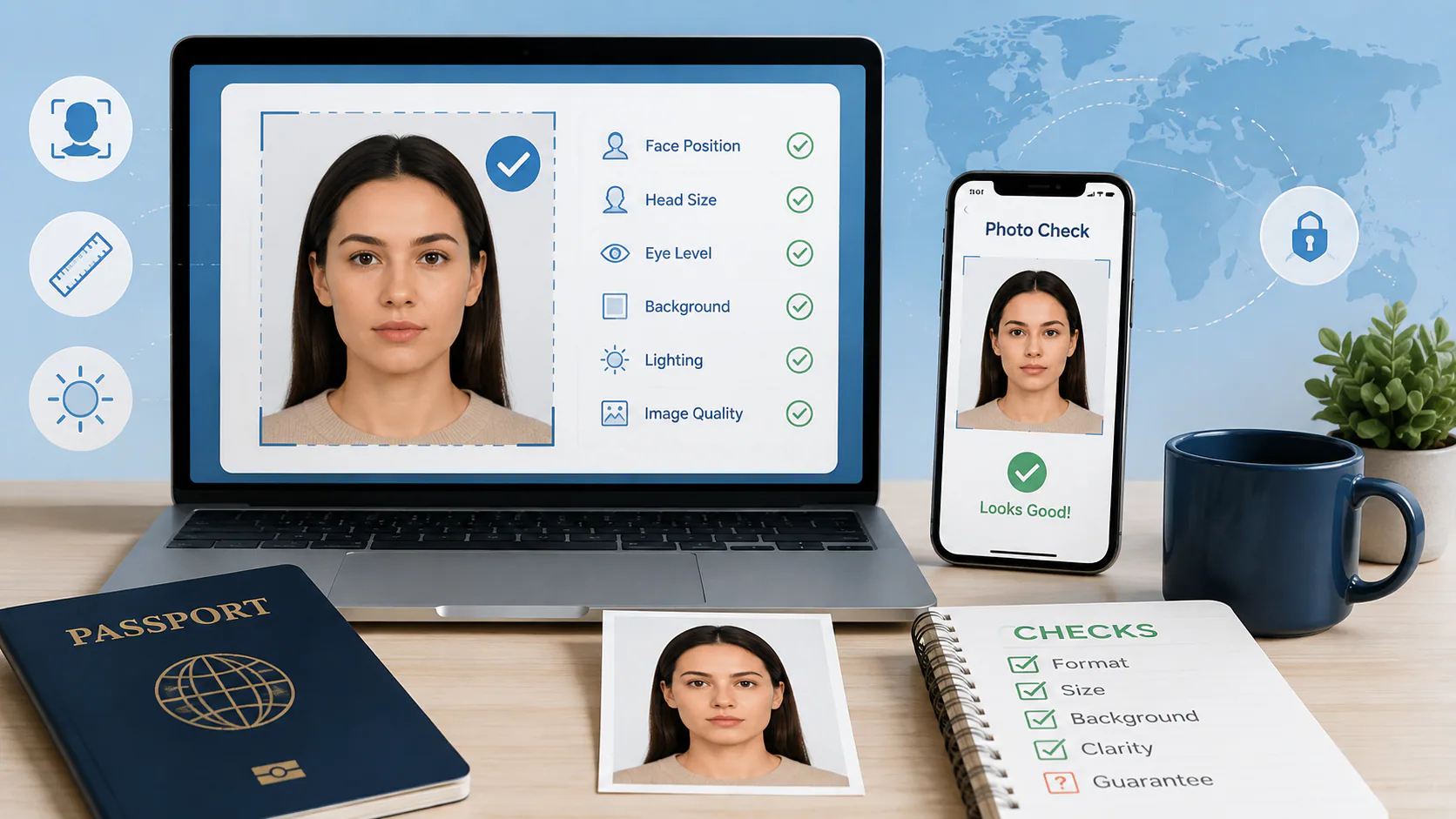
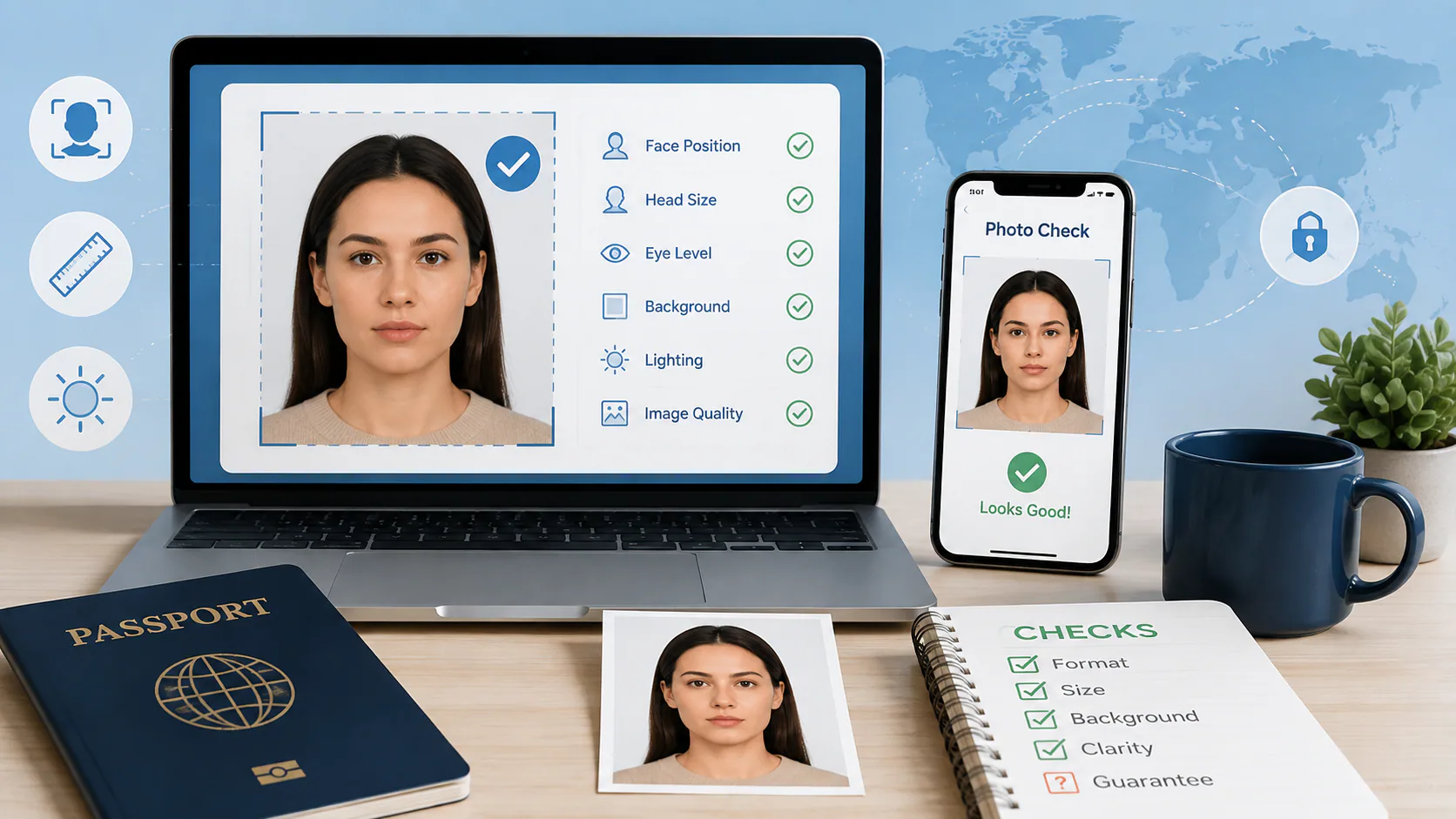
What an Online Checker Can Actually Verify
Most passport photo checkers, including free ones, run the same core set of automated checks:
- Dimensions — is the photo 2x2 inches for print, or 600x600–1200x1200px for digital upload
- File format and size — JPEG, under the required KB/MB threshold
- Head size ratio — chin-to-crown measurement falling within the 1 to 1⅜ inch range
- Head position — centered, not tilted, facing forward
- Background — flags backgrounds that are visibly off-white, shaded, or patterned
- Eyes and expression — detects closed eyes, glasses, or an obviously non-neutral expression
These are the checks that map cleanly onto measurable pixels — an algorithm can reliably tell you if your head takes up too much of the frame or if your file is 280 KB when the limit is 240 KB. This is genuinely useful: State Department data attributes roughly a third of all 2024 photo rejections to head size alone, with background issues and facial shadows close behind. Catching those two problems before you submit eliminates a large share of the most common rejection reasons.
What No Checker Can Actually Guarantee
This is the part most passport photo tool marketing pages don't say clearly: no online checker, including the government's own upload tool, gives you a final compliance decision.
The official State Department online renewal portal explains this directly on its own photo upload guidance: the built-in tool checks whether your photo "meets the basic requirements," and if it passes that initial check, an employee still reviews the photo after your application is submitted. In other words, clearing the automated check is a filter that catches obvious technical failures — it is not the same thing as government approval. Applications can still be placed on hold after the automated step, based on the human reviewer's judgment.
This distinction matters because a lot of "100% acceptance guaranteed" marketing around passport photo apps is describing their own internal confidence, not a government-issued guarantee. Nobody selling a photo checker can promise what a State Department employee will decide, because that decision happens independently, after submission, using criteria that go beyond what any algorithm can fully replicate — subtle shadow variations, print quality, or borderline expression calls that come down to human judgment.
The Hidden 2026 Trap: Checkers That "Fix" Too Much
Since January 2026, the State Department has enforced a stricter rule: photos that have been digitally altered — including AI background replacement, skin smoothing, blemish removal, or filter effects — are automatically flagged, with no grace period for resubmission. This creates a genuine trap that didn't exist a couple of years ago: some "AI-powered" photo tools apply automatic enhancements as part of their standard processing, which can push an otherwise fine photo into rejected territory without the applicant realizing their photo was ever altered.
If you use an online checker, it's worth knowing whether it operates in format-only mode (crop, resize, and background-color correction only) versus tools that apply broader AI "beautification" by default. A checker that flags problems without silently altering your face or skin is safer under the current rules than one that "fixes" your photo automatically behind the scenes.
Before running a check, capture and preserve a clean original image. The Android passport photo camera guide explains which camera lens, aspect ratio, and automatic enhancement settings to use.
How to Actually Use a Photo Checker
- Take the photo first, following the core rules — plain white background, even lighting, no glasses, neutral expression, taken within the last 6 months.
- Run it through a free checker to catch measurable issues: dimensions, head size, background uniformity, file size.
- Fix what it flags and re-check — most tools let you re-run the check after adjustments, which is the point where a free option is genuinely useful, since you may need several passes.
- Don't treat a "passed" result as a guarantee. It means the obvious, measurable problems are gone — not that a human reviewer is guaranteed to accept it.
- Submit through the official channel only — travel.state.gov for U.S. passport applications and renewals. No third-party checker submits your application on your behalf.
PhotoOmni offers a free version of this first step: upload your photo, and it checks head size, background, dimensions, and file format against current government specs, flagging what needs fixing before you ever submit. It doesn't apply hidden AI retouching, and it doesn't claim to replace the government's own review — it's built to catch the fixable technical problems that cause most rejections, so you're not relying on a five-minute in-store photo session or guessing whether your home setup is close enough.
A US passport photo maker can apply these dimensions and formatting checks to the uploaded photo.
FAQ
Does passing an online photo checker mean my passport photo will be accepted? No. It means the photo cleared the automated, measurable checks. A human employee at the State Department still makes the final decision after you submit your application.
Does the official State Department renewal tool check for visual compliance? Not fully. Its own guidance states the built-in tool checks "basic requirements" (like file type and size), and a photo is reviewed by an employee only after the application is submitted.
Can an online checker cause my photo to fail if it edits it automatically? Yes, if the tool applies AI enhancements like background replacement, retouching, or filters. Since January 2026, digitally altered photos are automatically flagged, regardless of how minor the edit was.
Is a paid photo checker more reliable than a free one? Not necessarily for the technical checks — dimensions, head size, and background detection are largely the same across free and paid tools. Paid tiers more often add human review or a money-back guarantee, not a fundamentally different detection process.
What's the most common reason passport photos actually get rejected? Head size out of range, at around a third of all cases, followed by background issues and shadows on the face — all things a good free checker can catch before submission.
Bottom Line
An online passport photo checker is a useful first filter, not a final answer. It's genuinely good at catching the measurable, common errors — wrong head size, bad background, incorrect file size — that account for most rejections. But no checker, free or paid, can promise what a government employee will decide after you submit. Use a free tool like PhotoOmni to eliminate the obvious problems before you apply, and treat a "passed" result as a strong starting point rather than a guarantee.
About the Author
PhotoOmni Editorial Team
The PhotoOmni Editorial Team researches official passport, visa, immigration, and identity-photo requirements. Every guide is reviewed for practical accuracy and updated when application rules, upload specifications, or government guidance change.