
Free Passport Photo Apps: What's Free vs What Actually Checks Compliance
Learn what free passport photo apps offer, what they miss, and how to check compliance.
Free Passport Photo Apps: What's Free vs What Actually Checks Compliance
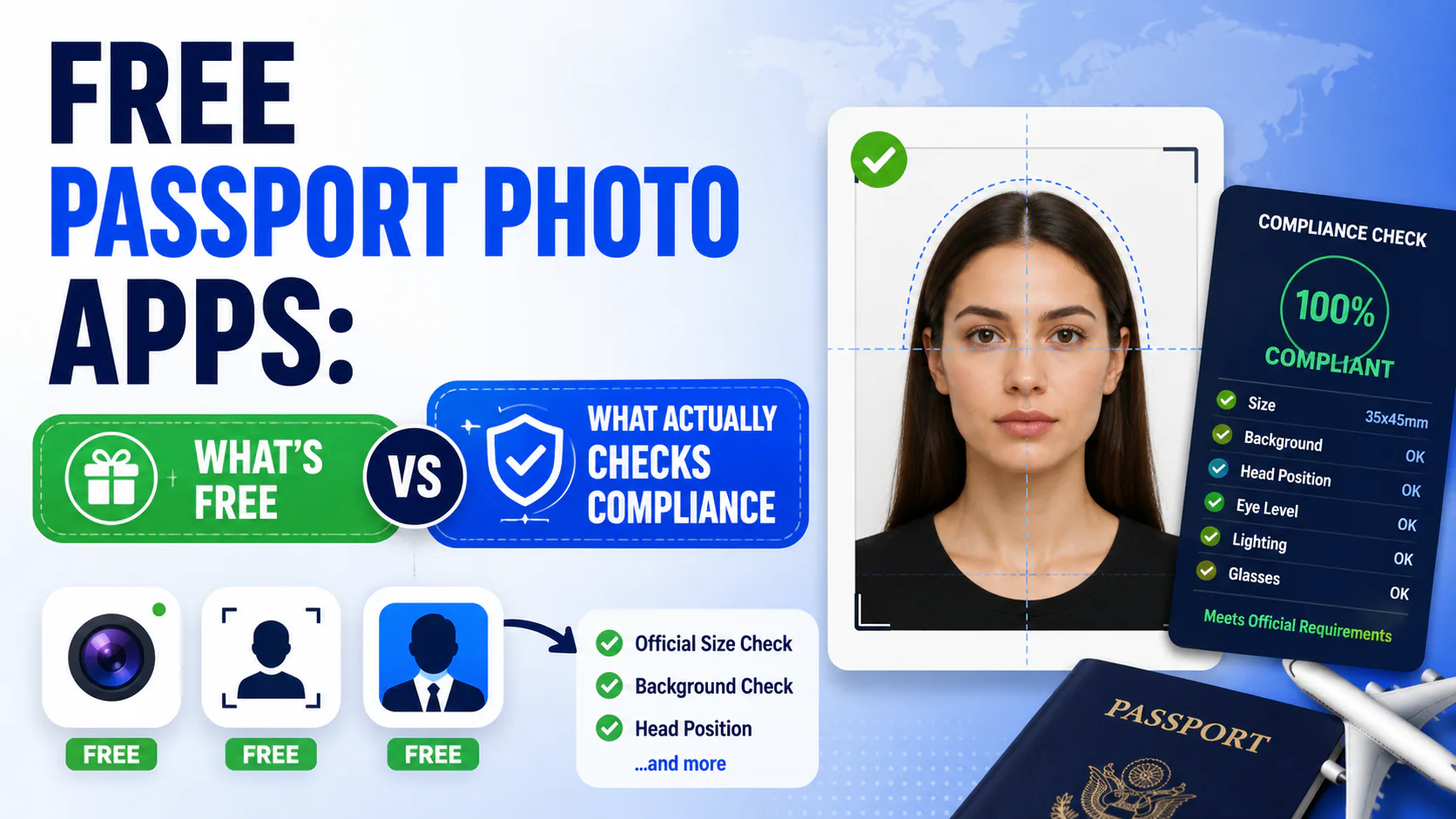
Quick answer: Most "free" passport photo apps only give you free editing — background swap, crop, resize — while the actual compliance check (does your head size, eye position, and background actually meet spec) sits behind a paywall, or isn't offered at all. There's also a blind spot before any app even enters the picture: your phone's camera may already be applying default AI beautification — Samsung's Beauty mode, Google's Face Retouching, Apple's Photographic Styles — none of which a basic crop-and-swap tool has any way of catching. A smaller number of tools, including PhotoOmni, let you run the real compliance validation for free and only charge once you're ready to download the finished, submission-ready file. Knowing which kind of "free" you're getting — and starting from an unaltered photo in the first place — is the difference between catching a problem before you submit and finding out after your passport office rejects it.
The word "free" is carrying a lot of weight
Search "free passport photo app" and you'll get dozens of results, and almost all of them are telling the truth in the narrowest possible sense. They are free — for the editing step. Upload a selfie, the AI swaps in a white background, crops to roughly the right size, and hands you a file. That part costs the provider almost nothing to give away, so nearly everyone does.
What most of these tools don't do for free — and many don't do at all — is actually measure your photo against the numeric spec a passport office checks for. Cropping to "roughly 2×2 inches" is not the same as verifying your eye height sits in the required 56–69% band. Swapping in a white background is not the same as confirming that background is actually uniform, correctly lit, and free of shadow gradients across every zone of the frame. That distinction — editing vs. measuring — is where most "free" tools quietly stop.
The blind spot before you even open an app
There's a step before editing and checking that most guides skip entirely: your phone may have already altered the photo before you uploaded it anywhere. Every major camera app applies some default processing, and some of it — not all of it — crosses into the kind of alteration that gets photos rejected under the 2026 rules against AI-edited photos:
- Samsung: Beauty mode (a slider in the camera viewfinder itself) and Scene Optimizer both adjust skin tone and texture by default on most Galaxy models.
- Google Pixel: Face Retouching smooths skin texture and eye brightness when enabled — off by default on newer models, but worth checking.
- iPhone: Photographic Styles changes skin tone rendering; Portrait Mode adds background blur. Ordinary Smart HDR and Deep Fusion mostly just balance exposure and aren't the actual problem.
A free crop-and-background-swap tool has no way of knowing any of this happened — it just works with whatever file you upload. Even a genuine compliance checker is measuring geometry and background uniformity, not necessarily whether your phone quietly smoothed your skin before the photo ever left the camera. That's a reason to fix the input at the source: turn off Beauty mode, Scene Optimizer, Face Retouching, or Photographic Styles in your camera settings before you shoot, rather than hoping any downstream tool catches it after the fact.
Editing vs. checking: what each one actually catches
| What it does | Catches | Misses |
|---|---|---|
| Auto-crop / background swap (what most free tools offer) | Obviously wrong aspect ratio, an obviously colored background | Head size a few percent out of range, background that's white but unevenly lit, eyes slightly off-center |
| Real compliance check (measures against the numeric spec) | Head size, eye position, background uniformity, glasses glare, shadow zones — the specific reasons applications actually get rejected | Nothing that's in spec — that's the point |
If a tool only does the first column, you can walk away with a photo that looks fine and still gets bounced, because the failure modes that cause rejections (a head that's 46% of frame instead of 50–69%, a background with a faint shadow in one corner) aren't things you can eyeball. They need to be measured.
A side-by-side: PhotoOmni vs. a photo studio vs. typical online tools
| Feature | PhotoOmni | Photo studio | Other online tools |
|---|---|---|---|
| Price | One-time fee, $5.99 | $15–25 + travel | $3–15 per photo |
| DS-160 upload ready | Yes | Not always digital | Varies |
| Eye position check (56–69%) | AI-measured | Human eye only | Basic only |
| Head size check (50–69%) | Pixel-precise | Not measured | Crop only |
| Background validation | 9-zone RGB analysis | Visual reference only | Basic removal |
| Glasses detection | Automatic | Manual reminder | Not always |
| Compliance check before you pay | Always free | Paid upfront | Paid upfront |
| Print sheet (20 photos, A4) | Included | Printed for you | Extra fee |
| Photo retention | Auto-deleted within 24h | Copies may be kept | Unknown |
| Processing time | 3–15 minutes | 15–30 minutes | 1–5 minutes |
| Availability | 24/7 | Business hours, appointment | 24/7 |
Two rows matter more than the rest. First, "compliance check before you pay." PhotoOmni runs its full AI validation — the eye-position measurement, the 9-zone background analysis, glasses detection, head-size check — before you spend a cent, so you find out whether your photo will actually pass before you're committed to the $5.99 fee. Most competitors flip this order: you pay first, then find out if the photo was any good. Second, background validation. A 9-zone RGB analysis checks lighting uniformity across the whole frame — corners included — instead of just confirming the background is roughly white, which is where "looks fine, gets rejected" photos usually come from.
What this means for you, practically
If you're using a free tool purely to touch up a photo you're printing for a paper application with a guarantor's signature, a basic crop-and-background-swap tool is probably fine — a human is reviewing it anyway. But if you're submitting digitally, or you only get one shot before a deadline, the gap between "edited" and "actually measured against spec" is exactly where rejections happen. Run the free check first, wherever you get it, before you pay anyone for the final file — and if a tool won't let you check for free before you pay, that's worth noticing.
FAQ
Are free passport photo apps actually free? The editing step usually is — cropping, resizing, background swap. The compliance check (verifying your photo actually meets the numeric requirements) is often paywalled or skipped entirely, even on tools marketed as "free."
What's the difference between a passport photo maker and a passport photo checker? A maker edits your photo to look roughly right. A checker measures it — head size, eye position, background uniformity — against the actual published spec and tells you whether it would pass, not just whether it looks correct.
Can I check if my passport photo is compliant without paying? Yes, with some tools. PhotoOmni's validation runs before payment, so you see the compliance result first and only pay when you're ready to download the finished file — worth comparing against any tool that asks for payment upfront.
What does a 9-zone background check catch that a basic background swap doesn't? A basic swap just replaces the background with white. A zone-based analysis checks lighting uniformity across each section of the frame, which catches shadow gradients and uneven lighting — a common, easy-to-miss rejection reason that a plain white backdrop can still have.
Can a compliance checker tell if my phone's beauty filter already altered the photo? Not reliably, in most cases — checkers are built to measure geometry (head size, eye position) and background, not to detect subtle skin-smoothing that happened at the camera level. The safer fix is turning off Beauty mode, Scene Optimizer, Face Retouching, or Photographic Styles in your phone's camera settings before you shoot, so there's nothing to catch after the fact.
Prices and features change — always confirm current details directly with any provider before you pay.