


UK baby passport photo guide
UK Baby and Newborn Passport Photo Requirements
UK rules use the same technical passport-photo standard for children, with practical exceptions for babies and young children.
Official UK baby passport photo requirements
Use the online or printed-photo route that matches your application. HM Passport Office is the final authority.
Official source: GOV.UK: passport photo rules for babies and children
Online upload
At least 600 × 750 px; 50 KB–10 MB
Paper route
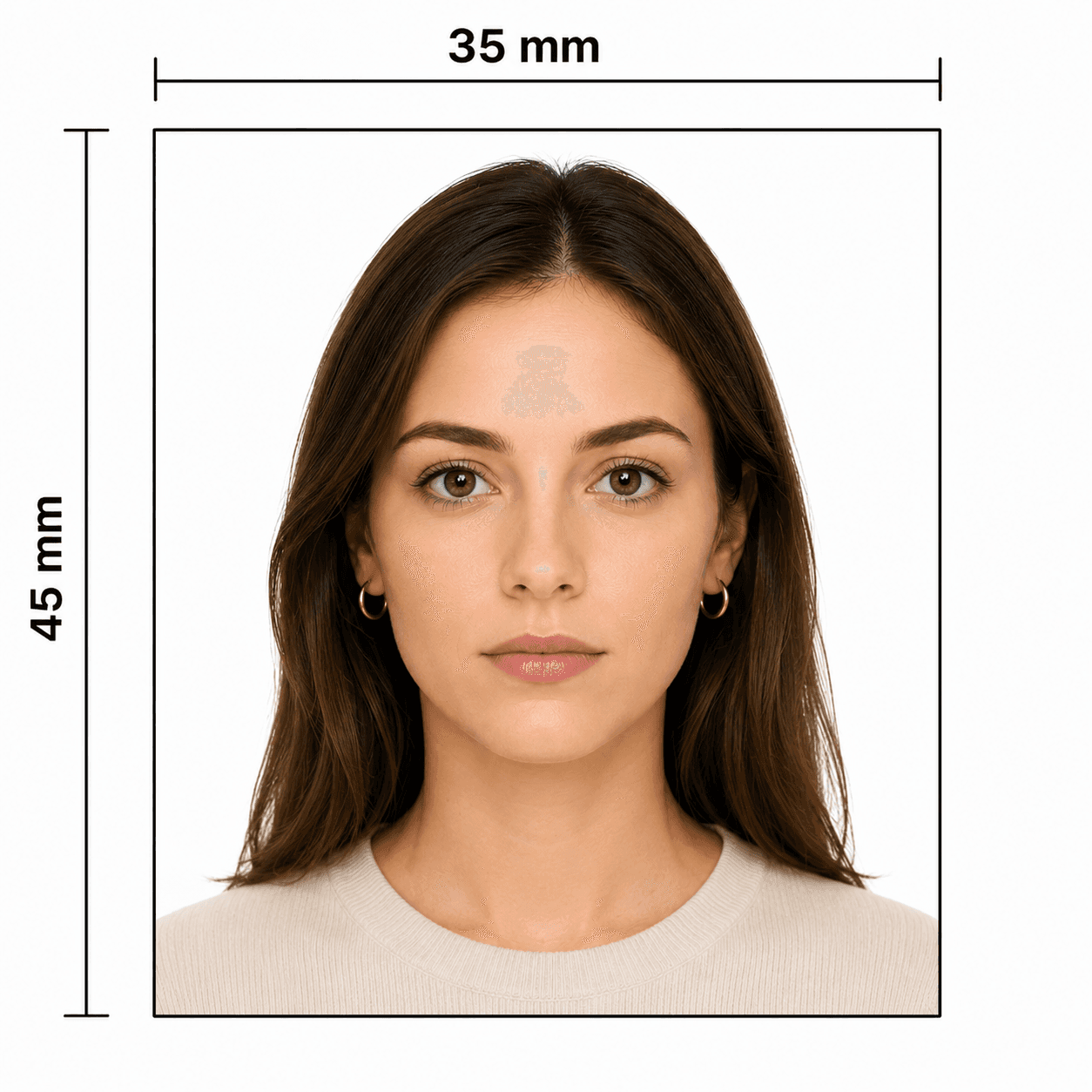
2 identical 35 × 45 mm photos
Paper head height
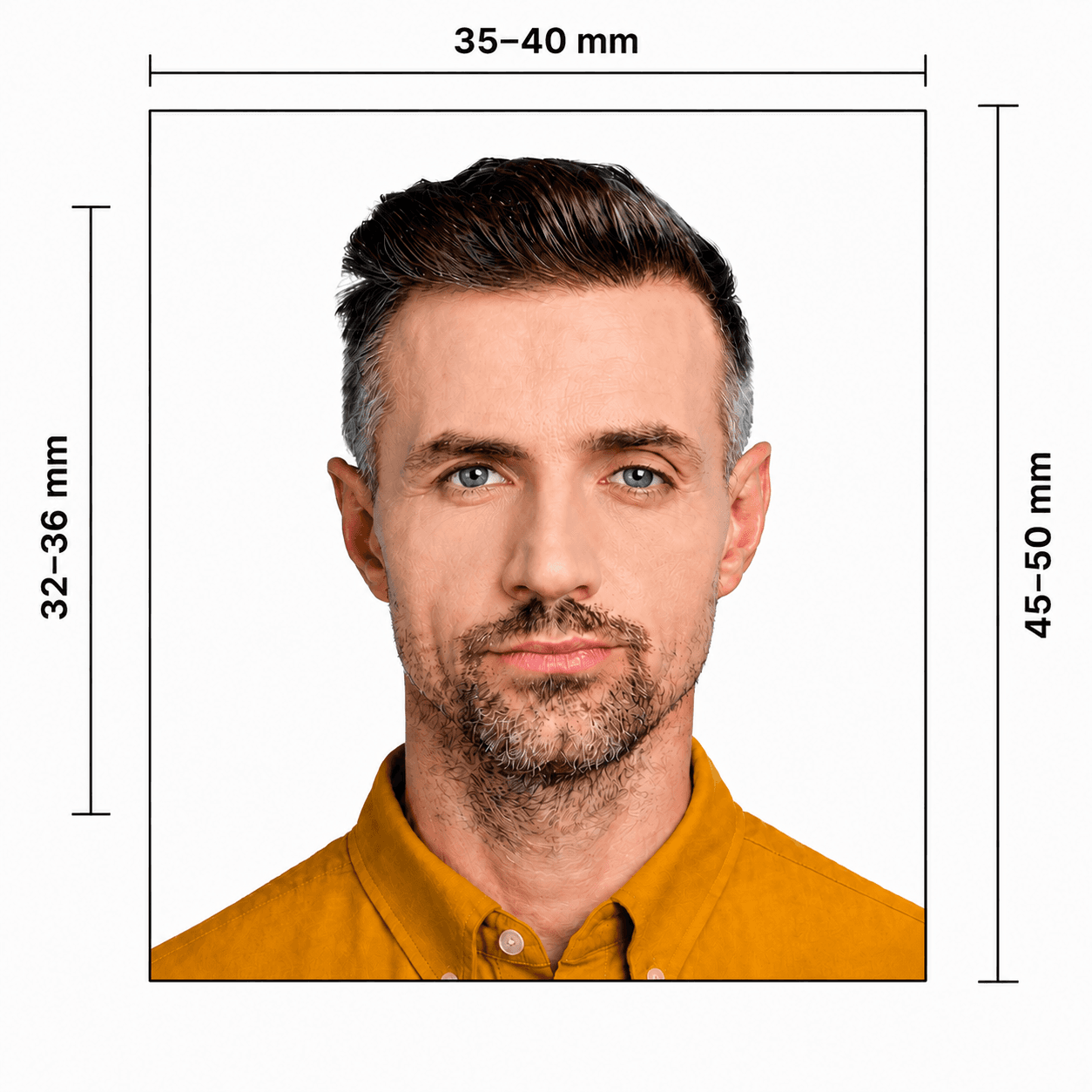
29–34 mm, crown to chin
Under 6
No need to look directly at the camera or keep a plain expression
Under 1
Eyes do not have to be open; lie on a plain light-coloured sheet
Two official ways to take a baby photo at home
Choose the setup that keeps your baby comfortable while keeping the background and face clear.
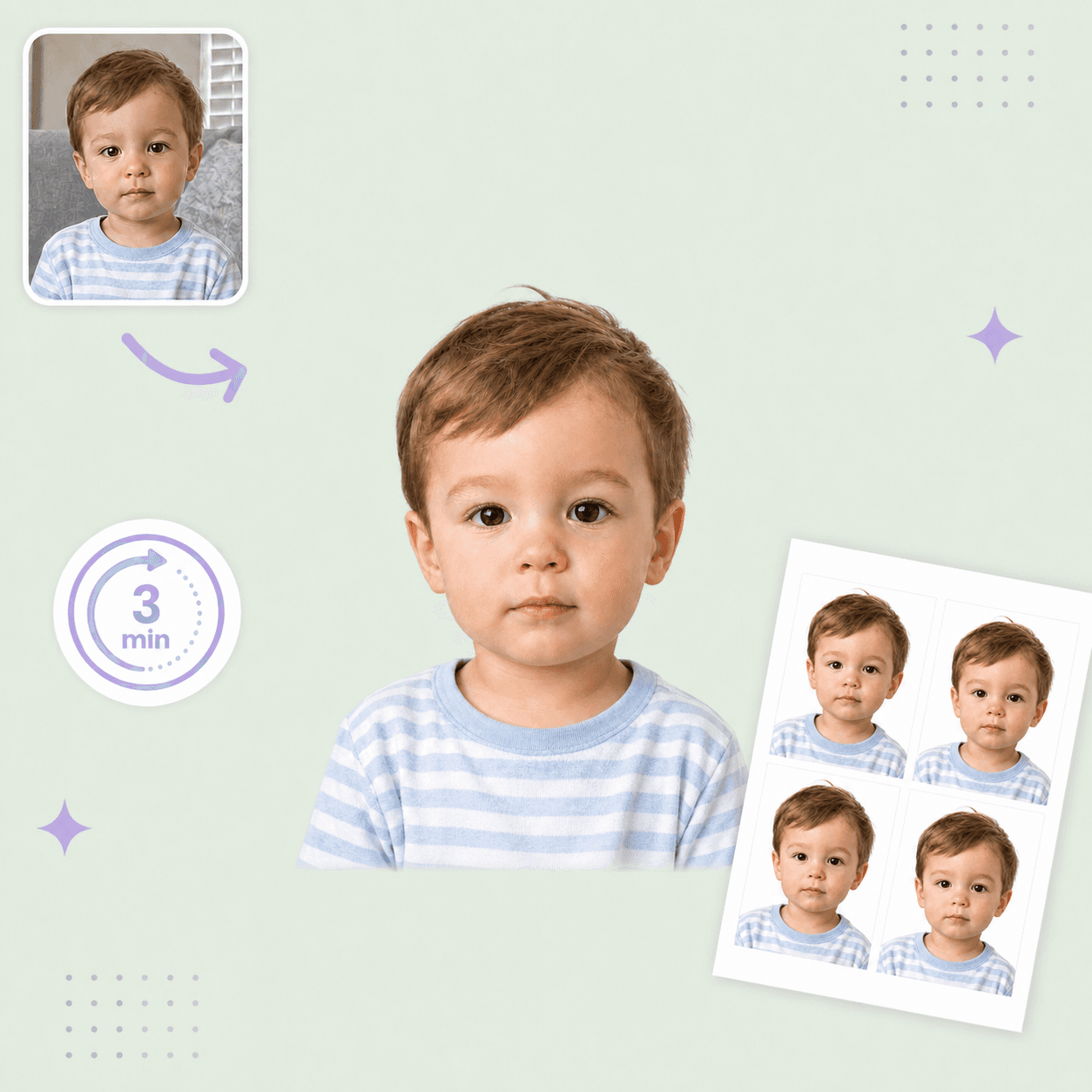
- For a baby under 1, lay them on a plain light-coloured sheet and photograph from above.
- For a seated baby, keep the head supported out of frame and ensure no adult hand is visible.
- Keep toys, dummies, bottles, hair, and face coverings out of the photo.
- Use soft, even light so there are no shadows on the face or behind the baby.
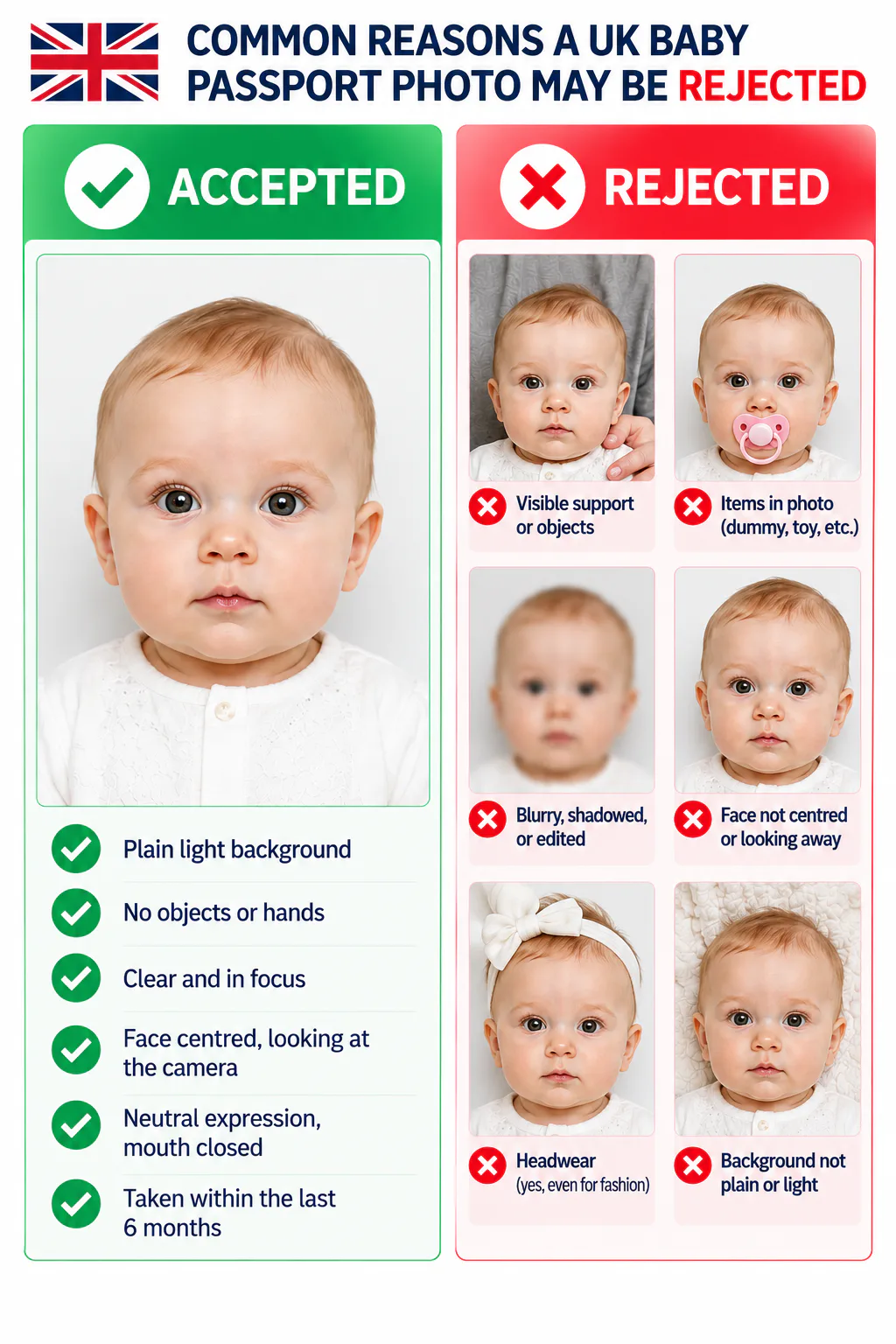
Common reasons a UK baby passport photo may be rejected
The most common issues are visible support, a non-plain background, poor image quality, or using the wrong application format.
- A parent, hand, toy, dummy, bottle, or another object is visible.
- The image is blurry, shadowed, red-eyed, edited, or too old.
- The background is not plain and light-coloured, or the baby does not contrast clearly with it.
- The digital file is below 600 × 750 px or outside 50 KB–10 MB, or paper photos are not 35 × 45 mm.
PhotoOmni vs. other ways to prepare a UK baby passport photo
Use the official rules for the final submission; PhotoOmni makes home preparation clearer and less stressful.
Convenience
- PhotoOmni
- Upload from home in minutes
- Other online tools
- Usually online
- Traditional photo studios
- Requires a store visit
Application guidance
- PhotoOmni
- Digital and paper route guidance
- Other online tools
- Varies by service
- Traditional photo studios
- Depends on local staff
Photo checks
- PhotoOmni
- AI pre-check plus expert review
- Other online tools
- May be basic or extra
- Traditional photo studios
- Usually retake-based
Final format
- PhotoOmni
- Digital and print-ready output
- Other online tools
- May be limited or extra
- Traditional photo studios
- Digital copy may not be included
Rejection protection
- PhotoOmni
- 100% refund for photo-related rejection
- Other online tools
- Policies vary
- Traditional photo studios
- Policies vary by shop
Total price & inclusions
- PhotoOmni
- One-time fee of $5.99
- Other online tools
- Add-ons can cost $3–$10+
- Traditional photo studios
- Often $15+; files vary