UK visa photo guide
UK Visa Photo Requirements, Specification and Format
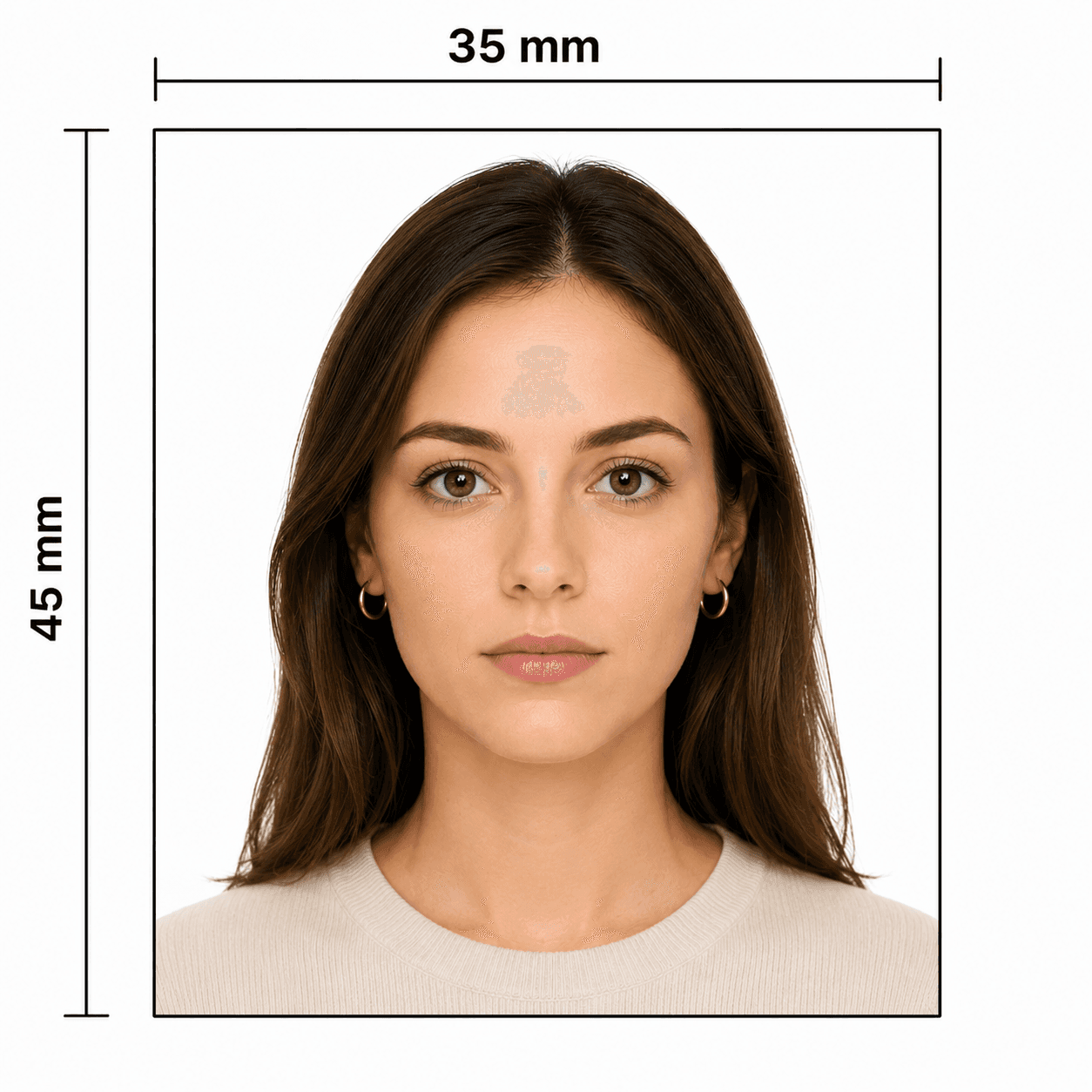
A UK visa photo is a digital upload, not a standard paper 35 × 45 mm requirement. Use a new, natural JPG/JPEG photo and follow the instructions for your individual UKVI application.
Requirements for UK Visa Photo Uploads
UK Visas and Immigration publishes the UK visa photo specification and format for a visa application or permission request. Your application instructions remain the final authority.
Official source: UKVI: Take a photo of your face for a visa application or permission
How to take a suitable UK visa photo at home
A phone or tablet can provide a suitable source photo when you preserve a natural likeness and follow UKVI's visible requirements.
- Ask another person to take the photo where possible; this reduces angle, distance, and shadow problems.
- Use a well-lit room and a plain light-coloured background with no patterns, objects, or other people.
- Face the camera directly. Keep both eyes visible, your mouth closed, and hair away from your eyes.
- Remove glasses unless you must wear them for medical reasons; avoid tinted lenses, frames, glare, and reflections over the eyes.
- Wear normal clothing that covers your shoulders and torso. Head coverings are only for religious or medical reasons and cannot cover facial features.
- Do not use portrait mode, filters, beauty effects, background replacement, face reshaping, or a scan of another photo.
Why a UK visa photo may be rejected
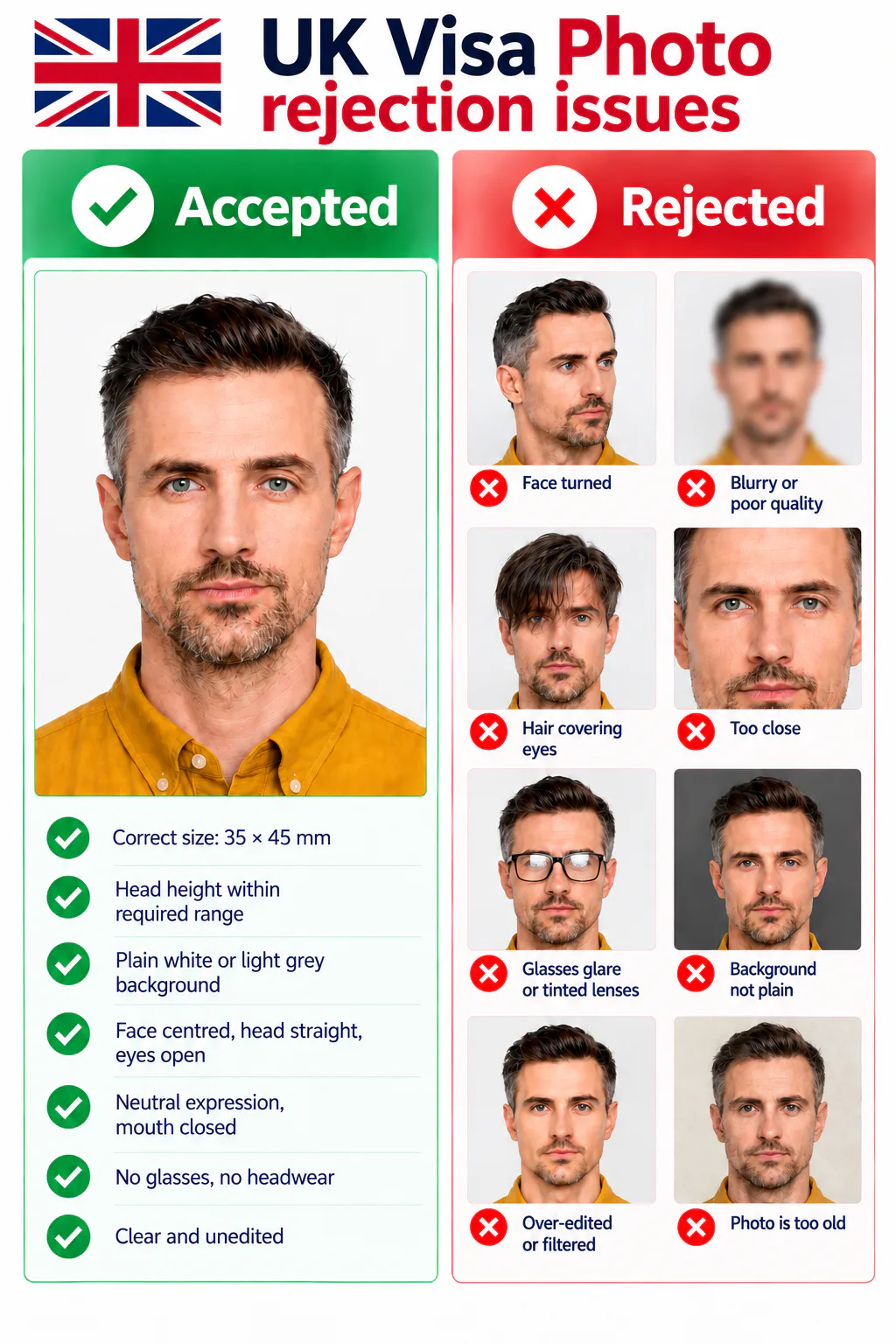
UKVI checks both the technical file and whether the photo is suitable for biometric matching. These are common risks before submission.
- The file is PNG, HEIC, a scan, a photo of another photo, mirrored, under 600 × 750 px, or outside the 50 KB–6 MB range.
- The image uses a filter, beauty effect, face edit, background replacement, or does not reflect your current appearance.
- The background is patterned, dark, shadowed, or contains another person or object.
- The face is unclear, turned, partly covered, shadowed, affected by glasses glare, or has hair across the eyes.
- The image has red-eye, is blurry, or does not show the required head, shoulders, and upper body framing.
PhotoOmni vs. other ways to prepare a UK visa photo
Use an authentic source photo and the exact instructions in your UKVI application. PhotoOmni helps you prepare and check the digital file before upload.
Convenience
- PhotoOmni
- Upload from home in minutes
- Other online tools
- Usually online
- Traditional photo studios
- Requires a store visit
Application guidance
- PhotoOmni
- UKVI digital-route guidance
- Other online tools
- Varies by service
- Traditional photo studios
- Depends on local staff
Photo checks
- PhotoOmni
- AI pre-check plus expert review
- Other online tools
- May be basic or extra
- Traditional photo studios
- Usually retake-based
Final format
- PhotoOmni
- Digital JPG/JPEG file
- Other online tools
- May be limited or extra
- Traditional photo studios
- Digital copy may not be included
Rejection protection
- PhotoOmni
- 100% refund for photo-related rejection
- Other online tools
- Policies vary
- Traditional photo studios
- Policies vary by shop
Total price & inclusions
- PhotoOmni
- One-time fee of $5.99
- Other online tools
- Add-ons can cost $3–$10+
- Traditional photo studios
- Often $15+; files vary