
4×4 Photo Size: Pixels, Centimeters and How to Create One Online
Learn the exact 4×4 cm photo dimensions in pixels, millimeters, and inches, how it differs from 2×2 inches, and how to create one online.
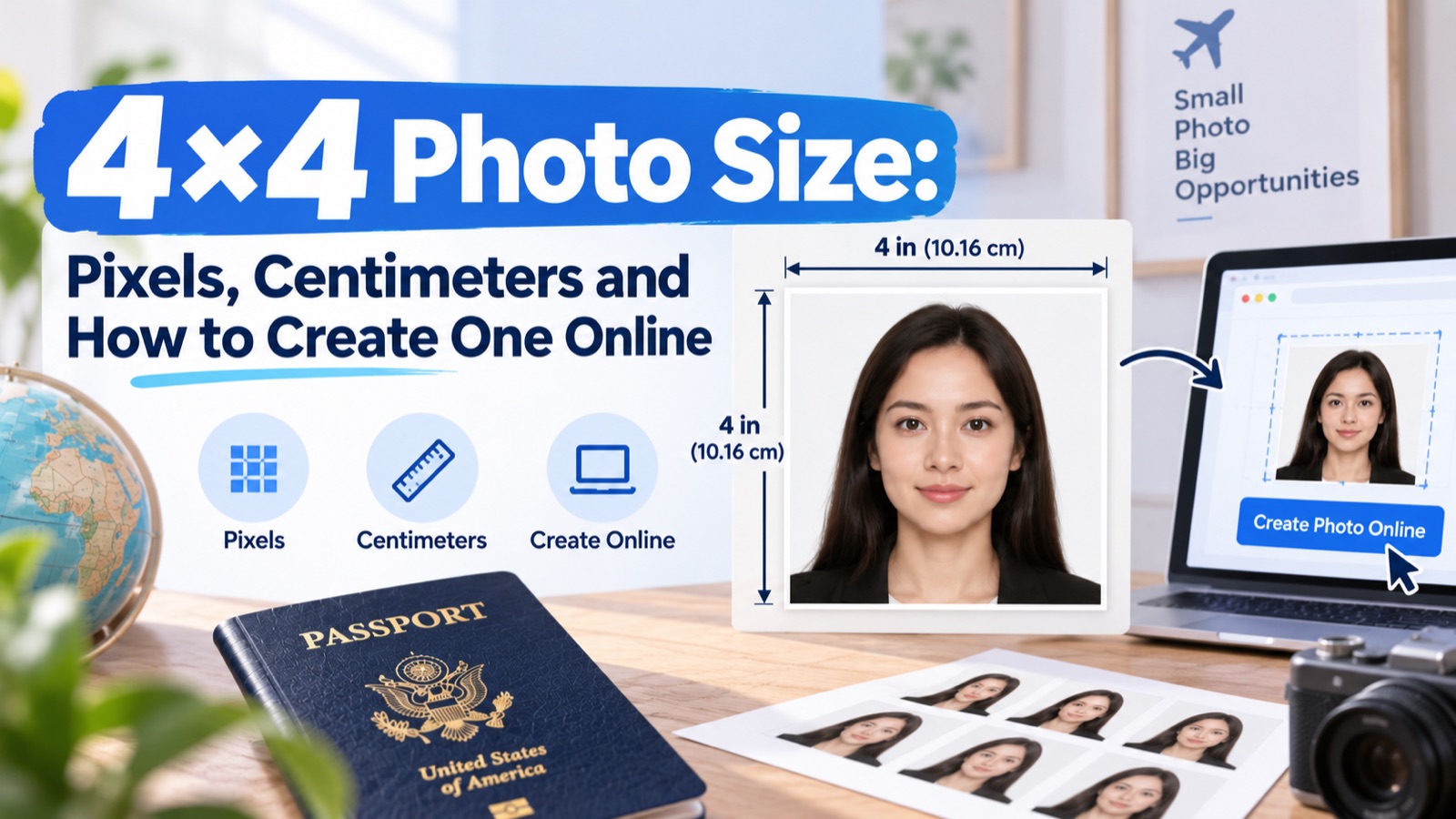
Quick answer: A 4×4 photo is a square image measuring 4cm × 4cm (40×40mm, 1.57×1.57in) — that's 472×472px at 300 DPI or 945×945px at 600 DPI. It's often confused with the similarly square but slightly larger 2×2 inch (51×51mm) format used for US passports, so confirm which exact size your document requires.
A 4×4 photo is a square image measuring 4 cm by 4 cm (40×40mm) — commonly confused with the similarly-named but differently-sized 2×2 inch (51×51mm) ID photo format. Here's how to tell them apart and get the exact size you need.
4×4 Size in Every Unit
| Unit | Value |
|---|---|
| Centimetres | 4 × 4 cm |
| Millimetres | 40 × 40 mm |
| Inches | 1.57 × 1.57 in |
| Pixels (300 DPI) | 472 × 472 px |
| Pixels (600 DPI) | 945 × 945 px |
Don't Confuse 4×4 With Other Square Formats
Because several countries use square ID photos at slightly different sizes, "4×4" gets used loosely online to mean different things:
| Format | Size | Common Use |
|---|---|---|
| 4×4 cm | 40×40mm | Various national IDs, some visa types |
| 2×2 in | 51×51mm | US passport/visa photos, older Indian passport standard |
| 3.5×4.5 cm | 35×45mm | New Indian passport standard (2026), UK print photos |
If a form or portal just says "square photo" without specifying units, confirm which of these it means before printing or uploading — a photo sized correctly for one square format will be visibly too small or too large for another, even though both are "square."
What DPI Does to Your Pixel Count
As with any physical-to-digital size conversion, the pixel dimensions for a 4×4 photo depend entirely on the resolution required:
- At 300 DPI (standard print quality): 472 × 472 px
- At 600 DPI (higher-resolution scans/prints): 945 × 945 px
If a portal specifies a fixed pixel size instead of a physical size + DPI, use their exact pixel figure rather than converting from cm — fixed pixel specs override the general conversion.
Requirements Beyond Size
- Background: plain, light-coloured (white or light grey is safest unless otherwise specified)
- Recency: typically within 6 months
- Expression: neutral, front-facing
- Quality: sharp, no shadows or glare, uncompressed enough to avoid visible artifacts
How to Create a 4×4 Photo Online
- Take a photo against a plain background with even lighting
- Crop to a perfect square, keeping the face centred
- Resize to your required pixel dimensions (confirm DPI first)
- Export in the file format specified (usually JPEG)
- Check file size limits before submitting — some portals cap uploads well below what a high-DPI export produces
FAQ
Is a 4×4 photo the same as a 2×2 inch passport photo? No. 4×4cm (40×40mm) is smaller than 2×2in (51×51mm). They're both square, but printing one at the other's size will fail an exact-measurement check.
What pixel size should I use for a 4×4 photo? 472×472px at 300 DPI, or 945×945px at 600 DPI — check which resolution your specific document requires before exporting.
Can I crop any square photo down to 4×4? Only if the original resolution is high enough to crop without losing quality, and the face is still correctly centred and sized after cropping.
What background color is required for a 4×4 photo? Typically plain white or light grey, though this varies by document — always confirm with the specific requirement.
Do I need special equipment to take a compliant 4×4 photo? No — a smartphone photo against a plain, evenly lit background is usually sufficient, as long as it's cropped and exported at the correct size.
Skip the Manual Cropping
Cropping a square photo by hand without distorting proportions — especially when the required pixel size doesn't match your original photo's aspect ratio — is where most people go wrong. photoomni automatically detects face position and crops to a true 4×4 square at the pixel size and DPI you specify, so you're not manually nudging crop handles and guessing whether the result is actually square.
About the Author
PhotoOmni Editorial Team
The PhotoOmni Editorial Team researches official passport, visa, immigration, and identity-photo requirements. Every guide is reviewed for practical accuracy and updated when application rules, upload specifications, or government guidance change.