
3×4 Photo Size: Pixels, Inches, Uses and How to Make One Online
Learn the exact 3×4 cm photo size in pixels, millimeters, and inches, where it is used, and how to create the correct file online.
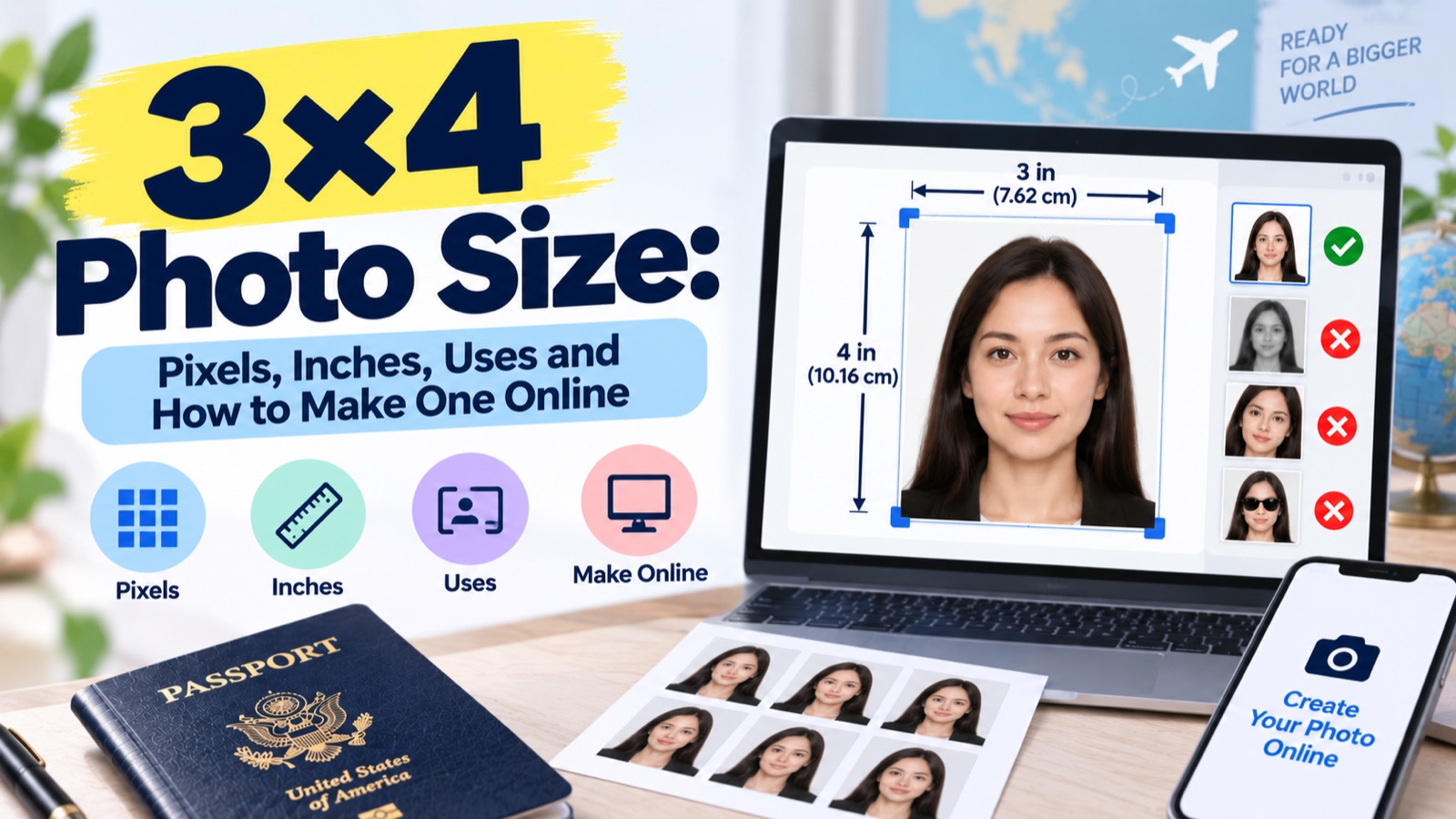
Quick answer: A 3×4 photo is 3cm × 4cm (30×40mm, 1.18×1.57in). In pixels, that's 354×472px at 300 DPI, or 708×945px at 600 DPI — the exact pixel count depends on the resolution your document or portal requires. It's commonly used for Portuguese, Romanian, and Mongolian visas, plus various national ID and admission forms.
A 3×4 photo measures 3 cm wide by 4 cm tall (30×40mm) — but the exact pixel count you need depends on the DPI you're printing or uploading at, which is the part most size-conversion guides skip past.
3×4 Size in Every Unit
| Unit | Value |
|---|---|
| Centimetres | 3 × 4 cm |
| Millimetres | 30 × 40 mm |
| Inches | 1.18 × 1.57 in |
| Pixels (300 DPI) | 354 × 472 px |
| Pixels (600 DPI) | 708 × 945 px |
Why the Pixel Count Isn't One Fixed Number
This is the detail most 3×4 guides gloss over: pixel dimensions change depending on the resolution (DPI) required, and different documents or printers specify different DPI values. A photo studio printing at 300 DPI needs 354×472px; a government portal requiring 600 DPI needs 708×945px for the same physical size. Uploading a 354×472px file where 600 DPI is required will look correct on screen but print or scan as lower quality than the receiving institution expects.
Before you resize an image for 3×4 use, check:
- What physical size is required (usually 3×4cm, but confirm)
- What DPI/resolution the receiving institution specifies
- Calculate pixels as:
(cm ÷ 2.54) × DPIfor each dimension
Where a 3×4 Photo Is Required
- Portuguese visa applications
- Romanian visa applications
- Mongolian visa applications
- Various national ID cards, driving licences, and academic/admission forms (country-dependent — always confirm with the specific institution)
Requirements Beyond Just Size
A correctly sized photo can still be rejected if it doesn't also meet:
- Background: plain white, off-white, or light grey/blue depending on the country
- Recency: typically within the last 6 months
- Quality: no shadows, blur, or visible pixelation
- Expression: neutral, front-facing, eyes open, mouth closed
Smartphone vs. Professional Photography
Most guides list the specs but skip a practical question: can you actually take a compliant 3×4 photo on your phone? In most cases yes, provided you:
- Use natural, even lighting facing your face (avoid backlighting)
- Photograph against a plain wall, ideally white
- Keep the camera at eye level, not angled up or down
- Avoid using portrait/blur modes, which can distort edges during automatic cropping
The harder part isn't the photo itself — it's cropping and exporting it to the exact pixel dimensions at the correct DPI without stretching or distorting the image.
FAQ
Why do different websites give different pixel sizes for a 3×4 photo? Because pixel dimensions depend on DPI, and different sources assume different resolutions. 354×472px (300 DPI) and 708×945px (600 DPI) are both "correct" for the same 3×4cm physical size — check which DPI your specific document requires.
Is 3×4 the same as a US passport photo? No. US passport photos use a 2×2 inch (51×51mm) square format, which is a different size and shape from the rectangular 3×4cm format.
Which countries require a 3×4 photo? Most commonly Portugal, Romania, and Mongolia for visas, along with various national ID and form applications — always confirm the specific requirement with the receiving institution.
Can I take a 3×4 photo with my phone? Yes, as long as you use even lighting, a plain background, and avoid blur or portrait modes that distort automatic cropping.
Does a 3×4 photo need to be in color? Typically yes, with natural skin tone — confirm with the specific document's requirements, as this can vary.
Getting the Exact Size Without the Math
Rather than calculating pixel-per-DPI conversions by hand, photoomni lets you enter the country or institution you're submitting to, and it automatically outputs your photo at the correct 3×4 pixel size and DPI for that specific use case — so you're not left guessing whether 354×472 or 708×945 is the one you actually need.
About the Author
PhotoOmni Editorial Team
The PhotoOmni Editorial Team researches official passport, visa, immigration, and identity-photo requirements. Every guide is reviewed for practical accuracy and updated when application rules, upload specifications, or government guidance change.