
ID Photo Printing Guide: Print Sizes for Passport, Visa, Driver’s License and ID Cards
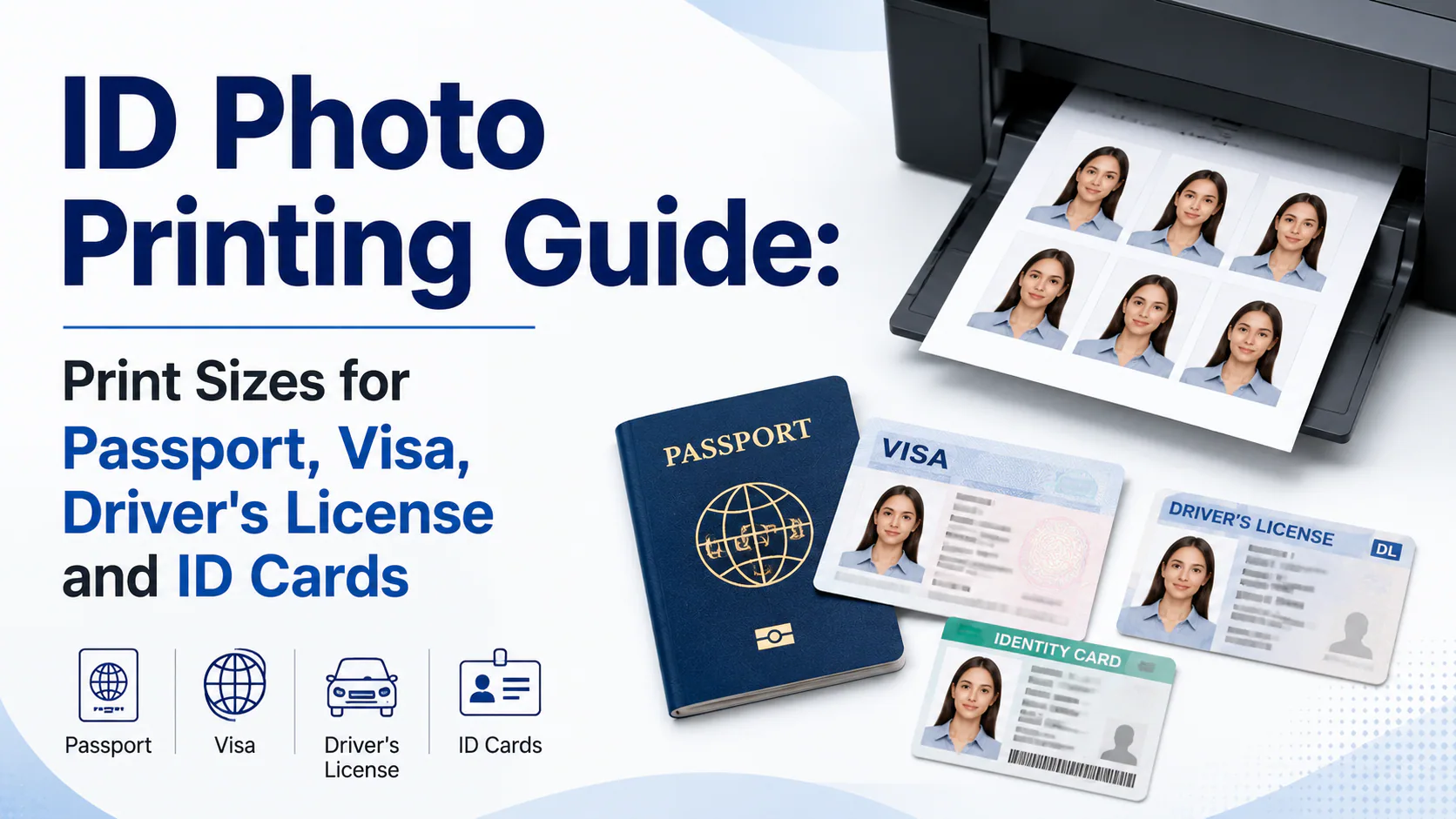
Passport and visa photos are typically 2×2 inches (51×51mm) in the US or 35×45mm across the UK, Schengen Europe, and most of Asia — and for both, printing at home or through an id photo print service works fine as long as the print hits the exact physical size. Driver's licenses are the outlier: in
Dimensions, printing guidance and product links checked: September 28, 2026
ID Photo Printing Guide: Print Sizes for Passport, Visa, Driver's License and ID Cards
If you prefer to prepare the file online, the US passport photo maker can help check the crop, background, and passport-photo format before submission.
The size chart is the easy part. The thing that actually ruins most home-printed ID photos is a printer setting almost nobody checks.
Quick answer: Passport and visa photos are typically 2×2 inches (51×51mm) in the US or 35×45mm across the UK, Schengen Europe, and most of Asia — and for both, printing at home or through an id photo print service works fine as long as the print hits the exact physical size. Driver's licenses are the outlier: in most US states and Canadian provinces, you can't submit a printed photo at all — the DMV or licensing office photographs you in person, so no id photo print job applies there. National ID cards vary by country, closer to the passport rules. The single most common home-printing failure isn't image quality — it's your operating system's print dialog silently rescaling a pixel-perfect file to "fit the page," which breaks the exact size requirement without you noticing.
A US passport photo maker can apply these dimensions and formatting checks to the uploaded photo.
This page covers printing across passports, visas, driving licences and other IDs. For U.S.-passport-only paper, DPI and 4×6 settings, use the passport photo printing size guide. Select your exact document before preparing the file.
Sizes by document type
| Document | Common size | Can you print your own? |
|---|---|---|
| US passport / visa / green card | 2×2 in (51×51mm) | Yes |
| UK / Schengen / India passport | 35×45mm | Yes |
| Canada passport | 50×70mm | Yes |
| China passport / visa | 33×48mm | Yes |
| US driver's license | 2×2 in, if your state allows a submitted photo at all | Almost never — photographed at the DMV |
| Canadian driver's license | 50×70mm-style, if allowed | Almost never — photographed at the licensing office |
| National ID card | Varies by country, often matches the passport spec | Usually yes, matching the passport rule |
The driver's license row is the one that catches people off guard. Unlike a passport, where you supply your own compliant photo, most US states and Canadian provinces either reuse the photo already on file for a renewal, or require you to appear in person for a new one. No home-printing workflow applies there — check your specific state or province before assuming you can prepare a photo the way you would for a passport.
The invisible failure: your print dialog, not your image file
This is the part that trips up more home-printing attempts than bad lighting or the wrong paper ever does. You can have a perfectly sized digital file — exactly 600×600 pixels at 300 DPI for a US 2×2 photo, say — and still end up with a print that's the wrong physical size, because most operating systems' print dialogs default to "Fit to Page" or a similar auto-scaling setting. That setting stretches or shrinks your image to fill whatever paper size you've selected, silently breaking the exact-inch or exact-millimeter requirement even though the file itself was correct.
The fix is one setting, checked every time you print: set scale to 100% or "Actual Size" — never "Fit to Page" or "Scale to Fit." Acceptance facility staff and DMV-equivalent offices measure prints with a ruler; a 1–2mm error from an auto-scaled print is one of the most common reasons a home-printed photo gets sent back, and it's not a photo-quality problem at all — it's a print-settings problem.
Getting the rest of the print settings right
- Paper type in the printer driver: set it to "Photo Paper" (glossy or matte, whichever you loaded) — not "Plain Paper." For U.S. applications, review the matte vs. glossy passport photo rules. Leaving the driver on its default plain-paper setting can cause a visible color cast because the printer applies ink for different paper absorbency.
- Print quality: set to "Best" or "Photo" — draft mode can bleed ink and soften edges enough to affect a close inspection.
- Paper weight: use genuine photo-quality paper that holds detail and color reliably. Check the issuing authority before treating a specific GSM as mandatory; the U.S. Department of State does not publish a minimum GSM on its passport-photo requirements page.
- Layout: most people don't print a single 2×2 or 35×45mm photo alone — placing multiple copies on one 4×6 sheet with crop marks is both cheaper and the standard format most acceptance facilities expect to see.
Home printing vs. an id photo print service
A home inkjet print and a photo kiosk print (CVS, Walgreens, a pharmacy, or a dedicated lab) aren't quite the same output, even at identical dimensions. Kiosks typically use dye-sublimation printers — the same class of equipment professional labs use — which produce a more consistent, smudge-resistant finish than most home inkjets, and per-print costs at a kiosk are often lower once you factor in the cost of photo paper and ink for a home setup. The tradeoff is convenience versus marginal quality: home printing wins if you already have a decent photo printer and want to avoid a trip; a print service wins if you want a more consistent finish without maintaining printer hardware, or if you're not confident about getting the scale-100% setting right on your own.
Getting a print-ready file in the first place
Before any of the printing steps above matter, you need a digital file that's actually sized and formatted correctly for your specific document and country — which is where most home-printing problems actually start, since a slightly-off source file makes every downstream printing step moot. PhotoOmni's country-specific photo tool generates a file at the exact pixel dimensions for your document type, along with a print-ready sheet layout, so the printing step is just executing correctly on an already-compliant file rather than trying to fix sizing issues at the printer.
Official Reference for U.S. Passport Printing
The U.S. Department of State specifies a 2×2-inch print on matte or glossy photo-quality paper. Other documents and countries can use different dimensions and rules: U.S. passport photo guidance.
FAQ
Where can I get a passport size pic print? Pharmacies (CVS, Walgreens), big-box stores (Walmart, Target), dedicated photo labs, or an at-home inkjet printer with photo paper all work — the requirement is the exact physical size (2×2 inches for the US, 35×45mm for most other countries), not where you print it.
Can I print my own driver's license photo? In most US states and Canadian provinces, no — the license photo is taken in person at the DMV or licensing office, and there's no submission workflow for a printed photo. Confirm your specific state or province, since a small number of cases differ.
Why did my home-printed passport photo get rejected even though the file was the right size? Almost always a print-dialog setting — most operating systems default to "Fit to Page," which rescales the image and breaks the exact physical dimensions. Set scale to 100% or "Actual Size" every time you print.
Is an id photo print service better than printing at home? Print services (kiosks and labs) typically use dye-sublimation printers that produce a more consistent, durable finish than most home inkjets, often at a lower per-print cost once paper and ink are factored in. Home printing is more convenient if you already have the equipment and get the scale setting right.
What's the difference between a passport photo and a general ID photo for printing purposes? For most US federal documents — passport, visa, green card — they're the same 2×2 inch, white-background spec, so one well-prepared file covers all of them. For other countries or for a driver's license, the size and self-printing rules can differ, so confirm the specific document before assuming one photo covers everything.
Print requirements and driver's license self-submission rules vary by state, province, and country, and can change — always confirm current specs with the issuing authority before printing.
Printing a UK driving licence photo
A postal UK driving licence application normally uses a passport-style 45×35mm print, while an online application uses a digital workflow. Check the UK driving licence photo requirements before choosing a print layout.
About the Author
PhotoOmni Editorial Team
The PhotoOmni Editorial Team researches official passport, visa, immigration, and identity-photo requirements. Every guide is reviewed for practical accuracy and updated when application rules, upload specifications, or government guidance change.