
Should Passport Photos Be Glossy or Matte? Official Printing Rules Explained
U.S. passport photos may be printed on matte or glossy photo-quality paper. Learn what matters more than finish and how to avoid print-related rejection.
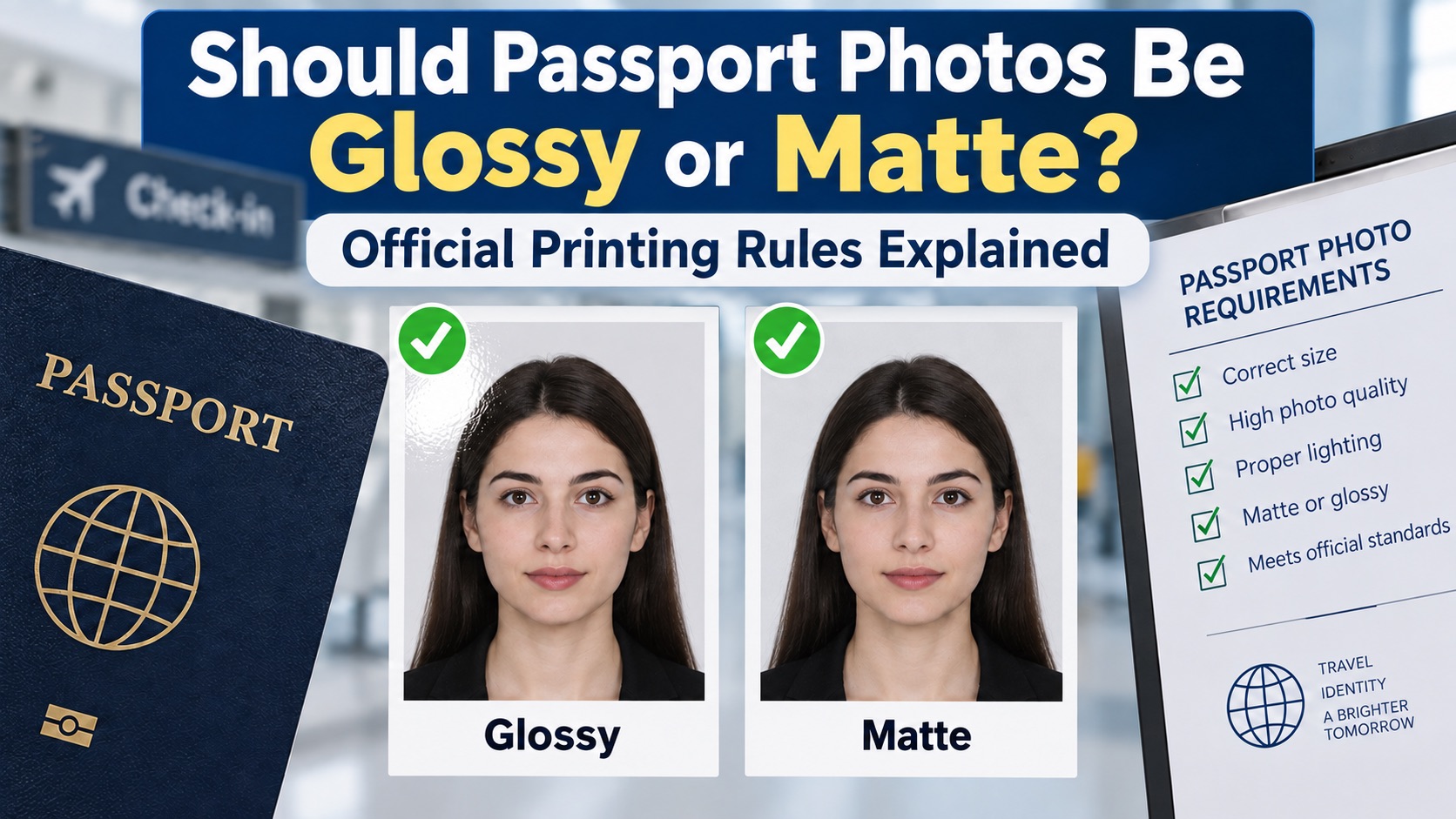
Should Passport Photos Be Glossy or Matte? Official Printing Rules Explained
Last checked: September 17, 2026
Quick Answer
Both finishes are acceptable. The U.S. Department of State explicitly allows passport photos printed on matte or glossy photo-quality paper. It does not prefer one finish. The print must instead be high resolution, correctly sized at 2 × 2 inches and free from visible printer dots, holes, creases or smudges. Matte can be easier to handle because it shows less glare and fewer fingerprints, but that is a practical preference—not an official requirement.
What the Official Rule Says
The Department of State's current passport photo requirements say: print the image on matte or glossy photo-quality paper. The same page requires a clear, high-resolution color photograph and rejects photocopies, scans of printed photographs and damaged prints.
Therefore, a passport application should not be rejected solely because a compliant print is matte rather than glossy, or glossy rather than matte.
Matte vs. Glossy
| Feature | Matte | Glossy |
|---|---|---|
| Official U.S. acceptance | Accepted | Accepted |
| Reflections under light | Usually lower | Usually higher |
| Fingerprints | Less visible | More visible |
| Color appearance | Softer | Often more saturated |
| Compliance advantage | None | None |
Choose the finish your printer or photo shop produces reliably. The quality of the image and paper matters more than the surface texture.
What Can Actually Cause a Print Problem?
- Plain copier paper instead of photo-quality paper.
- A blurry, grainy or pixelated image.
- Visible printer dots or inaccurate skin color.
- A print that is not exactly 2 × 2 inches.
- Incorrect head size or cropping.
- Smudges, scratches, holes or creases.
- A scanned copy of an older printed photograph.
- Prohibited digital alterations or filters.
If you are troubleshooting a failed submission, see the guide to common passport photo rejection reasons.
A US passport photo maker can apply these dimensions and formatting checks to the uploaded photo.
Is 200 GSM Required?
No U.S. Department of State rule on the cited passport-photo page specifies a minimum paper weight such as 200 GSM. Many photo papers fall near or above that range, but presenting 200 GSM as an official threshold would be misleading. Use genuine photo-quality paper that produces a durable, sharp print without visible dots.
Printing at Home
- Start with a high-resolution original image.
- Use photo-quality paper supported by your printer.
- Disable “fit to page” or other automatic scaling.
- Print at the exact intended size and measure the final 2 × 2 inch square.
- Allow the ink to dry and inspect for banding, dots, glare and smudges.
- Cut cleanly without damaging the photograph.
Our ID photo printing guide covers layout and printer settings. If the source file needs correct dimensions first, use the 2×2 photo size guide.
Digital Applications Do Not Need Paper
Eligible U.S. online renewals require a digital upload rather than a print. Do not scan a printed photograph or take a picture of one; upload the original digital image. Review the online renewal photo requirements before submitting.
What About Other Countries and Visas?
This answer applies to U.S. passport photos. Other governments and consulates may have different rules about paper, finish, studio stamps or handwritten information on the back. Always follow the instructions for the exact document and issuing authority.
FAQ
Will a matte passport photo be rejected?
Not merely because it is matte. Matte photo-quality paper is explicitly accepted for U.S. passport applications.
Is glossy paper more official?
No. Glossy and matte prints have the same compliance status under the U.S. rule.
Can I use ordinary printer paper?
No. The requirement is photo-quality paper, not ordinary copier paper.
Can I print a passport photo at home?
Yes, provided the printer, paper, dimensions and image quality meet the official requirements. Measure the finished print rather than relying only on the software preview.
Bottom Line
For a U.S. passport photo, matte and glossy are both valid. Select the finish that gives you the sharpest, cleanest and most damage-resistant result. Focus on size, resolution, color, cropping and print condition rather than searching for a nonexistent official preference.
Sources
Singapore Printing Requirements
ICA requires matte or semi-matte non-reflective paper for hardcopy submissions. See the Singapore passport photo printing guide for verified local options and 4R setup instructions.
About the Author
PhotoOmni Editorial Team
The PhotoOmni Editorial Team researches official passport, visa, immigration, and identity-photo requirements. Every guide is reviewed for practical accuracy and updated when application rules, upload specifications, or government guidance change.