
UK Passport Photo Cost: Photo Booth vs Photographer vs DIY App Compared
Compare typical UK passport photo costs, convenience and approval risk across photo booths, photographers and DIY smartphone photos.
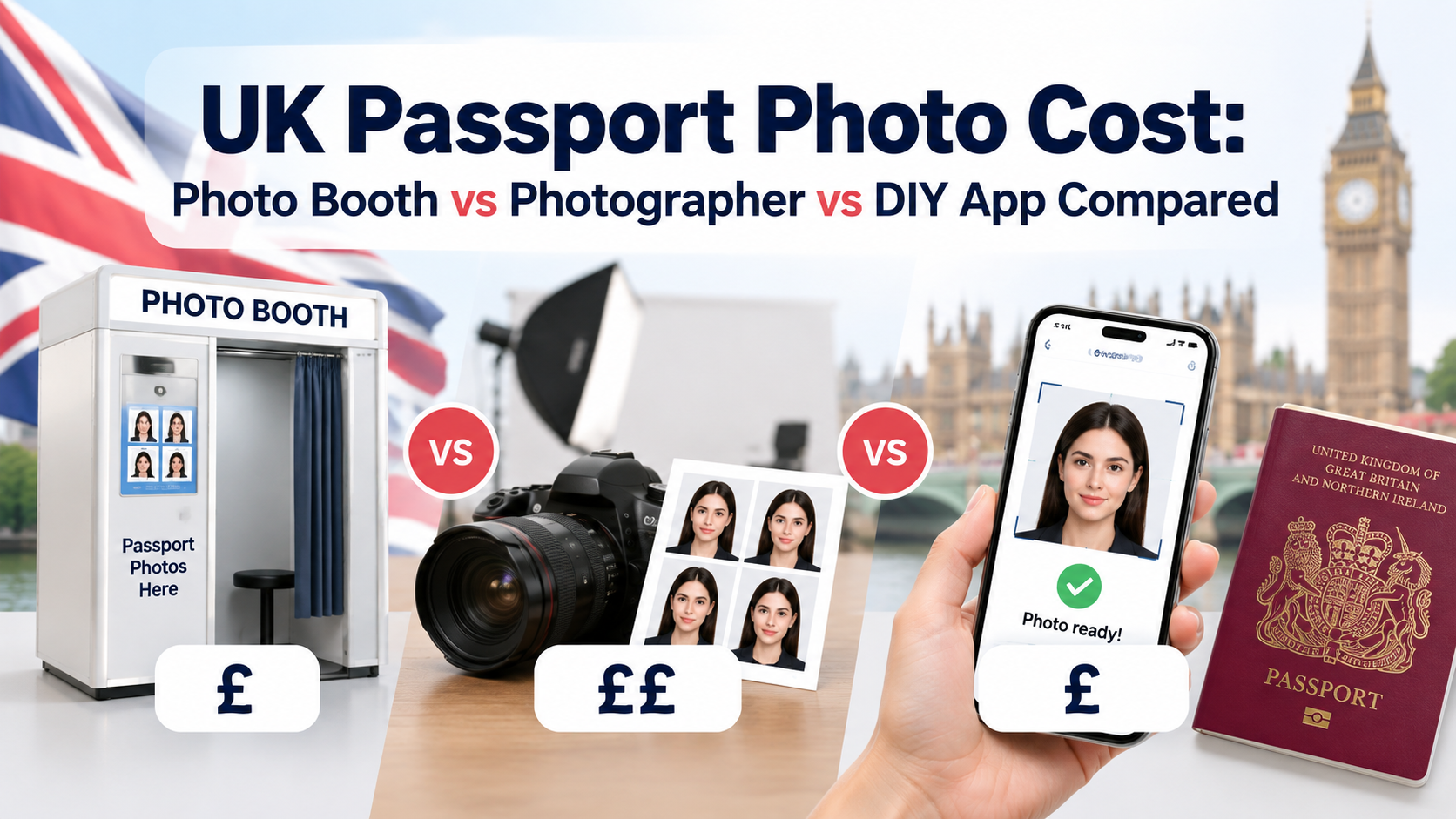
Quick answer: Typical prices are about £6–£10 for a photo booth and £8–£15 for a photographer or photo shop, while taking a digital photo with your own device can cost nothing. Prices and inclusions vary, so check whether the service supplies printed photos, a digital photo code, or both.
All three routes can work. The difference is how much help you get with lighting, framing and the passport service's automated checks. If you specifically need a digital file, see our guide to getting a digital UK passport photo.
If you prefer to prepare the file online, the UK passport photo maker can help check the crop, background, and passport-photo format before submission.
Cost and Convenience Comparison
| Option | Typical cost | What you usually receive | Convenience |
|---|---|---|---|
| Photo booth | £6–£10 | Prints, often with a digital code | Walk-in and fast |
| Photographer or shop | £8–£15 | Professional setup; prints and/or code | Staff assistance |
| DIY with your device | £0 plus any optional app fee | A digital upload from your own device | Fully at home |
These are market ranges, not fixed national prices. Check the provider and location before travelling.
What You Are Paying For
Photo booths are fast and often issue a code that adds the image directly to an online application. The booth may check basic composition, but final approval always belongs to HM Passport Office.
Photographers and photo shops provide lighting, posing and immediate retakes. Paying more can be worthwhile for children, difficult lighting or a previous rejection.
DIY photos remove the travel and service cost. GOV.UK explicitly allows another person to take your photo using your own device during the application. However, you must set up a plain light-coloured background and avoid shadows, blur and digital alteration. Our passport photo rejection guide covers the most common failure points.
Current Digital Photo Rules
A UK digital passport photo must be:
A UK passport photo maker can apply these dimensions and formatting checks to the uploaded photo.
- clear, in focus and in colour;
- unaltered by computer software;
- at least 600 pixels wide and 750 pixels tall;
- between 50KB and 10MB;
- taken against a plain light-coloured background;
- free of other people, objects, red eye and shadows.
If using your own device, include the head, shoulders and upper body and do not crop the image yourself—the online application will crop it. Avoid glasses unless you must wear them; if worn, the eyes must remain visible without glare or shadows.
When Paying More Makes Sense
A booth or photographer is useful when you want a digital code, need printed copies too, or have little time to troubleshoot. A DIY photo is reasonable when you have even light, a suitable background and someone else to operate the camera. For a wider comparison, see online passport tools versus photo studios.
FAQ
Do I need a professional photo for a UK passport?
No. HM Passport Office allows a photo taken on your own device, provided someone helps you take it and it meets the rules.
Does a photo booth guarantee acceptance?
No provider can make the final decision. A booth or shop may run checks, but HM Passport Office determines acceptance.
Should I crop a DIY photo before uploading it?
No. GOV.UK says to include the head, shoulders and upper body and let the application crop it.
What is the cheapest route?
Using your own device can be free. If you want a code or printed copies, compare local booth and shop prices as well as the cheapest passport photo options.
Bottom Line
Choose DIY for the lowest cost, a booth for speed and a digital code, or a photographer for hands-on help. Whichever route you choose, meeting the official image rules matters more than where the camera is located.
Specifications checked against GOV.UK digital passport-photo guidance on September 8, 2026. Local prices can change.
About the Author
PhotoOmni Editorial Team
The PhotoOmni Editorial Team researches official passport, visa, immigration, and identity-photo requirements. Every guide is reviewed for practical accuracy and updated when application rules, upload specifications, or government guidance change.