
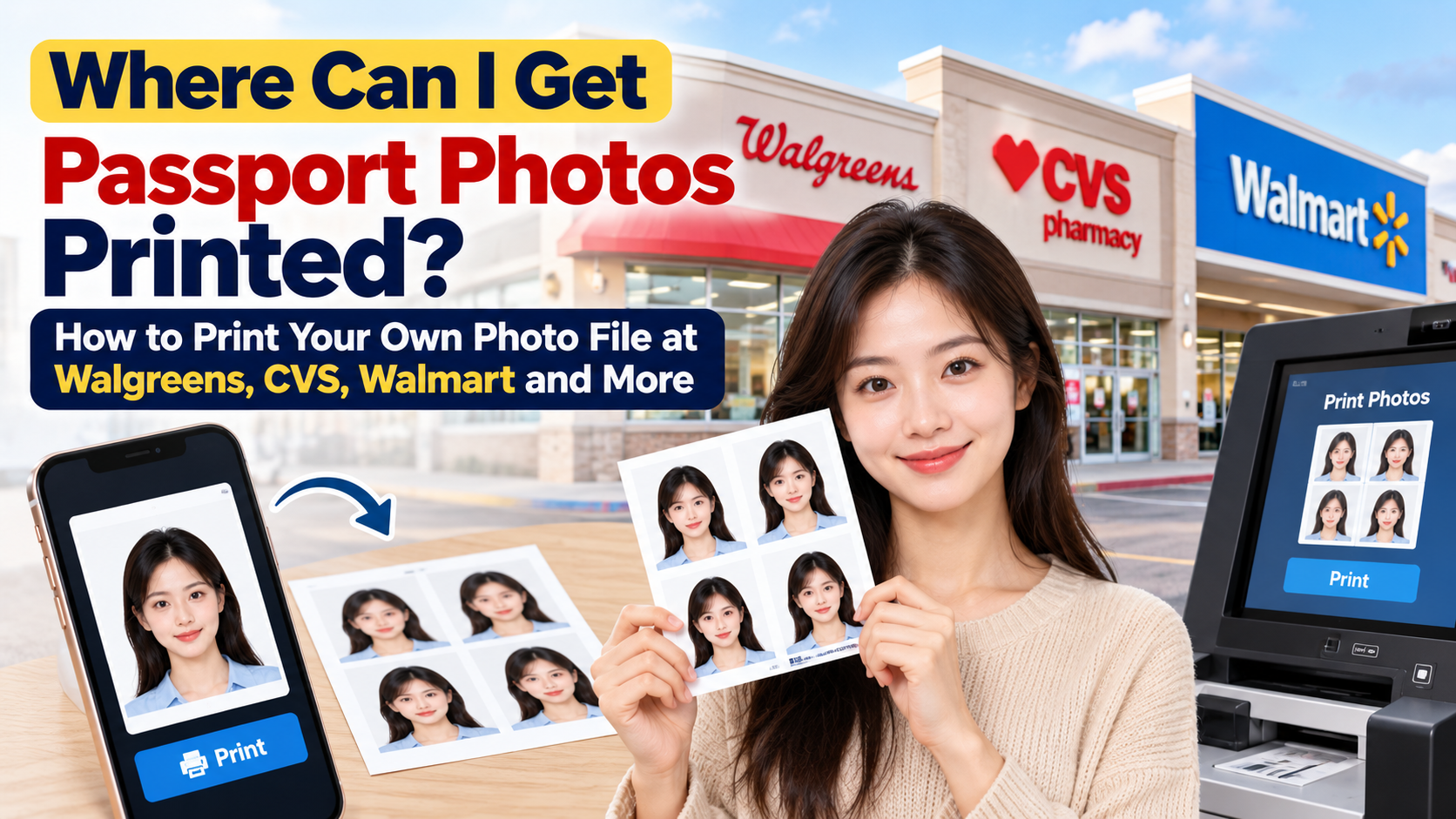
Where Can I Get Passport Photos Printed? How to Print Your Own Photo File at Walgreens, CVS, Walmart and More
Print your prepared passport photo file as a 4×6 photo sheet: compare retailers, avoid cropping and scaling, and measure the finished 2×2 prints.
Quick Answer
This guide uses the U.S. passport photo standard for paper applications.
If you already have a passport photo file, you can get it printed at Walmart Photo, Walgreens Photo, CVS Photo or a photo lab that accepts your prepared sheet by ordering it as a regular 4x6 photo print. Do not order a "passport photo service": you are only paying for printing, which can cost less than a dollar for a standard sheet at some retailers. Confirm the current product, quantity and total price; a print-only order is different from a staffed passport photo service. The key is to set up the file correctly (exactly 2x2 inches per photo, with a practical layout setting such as 300 pixels per inch), turn off auto-crop and auto-enhance, choose glossy or matte photo paper, and then measure the finished print before you submit it.
This guide only covers the bring-your-own-file route. If you still need a photo taken, see our guides on where to get passport photos near you and passport photo prices at CVS, Walgreens and Walmart.
Who This Guide Is For
This is for you if:
- You took a passport photo with your phone or a camera, or created one with an online tool, and now need a physical print.
- You are applying in person or by mail, where a printed 2x2 photo is required. (If you are renewing online, you upload a digital photo and don't need a print. See our online renewal photo guide.)
- You want to avoid paying a store's full passport photo price just to print one image.
Where You Can Print an Existing Passport Photo
| Where | How it works | Typical timing | Best for |
|---|---|---|---|
| Walmart Photo | Upload to Walmart Photo and select a participating store | One-hour or same-day options depend on product and store | Comparing low-cost photo prints |
| Walgreens Photo | Upload on the Walgreens site or app, or use an in-store kiosk | Often within about an hour, depends on the store | Convenience and long hours |
| CVS Photo | Upload on the CVS site or app, or use an in-store kiosk | Often within about an hour, depends on the store | Pharmacy location near home |
| FedEx Office / The UPS Store | Ask the particular location whether it accepts a prepared sheet on photo-quality paper | Confirm with the location | Only after paper, sizing and acceptance are confirmed |
| Online print-and-ship | Upload to a photo-printing website and have prints mailed | Several days | Only if you are not in a hurry |
| Home printer | Print on real photo paper | Immediately | Only if you have a good photo printer |
Availability, hours and prices change by location, so check your store's website or app before you go. Do not assume a retailer that takes passport photos also accepts customer-supplied files. We have not verified Target same-day photo pickup for this guide, so it is not listed as a confirmed pickup option. At any office printer, explicitly confirm photo-quality paper rather than ordinary document stock.
Why You Should Order a "4x6 Print" Instead of a "Passport Photo"
Store passport photo services bundle the camera, the backdrop, the cropping and a printed 2x2 pair into a single price. If you already have a finished file, you don't need any of that. A standard 4x6 print works because:
- It is a commonly offered photo-print size, often inexpensive.
- A 2x2 photo fits easily inside a 4x6 sheet, so you can print more than one copy at once.
- It avoids the store's passport photo workflow, which may try to retake or re-crop your image.
Compare a standard print-only order with the separate price of a passport-photo package. Package pricing may include capture and checking; ordinary printing does not automatically include either. Confirm the selected product and final checkout total.
Step 1: Prepare Your File Correctly
Print quality starts with the file. Before you upload anything:
- Photo size: exactly 2 x 2 inches (51 x 51 mm).
- Print layout: 300 pixels per inch is a practical example, giving 600 x 600 pixels for a 2x2 image. This is not a separate government requirement that the source file contain 300 DPI metadata; the finished print must have the correct size and photo quality.
- File type: JPEG is the safest format for store upload tools.
- Use an original photo: do not apply beauty filters, smoothing, facial changes or background replacement. If the lighting or real background is unsuitable, fix the setup and retake the photo.
- Head size: your head, from chin to top, should measure 1 to 1 3/8 inches (25 to 35 mm).
- Background: plain white or off-white, with no shadows.
Put the photo on a 4x6 template
Place your 2x2 photo on a 4x6 inch canvas (1200 x 1800 pixels at 300 DPI, portrait). There are two layouts:
- Safest layout (2 photos): center two 2x2 photos stacked vertically in the middle of the sheet. That leaves about a 1 inch outer margin on every side. The margin provides a buffer against edge trimming, but does not prevent the printer from scaling the entire sheet; you still need to measure the finished photos.
- Maximum layout (6 photos): a grid of 2 across and 3 down fills the entire sheet edge to edge. This is more economical, but stores sometimes trim a sliver from each edge, which can leave the outer photos slightly smaller than 2 inches. Use it only after confirming the whole sheet is printed at the intended scale; a setting labeled “fit” can still resize the sheet. Measure the result, including the outer photos.
A U.S. paper passport application generally asks for one photo. A two-photo sheet gives you a spare without an edge-to-edge layout. Follow the specific form rather than assuming a second photo must be attached.
Don't have a template? PhotoOmni can help with photo preparation and specification checks. Confirm that your chosen download includes the intended print layout. A software check does not guarantee government approval, and U.S. applicants should not rely on retouching or background replacement. Always confirm the finished file is still 2x2 inches per photo before you upload.
Step 2: Order It Online (Recommended)
Ordering from your phone or computer gives you more control than a kiosk and avoids a clerk guessing what you meant. Menu names change, but the general sequence is similar at Walmart Photo, Walgreens Photo and CVS Photo.
- Open the store's photo site or app and choose Prints.
- Upload your 4x6 template file from your computer or phone.
- Select size 4x6, not "wallet," "2x3" or "ID photo" (those sizes may force cropping).
- Choose glossy or matte photo paper. The State Department accepts either. Avoid canvas, metallic or heavily textured finishes.
- Turn off auto-enhance, auto-crop, red-eye, filters and "smart fix" options if the site offers them. These can alter color or crop your edges.
- Set quantity to the number of sheets you need (one sheet is usually enough).
- Check the preview. Make sure the entire image is shown and nothing is cut off at the edges.
- Pick a store and pickup time. Same-day or about one-hour pickup is common but not guaranteed.
- Pay and collect your order. Keep the receipt.
Step 3: Or Use an In-Store Kiosk
If you want to print right away:
- Go to the store's photo kiosk or photo counter.
- Send your file via USB drive, QR code or the store's app (options vary).
- Choose 4x6 prints.
- Disable any automatic cropping, enhancing or filters in the kiosk menu.
- Check the preview, then print and pay.
If you hit a snag, ask a photo associate to help you print a standard 4x6 photo. Explain that you have a prepared passport-photo sheet and need photo-quality printing at the intended scale; ask whether the location accepts that order.
If the store does not accept this type of file, ask about an approved service or choose another printer that accepts it. Follow the retailer's ordering policy.
Step 4: Check the Print Before You Leave
Before you walk away, and definitely before you submit the application:
- Measure it with a ruler. Each photo should be 2 inches wide and 2 inches tall.
- Measure your head from the bottom of your chin to the top of your head: 1 to 1 3/8 inches.
- Look for crop damage: the head should be centered and fully visible at the required size. Do not confuse the edge of a large hairstyle with the anatomical top of the head.
- Check color and sharpness: the background should still look white or off-white, with no pink, blue or gray cast, and no pixelation or banding.
- Check the paper: it should be real photo paper (glossy or matte), not regular copy paper.
- Check for damage: no creases, ink marks, stickers, or stains.
If the print is off, identify whether the problem is scaling, cropping, print quality or the source photo. Correct print settings for layout problems; retake an unsuitable source image. It's cheaper to reprint than to have your application delayed.
Step 5: Cut and Submit
- Use a paper cutter or sharp scissors for straight edges. Cut exactly on the 2x2 boundary.
- Follow your application form's instructions for attaching the photo. Do not damage the image surface or improvise the attachment method.
- Bring a spare in case the facility asks for another.
Common Mistakes When Printing Your Own Passport Photo
- Ordering the wrong size. A "2x2" or wallet-size option may be a different dimension than you think. Order 4x6 and cut.
- Letting auto-crop run. This is the most common reason a print ends up with the wrong head size or off-center.
- Printing on plain paper. Office or copy paper isn't acceptable. Use photo paper.
- Using a photo that was filtered or retouched. Even mild beauty effects can make an application get rejected.
- Not measuring the result. Check the printed size, not the file size.
- Using a screenshot or low-resolution image. Pixelation will show up in print.
If the source photo has unsuitable lighting, background or appearance changes, retake it before printing rather than attempting digital repairs. Our guide on why passport photos get rejected lists the most common problems.
Cost Comparison: Printing Only vs. a Passport Photo Package
The examples below were checked on October 15, 2026. Product selection, store, finish, quantity, taxes and promotions can change the final total.
| Option | What you pay for | Price information to use |
|---|---|---|
| Walmart Photo 4x6 matte listing | Printing a file you supply | Listed $0.18; confirm pickup method and selected finish |
| CVS 4x6 glossy product | Printing a file you supply | Listed from $0.42 each; confirm store availability |
| Walgreens prints | Printing a file you supply | Category advertised prices from $0.29 across sizes; confirm the actual 4x6 order price |
| Store passport-photo package | Capture, prints and any included checking or digital file | Compare the provider's current package price and inclusions |
| Mail-order photo lab | Prints plus any shipping | Include shipping and delivery time in the comparison |
A category's “from” price may apply to another size or quantity. Do not treat it as a guaranteed price for one 4x6 sheet. For staffed-service comparisons, see our passport photo price guide.
Frequently Asked Questions
Can Walgreens or CVS print a passport photo I already have?
Yes, in most cases. Upload your file and order it as a standard 4x6 photo print. Make sure your file is already correctly sized and compliant, because the store won't check it for you when you only order a normal print.
Where is the cheapest place to print passport photos?
Compare the total checkout price at nearby photo printers. Include minimum quantities, coupons, travel and shipping. The lowest advertised unit price is not automatically the cheapest usable order.
Can I print a passport photo at home?
Yes, if you use a good photo printer and real photo paper, and the printed photo measures exactly 2x2 inches with accurate color. Plain paper or a low-quality inkjet print may be rejected.
Do I need a special paper for a passport photo?
Use photo paper with either a glossy or matte finish. Avoid canvas, textured, metallic or plain paper.
How many photos do I need?
For most applications, you need one photo, though it's smart to bring a spare. A 4x6 sheet gives you two or more.
Will the store check if my photo meets the requirements?
Not if you order it as a generic print. The compliance check is your responsibility. Use a checker, such as PhotoOmni, before you print.
Can I use a printed passport photo for online renewal?
No print is needed for online renewal. You upload a digital photo instead.
What if the store won't print my passport photo?
Ask which service the store accepts, or choose another printer that accepts your prepared file. Do not bypass a stated store policy.
Bottom Line
To get a passport photo printed from a file you already have, upload it as a 4x6 print at a participating photo printer such as Walmart Photo, Walgreens Photo or CVS Photo, with auto-crop and auto-enhance turned off, on glossy or matte photo paper. Center the photos on the sheet with margins, measure the result with a ruler, then cut it to exactly 2x2 inches. Before you print, run your file through PhotoOmni to help check the preparation, then compare the result with official requirements. The issuing authority makes the acceptance decision.
Official Sources
- U.S. Department of State: passport photo size, paper, quality and original-image requirements
- Walmart Photo: 4x6 matte prints, pickup and delivery options
- CVS Photo: 4x6 glossy prints and store availability
- Walgreens Photo: print sizes and category pricing
- Walgreens Photo: glossy and matte print details
Store timing is an estimate, not a guarantee. Wait for the ready-for-pickup notification before traveling.
About the Author
PhotoOmni Editorial Team
The PhotoOmni Editorial Team researches official passport, visa, immigration, and identity-photo requirements. Every guide is reviewed for practical accuracy and updated when application rules, upload specifications, or government guidance change.