USCIS photo guide
Your Guide to USCIS Immigration Photos
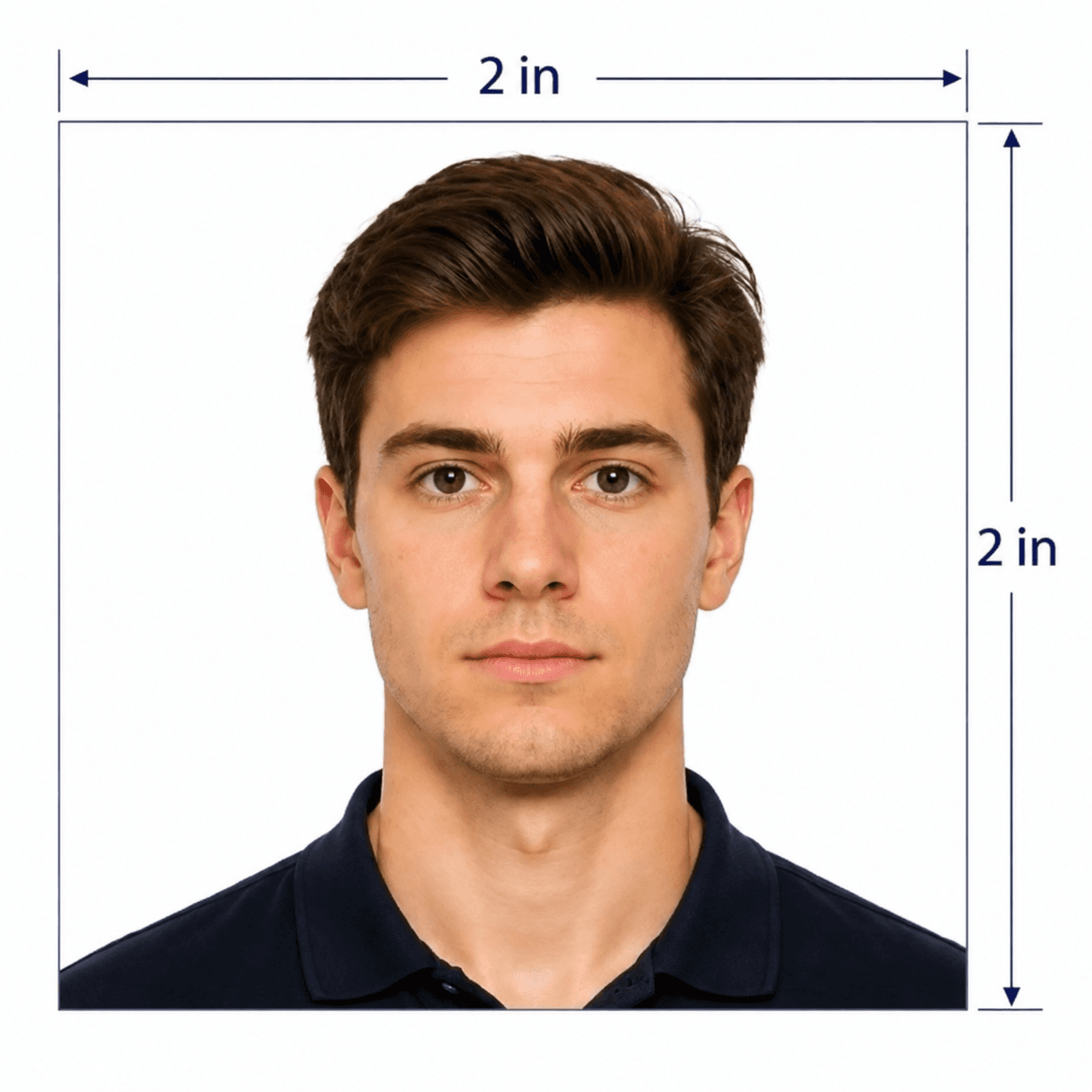
USCIS photos use the same 2 x 2 inch biometric format as US passport photos, but they can appear across many immigration forms. PhotoOmni prepares a compliant digital and print-ready file for your filing.
USCIS photo requirements
These are the core photo rules we prepare and review for immigration forms, green card filings, EAD, advance parole, and naturalization paperwork.
Photo size
2 x 2 inches (51 x 51 mm)
Head size
1 to 1 3/8 inches from chin to top of head
Background
Plain white or off-white
Expression
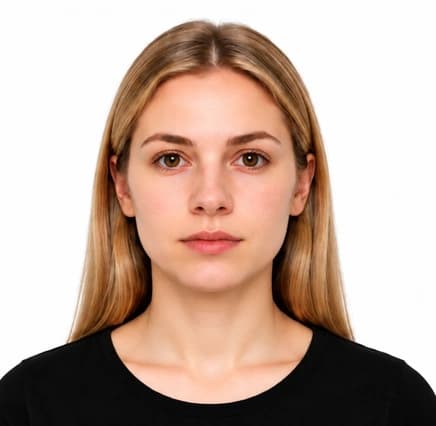
Neutral expression or natural smile, both eyes open
Glasses
Not allowed except rare documented medical cases
Age of photo
Taken within the last 6 months
How to take a USCIS photo at home
Start with a plain, well-lit photo and avoid accessories that can delay a filing.
- Face the camera directly with both eyes open.
- Use even front-facing light and avoid shadows behind the head.
- Remove glasses, hats, headphones, uniforms, and camouflage.
- Keep hair away from the eyes and face outline.
- Leave enough space around the head and shoulders for final cropping.
Common reasons USCIS photos are rejected
USCIS photo problems are usually caused by biometric framing or image-quality issues.
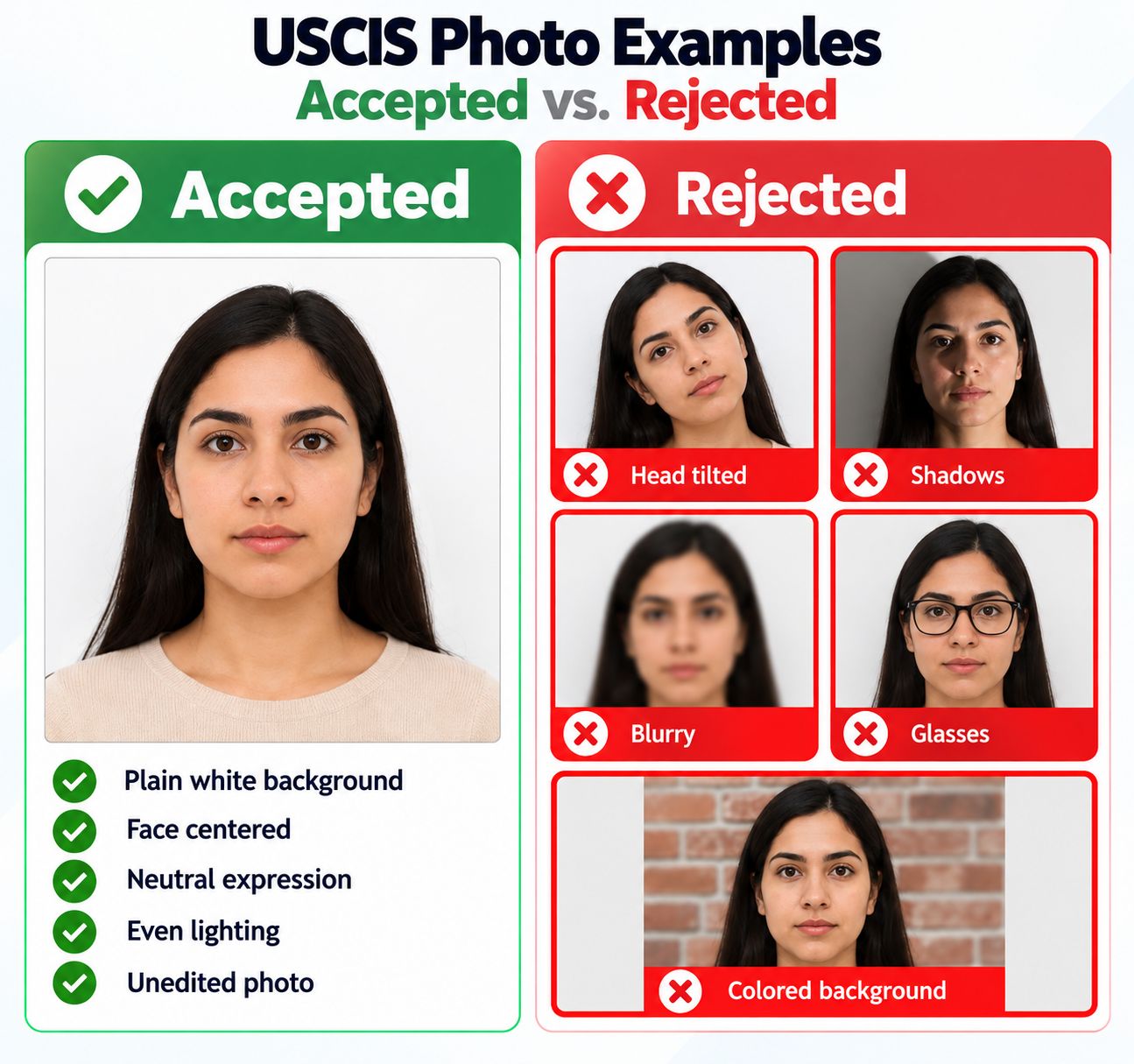
- The head is too large, too small, tilted, or not centered.
- The background is not plain white or has visible shadows.
- The image is blurry, filtered, compressed, or poorly lit.
- Glasses, uniforms, hats, headphones, or non-religious head coverings are visible.
PhotoOmni vs. online tools vs. photo studios
PhotoOmni gives you an online workflow with expert review before you attach the photo to an important immigration filing.
Convenience
- PhotoOmni
- Upload from home in minutes
- Other online tools
- Usually online
- Traditional photo studios
- Requires a store visit
Peace of mind
- PhotoOmni
- AI pre-check plus expert approval
- Other online tools
- May lack expert review or charge extra for it
- Traditional photo studios
- Depends on local staff
Expert adjustments
- PhotoOmni
- Included when needed
- Other online tools
- Varies by service
- Traditional photo studios
- Usually retake-based
Digital file
- PhotoOmni
- 600 × 600 px color JPEG
- Other online tools
- File type and size vary
- Traditional photo studios
- May not include a digital file
Print-ready file
- PhotoOmni
- PDF sheet with 2 × 2 in photos
- Other online tools
- May be limited or extra
- Traditional photo studios
- Usually requires separate printing
Rejection protection
- PhotoOmni
- 100% refund for photo-quality rejection
- Other online tools
- Policy varies
- Traditional photo studios
- Policy varies by shop
Total price & inclusions
- PhotoOmni
- One-time fee of $5.99
- Other online tools
- Add-ons can cost $3–$10+
- Traditional photo studios
- Often $15+; files vary