
Passport Picture Ratio: Square vs Rectangular Photos and How to Crop Correctly
Compare square and rectangular passport photo formats, calculate crop boxes and check head size without stretching or breaking online application rules.
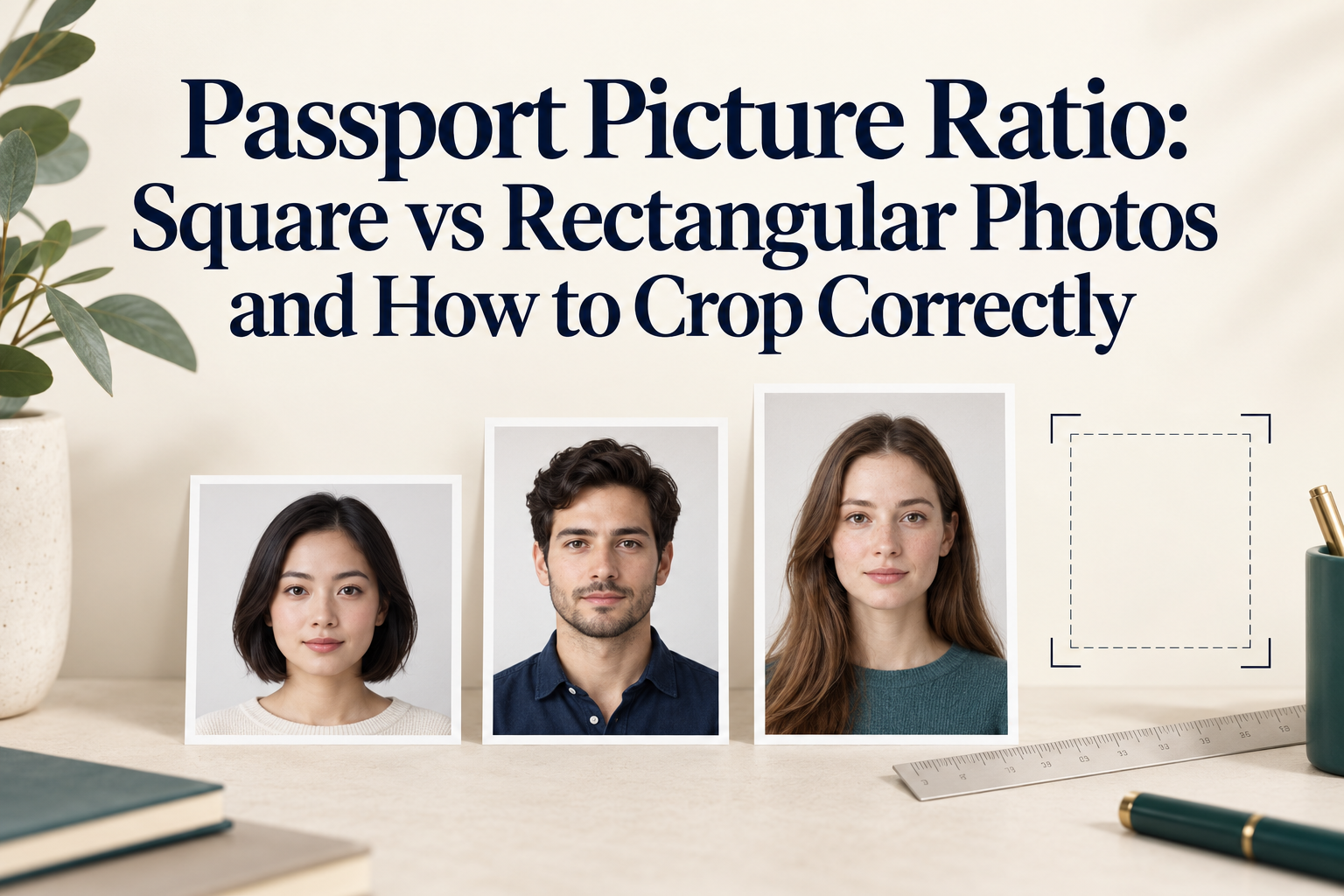
Official requirements and crop calculations checked October 24, 2026.
Quick Answer
The passport picture ratio depends on the country. A U.S. passport photo is square, 1:1 (2 × 2 inches, 51 × 51 mm). A UK printed passport photo is 35 × 45 mm, a 7:9 rectangle. A Canadian printed passport photo is 50 × 70 mm, a 5:7 rectangle. To crop correctly, pick the ratio for your document, crop from the original photo rather than stretching it, then adjust the zoom so the head height falls inside your country's allowed band. The ratio sets the shape of the frame and the zoom sets the head size, and you need both right. A tighter crop can make the head occupy a larger share of the frame, but it cannot restore missing detail. Retake the photo if the required crop leaves too few pixels, cuts off required margins or exposes blur; use an appropriate camera distance to avoid facial distortion.
1. Why Guides Give Different Answers
One ratio is not "the" passport ratio. Some guides say passport photos are square, and others say 7:9, which is correct for 35 × 45 mm formats. Both are right for their countries.
Head size claims conflict. One guide states that the head occupies 70 to 80% of the photo height "in all standards." That is not true. The U.S. band works out to about 50 to 69% of a 2-inch frame, the UK band to about 64 to 76% of a 45 mm frame, and Canada's to about 44 to 51% of a 70 mm frame.
Digital specs are mixed up. Some guides, including different pages from the same publisher, give a U.S. digital spec of JPEG, 240 KB maximum, and 600 pixels, which belong to visa applications. The State Department's online passport renewal page lists JPG, JPEG, PNG, HEIC and HEIF files from 54 KB to 10 MB.
Pixels and ratio are different things. The UK digital rule asks for at least 600 pixels in width and 750 in height. The numbers 600:750 simplify to 4:5, but minimum dimensions do not impose an exact 4:5 ratio on every submitted image. The 35 × 45 mm printed format is 7:9. For an own-device online application, do not pre-crop the photo; follow the application’s framing process.
Positioning rules vary. Some official templates include eye-position measurements in addition to head height. Use the current template for your exact document and application route; do not assume another document’s template is interchangeable.
Crop versus stretch. Some "resize to passport size" tools and guides force the picture into the target dimensions. Forcing the ratio by scaling width and height separately distorts the face.
2. Ratios and Head Size by Country
| Country | Print size | Ratio | Decimal (width ÷ height) | Head or face height | Head as share of frame height |
|---|---|---|---|---|---|
| United States | 2 × 2 in (51 × 51 mm) | 1:1 | 1.000 | 1 to 1⅜ in (25 to 35 mm) | about 50 to 69% |
| United Kingdom | 35 × 45 mm | 7:9 | 0.778 | 29 to 34 mm | about 64 to 76% |
| Canada | 50 × 70 mm (2 × 2¾ in) | 5:7 | 0.714 | 31 to 36 mm | about 44 to 51% |
The percentages are approximate calculations from the listed physical head-height bands and frame heights. They are explanatory comparisons, not replacement official rules. Measure from the chin to the crown or top of the head as defined by the authority, not to the outer edge of a voluminous hairstyle.
Digital routes differ from print
| Route | What matters |
|---|---|
| U.S. online renewal | JPG, JPEG, PNG, HEIC or HEIF, 54 KB to 10 MB; upload an original unedited image and reposition or crop inside the application |
| UK online, own device | At least 600 × 750 pixels; do not crop, because the application does it |
| Canada, paper | A 50 × 70 mm print; adults and children need photos taken by a commercial photographer or studio; online renewal uses a separate digital photo, also taken in person by a commercial photographer or studio |
Ratio is one part of preparation. It does not override requirements about who takes the photo, whether editing is allowed or whether the application must do the cropping. A home-prepared Canadian file is not a substitute for the required commercial photography process.
3. The Crop Math
Phone photos often use 4:3 or 3:4, although camera settings and devices vary. To crop to a target ratio, keep one side of the original and calculate the other:
- Target width ÷ height = r. Square is 1.000, 7:9 is 0.778, and 5:7 is 0.714.
- If your photo is taller than the target shape (a ratio below r for width ÷ height), keep the full width and crop the height to width ÷ r.
- If your photo is wider than the target shape, keep the full height and crop the width to height × r.
Worked examples on a 3,000 × 4,000 pixel portrait photo (ratio 0.75):
| Target | Calculation | Crop box |
|---|---|---|
| 1:1 (U.S.) | Keep width 3,000; height = 3,000 ÷ 1 | 3,000 × 3,000 |
| 7:9 (UK) | Keep width 3,000; height = 3,000 × 9 ÷ 7 | 3,000 × 3,857 |
| 5:7 (Canada) | The photo is wider than 5:7, so keep height 4,000; width = 4,000 × 5 ÷ 7 | 2,857 × 4,000 |
Print sizes convert to pixels with pixels = millimetres ÷ 25.4 × DPI. At 300 DPI, a 2 × 2 inch print is 600 × 600 pixels, a 35 × 45 mm print is about 413 × 531, and a 50 × 70 mm print is about 591 × 827. A crop box from your original is usually far larger, so scale it down only at the end.
4. How to Crop Correctly, Step by Step
- Pick the ratio for your document and route. U.S. print, 1:1. UK print, 7:9. Canada print, 5:7. For a UK online upload, do not crop at all.
- Shoot with room to spare. Use the rear camera at 1× in portrait, with the whole head and shoulders in frame and space around them. The State Department's own advice is to leave a little extra room when you are not sure.
- Crop from the original, never from a screenshot, a chat-app copy or an already-cropped image.
- Set the crop box to the target ratio and move it so the head is centred horizontally.
- Adjust the framing to meet the head-height band. Measure from the bottom of the chin to the crown or anatomical top of the head as defined by the issuing authority. Do not measure to the highest point of the hair. Compare with the table and the official template.
- If the head is too small, try a tighter crop only where your route allows it and sufficient original detail and margins remain. If the result is blurry, undersized or missing required framing, retake the photo using a suitable distance and composition. Moving very close can distort the face.
- Keep the whole head and shoulders inside the crop with the margins your authority expects.
- Check the ratio by dividing width by height, and for prints measure with a ruler.
- Export once at high quality, and keep the original file.
5. Cost and Time
| Option | Cost | Time |
|---|---|---|
| Crop yourself in a photo editor | Free | 5 to 15 minutes, with trial and error |
| Print a 4 × 6 inch template at a retailer | Typically cents per print | Often same-day pickup |
| PhotoOmni passport photo | One-time $5.99, as listed on its document pages; see current pricing | About 3 to 15 minutes |
| In-store photo service | Check the retailer and selected location for the current price | Availability varies |
6. Common Mistakes
- Using the wrong ratio for the country. A square U.S. crop is not a 7:9 UK crop.
- Stretching a photo to fit. Scaling width and height separately distorts the face.
- Padding to reach the ratio, which adds bars and non-plain edges.
- Centring the face but missing the head-size band. Centred is not the same as the right size.
- Cropping an already low-resolution face too tightly and expecting detail to be restored.
- Cropping a UK own-device photo, which the application does for you.
- Treating "70 to 80% of the height" as a universal rule. It is not.
- Cropping from a screenshot or chat-app copy, which lowers the resolution.
- Forgetting that the pixel minimum still applies, such as 600 × 750 for UK uploads.
- Auto-fit at a print kiosk, which changes the crop.
7. PhotoOmni vs Other Ways to Crop
| Method | Best for | Watch out for |
|---|---|---|
| Photo editor crop | Free, full control | You must measure head size yourself |
| Bulk resizer | Compressing or renaming after framing | Crop-to-fill and stretch can ruin a face |
| PhotoOmni, for US passport or UK passport photos | Cropping to the document's dimensions with an AI check and expert review | No tool can guarantee acceptance; Canadian passport photos require in-person commercial photography, and US/UK online routes have restrictions on editing and pre-cropping |
Before using an editor, confirm your application permits the intended processing. For US online renewal, use the original unedited capture and crop within the official application; for UK own-device online applications, do not pre-crop. PhotoOmni describes its service as AI-checked and expert-verified, with a refund guarantee for photo-related rejection, so see the refund policy for terms. For shooting guidance, see our home passport photo guide, requirements guide and Android passport photo guide.
8. Checklist
- I know the ratio for my country and route
- The photo is cropped from the original, not a copy
- The crop box matches the ratio, with width ÷ height checked
- The head is centred and inside the allowed band
- I did not stretch or pad the photo
- The final crop retains enough original detail, required margins and the correct head-height band
- For UK online uploads, I did not crop and the file is at least 600 × 750 px
- Prints are exactly the right size, measured with a ruler
- I kept the original file
9. FAQ
What is the aspect ratio of a passport photo? It depends on the country: 1:1 for the United States, 7:9 for 35 × 45 mm formats such as the UK, and 5:7 for Canada's 50 × 70 mm photo.
Is a passport photo square or rectangular? U.S. passport photos are square (2 × 2 inches). UK and many other countries use a portrait rectangle (35 × 45 mm), and Canada uses a taller one (50 × 70 mm).
How big should my head be in a passport photo? In the U.S., 1 to 1⅜ inches from chin to top of head, about 50 to 69% of the frame. In the UK, 29 to 34 mm, about 64 to 76% of the height. In Canada, 31 to 36 mm for the face, about 44 to 51%.
Can I crop a photo to passport size on my phone? Only if your country and route allow that preparation method. For an allowed print workflow, crop from the original and check head size. Canadian passport photography must be done in person by a commercial photographer or studio. For a UK online application, do not crop; for U.S. online renewal, you can reposition or crop inside the application.
Why does stretching a passport photo cause problems? Scaling width and height separately changes the face's proportions. Crop to the ratio instead.
What if my head is too small after cropping? A tighter crop can increase the head’s share of the final frame if sufficient original pixels and margins remain and your application allows cropping. It cannot create missing detail. Retake if the crop becomes blurry or fails the required pixel dimensions; do not move so close that perspective distorts your face.
Is a 600 × 750 pixel image the same ratio as a 35 × 45 mm photo? No. Exactly 600 × 750 is 4:5 and 35 × 45 is 7:9. The UK figure sets minimum width and height, not an exact required ratio for every upload. For an own-device online application, let the application crop your photo.
What ratio should I use for a Canadian passport photo? 5:7 for the 50 × 70 mm paper photo. Canadian passport photos must be taken in person by a commercial photographer or studio; online renewal has a separate digital specification.
Do I need to know the ratio if I use an online tool? Usually the tool locks it for you, but it is worth knowing so you can spot a wrong preset.
Final Take
The passport picture ratio is the shape of the frame, and the head-size band is how much of it your face fills. Get both right: choose the ratio for your document, crop from the original without stretching, and retake the photo if a permitted crop cannot meet the head-size, quality and margin requirements. If you want help with cropping and framing for a specific document, PhotoOmni checks your photo before you submit.
Official Sources
- U.S. Department of State: passport photo requirements
- U.S. Department of State: upload an original photo for online renewal
- U.S. Department of State: passport photograph measurement guidance
- GOV.UK: digital passport photos and no pre-cropping
- GOV.UK: printed-photo guidance for photographers
- Canada: paper and digital passport photo requirements
- PhotoOmni: current pricing
About the Author
PhotoOmni Editorial Team publishes guides to passport and visa photo requirements, digital image preparation and printing. PhotoOmni also offers paid photo services; this guide is published by PhotoOmni. Always follow the issuing authority’s current instructions.