
USCIS Photo Requirements 2026: The Complete Guide
USCIS photo requirements explained: distinguish requested application evidence from authorized biometrics, and crop or resize a file only when accepted.
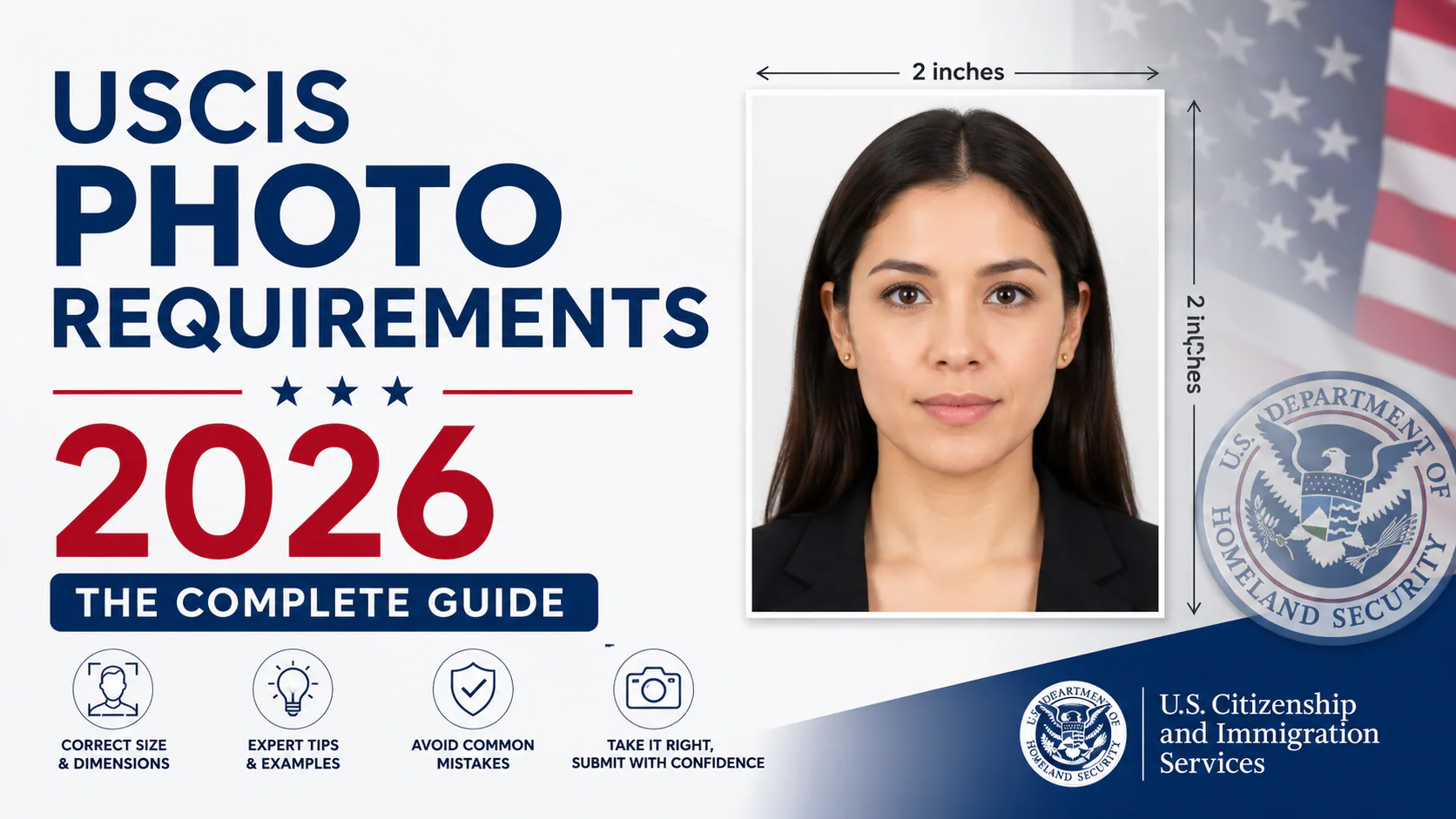
USCIS photo requirements start with two questions: does your filing request a photograph as evidence, and how will USCIS collect the photo used on your identity document? These are different steps. A photo editor can prepare a requested file; it cannot replace an authorized biometrics appointment.
Quick Answer
USCIS's December 12, 2025 photo-policy announcement limits the reuse of photographs used for immigration identity documents and says those photos must be collected by USCIS or other authorized entities. I-90, I-485, N-400 and N-600 require a new photograph regardless of when the previous one was collected.
Separately, a form's instructions or an online evidence field may explicitly request passport-style photographs. Follow that request as well as any biometrics notice. Do not assume that an uploaded portrait will be used on your card, or that a biometrics policy announcement lets you omit requested application evidence.
For I-765, OPT or STEM OPT, check the current I-765 instructions and your account's evidence checklist. Do not rely on a blanket claim that every applicant needs two prints, that every applicant needs a digital upload, or that there is a universal “transition period.”
Step 1: Check the Form and Photo-Collection Notice
| Situation | What to do |
|---|---|
| The form or online evidence checklist requests a photograph | Provide the specified evidence in the stated format and quantity |
| USCIS sends a biometrics appointment notice | Attend or follow its official rescheduling instructions; a shop photo does not replace it |
| The filing is I-90, I-485, N-400 or N-600 | Check the new-photo collection requirement and the applicable form instructions |
| The filing is I-765, OPT or STEM OPT | Read the current form/category instructions, online prompts and any notices together |
| Instructions appear inconsistent | Ask USCIS through the official contact route before deciding to omit evidence or an appointment |
This distinction also matters when searching for green card photos near me. A pharmacy that takes passport-style prints is not automatically an authorized USCIS biometrics provider. Our ID photo location guide explains questions to ask before paying.
Step 2: Photo Specifications When Passport-Style Evidence Is Requested
When the applicable instructions request a 2×2-inch passport-style photograph, prepare the dimensions and composition shown by that form. The I-765 instruction document is the form-specific reference; open it from the current form page so you use the relevant edition.
| Item | Preparation check |
|---|---|
| Physical size | 2×2 inches when that is the stated requirement; approximately 51×51 mm |
| Portrait | A colour, front-facing photograph showing your current appearance |
| Background | Follow the form's white-to-off-white background instruction where specified |
| Head placement | Use the form's head and eye-position measurements, not just a square crop |
| Digital output | Follow the actual file type, pixel target and size limit shown by the upload field |
| Printed output | Use the requested number, paper specification and any instructions for labelling the back |
| Photo age | Follow the applicable form or notice; do not apply one age limit to every USCIS filing |
Removing glasses helps avoid glare and hidden eyes. Head coverings, appearance exceptions and accommodations should be checked against the applicable instructions. The Department of State's November 2016 visa/passport glasses rule should not be presented as a universal USCIS policy without a USCIS source.
USCIS Photo Tool: Crop, Resize and Check a Requested File
Searches such as USCIS photo tool, USCIS photo cropping tool or convert photo to USCIS requirements often refer to preparing passport-style evidence. A third-party tool is not USCIS, and the Department of State cropper is not proof of immigration-photo approval.
Use this workflow only when your filing expressly accepts a self-prepared photo:
- Keep an original portrait. Use even lighting and the required plain background. Turn off beauty filters and keep your face facing forward.
- Choose the correct document. Use a USCIS-specific photo preset, not a U.S. visa or passport preset solely because all three may use a square frame.
- Check framing. A 2×2 crop still needs the correct head size and eye position. Do not stretch the image or cut off the head.
- Export to the upload field's requirements. Physical inches alone do not establish a digital pixel target. Do not import the DS-160 240 KB limit unless your own field states it.
- Inspect the file properties and preview. Confirm the real image format, dimensions, file size and applicant identity before submitting.
- Retake if needed. A file converter cannot repair a poor likeness, blur or face-obscuring shadows without risking inappropriate alteration.
If an upload fails, distinguish a format/size error from a portrait-quality problem. Convert from the original rather than repeatedly compressing a small file. Renaming the extension is not a format conversion.
How Many Photos Do You Need?
Use the evidence list for each form and filing method. Do not automatically buy six photos because I-485, I-765 and I-131 are filed together. The existence of several forms does not establish one common photo quantity or collection route.
Keep a copy of the instructions you followed and the upload confirmation. A technical upload success does not establish that the portrait meets every rule or that it will replace an authorized photo collection.
What If USCIS Requests Another Photo?
Read the notice for the exact requested item, delivery method and deadline. A Request for Evidence and a biometrics appointment are different notices. Do not assume an 84-day response period or a guaranteed RFE before a decision; use the deadline and instructions in your own notice.
For retakes, first address the physical cause: lighting, background, camera distance or pose. See the OPT photo rejection guide for related troubleshooting, and verify the current form instructions before applying a general checklist.
Frequently Asked Questions
Is there one official USCIS cropper for every form?
Do not assume so. Follow the tools and prompts in the actual filing workflow. A third-party photo editor is a preparation service, not an authorization to collect biometrics or approve a photo.
Does an I-765 photo upload replace my biometrics appointment?
No. Complete an explicit evidence request and follow any appointment notice separately.
Can I use a U.S. passport photo?
Only if the applicable instructions accept it and it meets the required age, composition and output specifications. Matching the square shape is not enough.
Can PhotoOmni help?
It can help check and prepare supported photo output when your filing accepts a self-prepared file or print. It cannot replace USCIS collection of the photograph used for a secure identity document.
Official Sources
- USCIS photo-policy announcement
- USCIS Policy Manual: biometrics collection
- Form I-765 and current instructions
- USCIS Contact Center
Updated October 5, 2026. Read the current instructions for your form, filing method and any USCIS notice.
About the Author
Emma Richardson Senior ICAO Photo Compliance Expert, PhotoOmni
Emma Richardson is the Senior ICAO Photo Compliance Expert at PhotoOmni. With 12+ years of experience in passport and visa photo verification, she has helped applicants achieve 820,000+ successful photo approvals across 100+ countries and territories. She specializes in global passport photo requirements, ICAO-compliant photo standards, and biometric image verification.
Related Articles
- [How to Take a Passport Photo at Home (2026 Guide)](/en/blog/how-to-take-a-passport-photo-at-home-2026-guide)
- Passport Photo Requirements: The Complete 2026 Guide
- Why Was My Passport Photo Rejected? 15 Common Reasons & Fixes
For permanent-residence applications, see our green card photo requirements guide and check the instructions for your specific USCIS form.