
Wallet Size Photo Maker

Make 2 × 3 or 2.5 × 3.5 inch wallet photos for keepsakes, graduation cards and gifts. Upload a photo, adjust your crop and download your print sheet.

Start with a photo

AI checkedExpert verifiedExpert refinementRefund guarantee
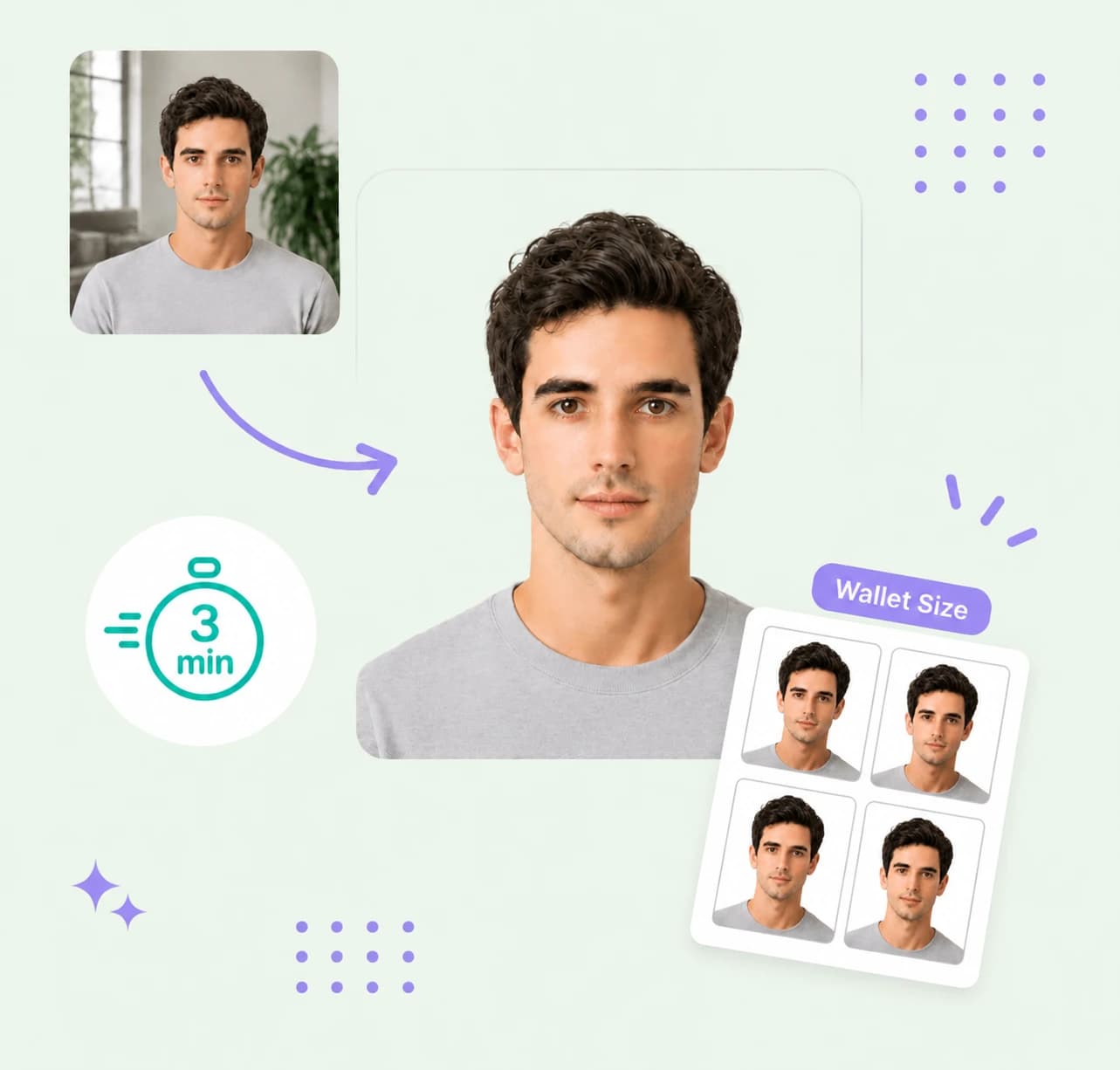
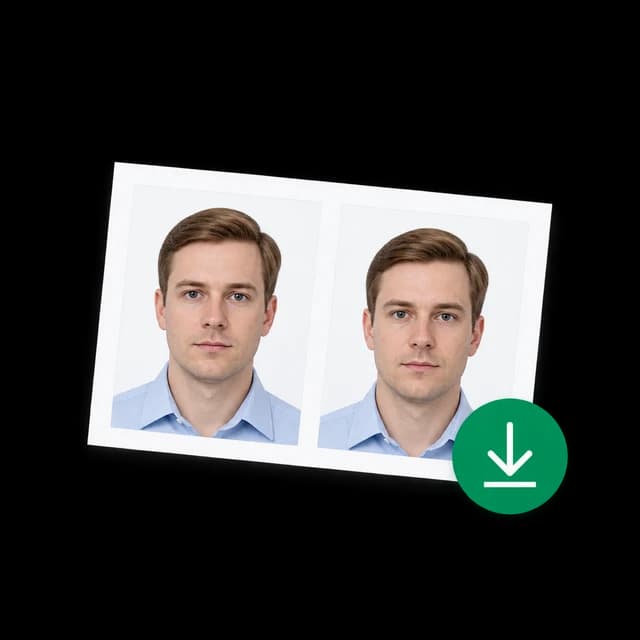
Wallet size photo preparation example with four matching portrait prints

Photo specifications

Compact wallet size
2 × 3 in · 50.8 × 76.2 mm
Larger wallet size
2.5 × 3.5 in · 63.5 × 88.9 mm
Background
Keep your original background
Resolution
600 × 900 or 750 × 1050 px
Print sheet
4 × 6 in · 4 small or 2 larger photos
Output
Single PNG and print-ready sheet

How PhotoOmni Works

Get your document photo in just three simple steps.

  1. Photo upload

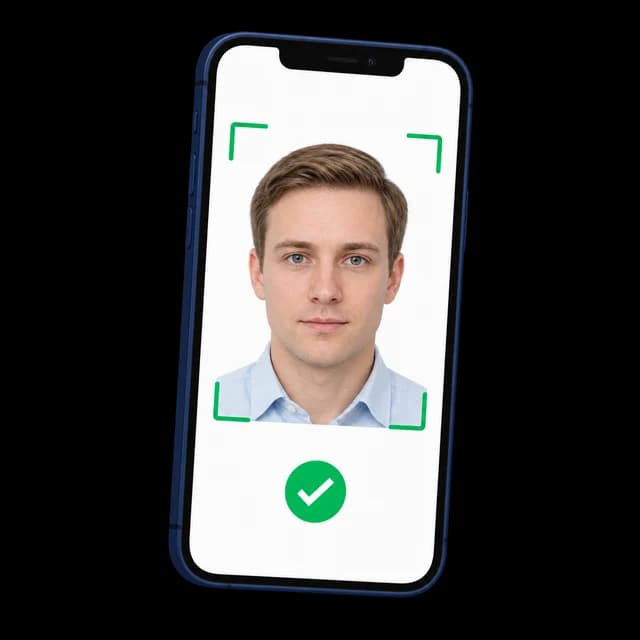
    Upload a favorite portrait, family photo or pet picture to make a wallet photo online.

  2. Choose your size & crop

    Choose 2 × 3 or 2.5 × 3.5 inches, then adjust your wallet size image with the crop, zoom and position controls.

  3. Get your digital photo file

    Download your single photo or a 4 × 6 sheet for wallet size photo prints at home or through your chosen lab.

Wallet size photo guide

Wallet Size Photo Dimensions & Uses

Turn your favorite people, pets and memories into wallet sized photos for sharing or keeping close. Choose your wallet size picture size to fit a sleeve, mini frame or album, then crop and download your files.

Wallet size photo dimensions

Wallet size is a print format with two common sizes. Measure your wallet sleeve, frame or album pocket before choosing. The sizes below are exact; 51 × 76 mm is a rounded name for 2 × 3 inches.

Compact wallet
2 × 3 inches = 5.08 × 7.62 cm = 50.8 × 76.2 mm
Larger wallet
2.5 × 3.5 inches = 6.35 × 8.89 cm = 63.5 × 88.9 mm
Pixels at 300 PPI
600 × 900 pixels for 2 × 3; 750 × 1050 pixels for 2.5 × 3.5
Print sheet
4 × 6 inches, 1200 × 1800 pixels: four compact photos or two larger photos
Background
Keep your original background. Personal wallet photos have no universal white-background or head-height requirement.
File format
Upload JPG, PNG or WebP (up to 20 MB); download a PNG photo and print sheet.

When do you need wallet size photos?

Small photos for carrying, sharing and keeping your favorite memories close.

Keep loved ones in your wallet

Keep a photo of your partner, family or pet in your wallet for an everyday reminder of who matters.

Share school and graduation portraits

Make small copies of school or graduation portraits to share with classmates, friends and family.

Add a personal touch to a gift

Tuck a favorite photo into a birthday card, anniversary gift or thank-you letter.

Fill mini frames and scrapbooks

Fit your favorite pictures into mini frames, journals and albums where larger prints take up too much space.

Make family and wedding keepsakes

Share wedding, newborn or family reunion photos as small keepsakes for guests and relatives.

Take a memory along when you’re apart

Give someone moving away or traveling a small photo to carry a shared memory with them.

5 tips for making wallet photos at home

The 2x3 photo maker works best with a sharp original and a crop that leaves room around faces.

  • Start with a sharp, full-resolution original instead of a screenshot or thumbnail.
  • Choose a close composition so faces are easy to recognize at a small size.
  • Leave space around heads and shoulders to avoid cutting people off.
  • Use the 2x3 photo generator to resize your existing picture; it does not generate a new face or restore missing detail.
  • Keep a background you like: personal wallet pictures do not need passport-style white backgrounds.
Printing tip: Print the sheet at exactly 4 × 6 inches and disable automatic cropping or enlargement. Measure one test print before printing more copies. Walgreens lists 2 × 3 wallets; Shutterfly describes approximately 2.5 × 3.5 inch trimmed wallets. Check your lab’s selected product before ordering.

Common wallet photo printing mistakes

Wallet keepsakes have no official acceptance test. Most problems come from choosing the wrong size, using too few pixels or letting a printer enlarge the sheet.

  • Choosing 2.5 × 3.5 inches for a sleeve that only holds 2 × 3 inches.
  • Enlarging a low-resolution image or zooming in until the print becomes blurry.
  • Cutting off a face because the original photo and selected print have different proportions.
  • Printing a 4 × 6 sheet with fit-to-page scaling or borderless expansion enabled.
  • Using wallet size for a passport or visa without checking the issuing authority’s own specification.

PhotoOmni vs. online tools vs. photo studios

Compare ways to prepare wallet photo files. This browser-based maker provides cropping and digital downloads; physical printing is arranged separately.

  • Convenience

    PhotoOmni
    Upload from home in minutes
    Other online tools
    Depends on the tool
    Traditional photo studios
    Check local availability
  • Size selection

    PhotoOmni
    2 × 3 and 2.5 × 3.5 inches
    Other online tools
    Check supported dimensions
    Traditional photo studios
    Check available print sizes
  • Crop adjustments

    PhotoOmni
    Preview, zoom and position controls
    Other online tools
    Check crop controls
    Traditional photo studios
    Ask about cropping options
  • Ready-to-use files

    PhotoOmni
    Single PNG plus 4 × 6 print sheet
    Other online tools
    Check included downloads
    Traditional photo studios
    Ask whether files are included
  • Photo processing

    PhotoOmni
    In your browser; original background kept
    Other online tools
    Check processing and privacy details
    Traditional photo studios
    Ask about file handling
  • Total price & inclusions

    PhotoOmni
    Free crop and PNG downloads; printing separate
    Other online tools
    Check the selected service
    Traditional photo studios
    Request a quote

Frequently asked questions

What is a wallet size photo?
A wallet size photo is a small print used in wallet sleeves, mini frames, cards and keepsake albums. Two common formats are 2 × 3 inches and 2.5 × 3.5 inches. Measure your holder or check your print lab’s size before making the photo.
Which wallet size photo size should I choose?
A 2 × 3 inch wallet photo is exactly 5.08 × 7.62 cm, or 50.8 × 76.2 mm. It is sometimes rounded to 51 × 76 mm. The larger 2.5 × 3.5 inch format is 6.35 × 8.89 cm, or 63.5 × 88.9 mm.
Can I use this as a wallet 2x3 inch photo maker?
Yes. To make a 2x3 inch photo online, choose 2 × 3 inches, upload your picture and adjust the crop. Download a single 600 × 900 pixel PNG or a 4 × 6 sheet with four copies.
What can the 2x3 photo editor change?
Choose 2 × 3 inches in the maker, upload a JPG, PNG or WebP, and adjust the crop using the zoom and position controls. Download a single 600 × 900 pixel PNG or a 4 × 6 inch sheet with four copies. Your image is processed in your browser.
How many wallet size photos fit on 4x6 paper?
Four 2 × 3 inch photos fit edge to edge on a 4 × 6 inch sheet. For 2.5 × 3.5 inch photos, this tool places two rotated copies on the same sheet with white space around them. Both sheets download at 1200 × 1800 pixels.
Is a 4x6 photo wallet size?
A 4 × 6 inch print is larger than a wallet photo. You can use it as a print sheet containing four 2 × 3 photos, then cut the sheet into four equal pieces.
What pixel size do I need for wallet photo prints?
At 300 pixels per inch, a 2 × 3 inch photo needs 600 × 900 pixels, and a 2.5 × 3.5 inch photo needs 750 × 1050 pixels. Pixel dimensions alone do not set the physical print size: choose the matching dimensions in your print settings.
Can I make my 2x3 photo background white?
Personal wallet pictures have no universal background or head-size rule. Keep the original background if it suits your photo. This maker crops and resizes your image; it does not replace the background or retouch faces.
Is a wallet size passport photo valid for an application?
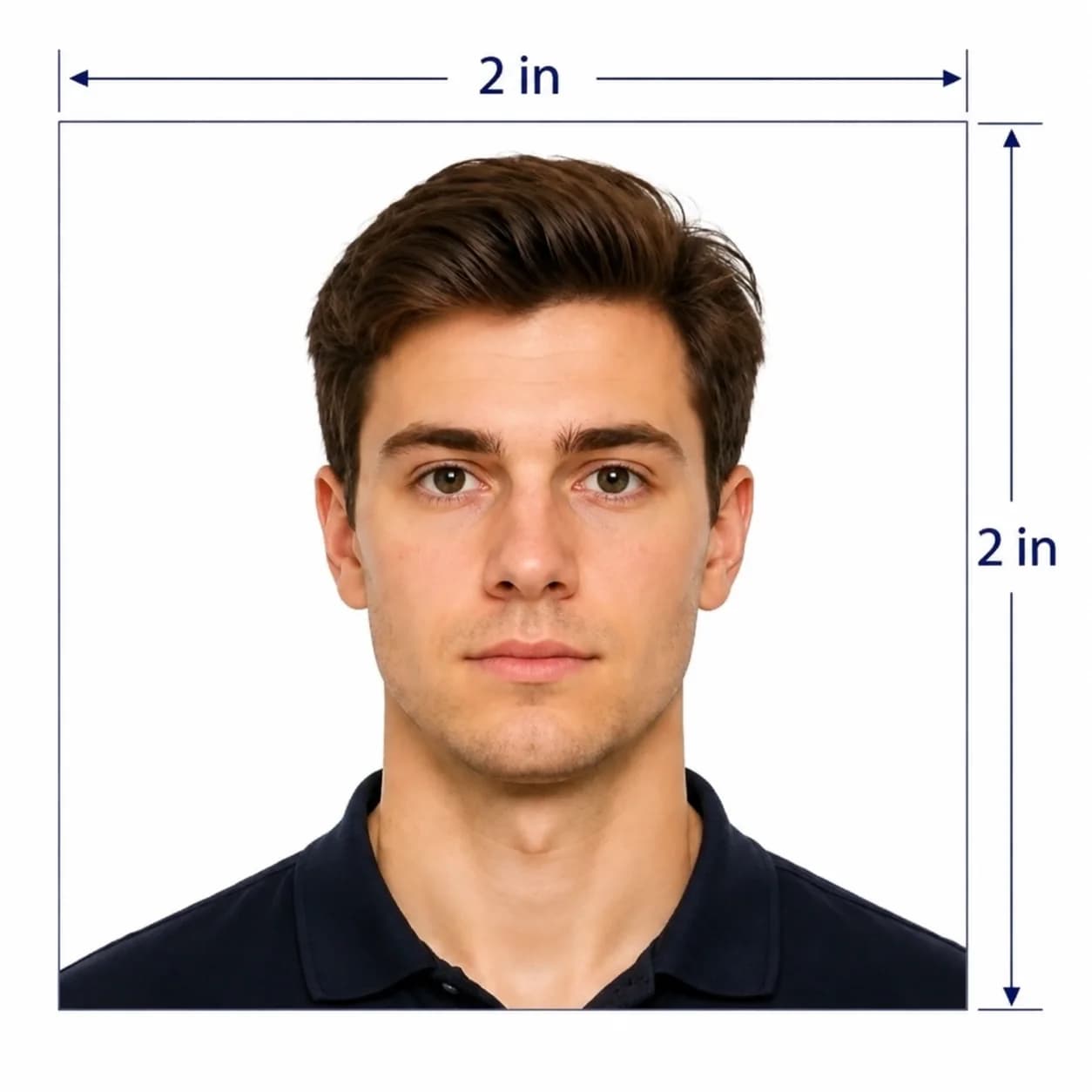
Wallet size is a print format, not a passport or visa specification. For example, a U.S. passport photo is 2 × 2 inches, rather than 2 × 3. Use our U.S. passport photo maker or select your document’s own requirements.
Is this a 51x76 mm photo maker?
The 2 × 3 inch preset is exactly 50.8 × 76.2 mm, often rounded to 51 × 76 mm. It does not create an exact 51 × 76 mm document photo; check the required measurements if you are preparing an application.
How do I print a single wallet size photo print?
Download the single photo and select its matching print size at your photo lab, or download the 4 × 6 sheet and order it as a standard 4 × 6 print. Check the crop preview and trim the sheet after printing.
What is mini wallet photo size?
Mini wallet is a print-lab label without one universal size. Check the exact dimensions of your frame, sleeve or lab product. This maker supports 2 × 3 and 2.5 × 3.5 inches.

Real feedback from some PhotoOmni customers

“Easy to make wallet-size photos. The size was perfect for printing!”
Sophie Anderson
“Quick and simple! Got my wallet photos ready in minutes.”
Daniel Brooks
“Great tool for resizing photos. Clear results and easy to use.”
Rachel Morgan

Ready to create your photo?

Upload a photo and get a document-ready result in minutes.

3–15 min100% refund guarantee