
Can You Scan a Passport Photo? What Each Country and Application Channel Accepts
Learn when scanned passport photos are rejected and how original digital files differ from printed photos in US, Canadian and UK applications.
Quick Answer
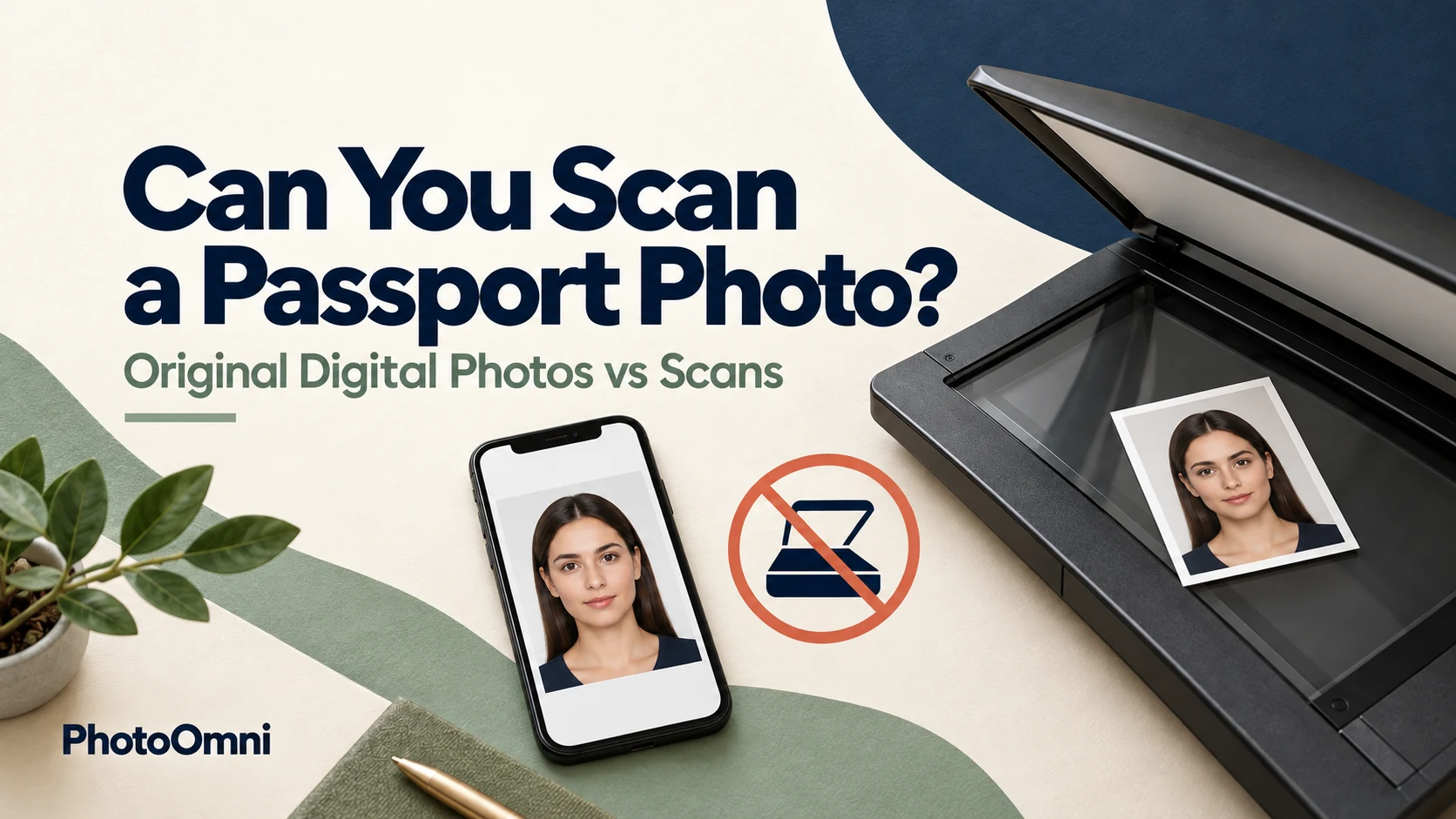
Usually no, if the goal is to upload it to a government passport application. The answer depends on the country and on how you apply (online, by mail or in person):
| Channel | Is a scan of a printed photo accepted? |
|---|---|
| U.S. online renewal | No. The State Department says not to take a photo of a printed photo or scan a physical photo to make a digital file |
| Canada online renewal | No. Canada's digital photo rules say the photo must not be a scanned copy of a printed photo |
| U.S. paper application (DS-11, DS-82) | No scans or copies. You submit the actual printed photo |
| Canada paper application (mail or in person) | No scans or copies. You submit 2 professionally printed photos |
| UK paper application | You submit printed photos, not copies, on plain white photographic paper |
| UK online application | You need a digital photo or photo code; we did not find the official page addressing scanned prints, so use an original digital photo |
The reliable fix is to get an original digital photo, not a scan of a print.
Rules change, and each country sets its own. Always check the official page for the exact application you are using before you upload anything.
Why Scans Get Rejected
A scan or a phone picture of a print is a copy of a copy. It introduces problems the original photo didn't have:
- Lower resolution and softness, because the print is only a certain size and quality
- Glare, reflections and uneven brightness from the scanner lid or camera flash
- Moiré patterns and dots, caused by the print's halftone texture
- Color shifts, especially to the white background
- Cropped or skewed edges and visible borders
- Dust, scratches and creases from the paper
The State Department's online renewal page lists a "low quality scanned copy and not an original, digital image" as one reason for rejection, and warns that scanning or photographing a print may lower quality. Automated checks are built to catch these issues.
United States
Online passport renewal
The State Department's page on uploading a digital photo says, in plain terms, not to take a photo of a printed photo or scan a physical photo to make a digital file. It also asks you to:
- Submit the original, unedited digital photo with no filters or digital changes
- Not use a photo created or edited with artificial intelligence or other digital tools
- Upload a high-quality, sharp, well-lit image
- Remove glasses and hats, apart from head coverings worn for religious or medical purposes
The upload tool also runs a basic check and lets you try again with a different photo.
Paper applications (DS-11 and DS-82)
For a paper application, you submit one printed 2x2 inch photo, not a scan, photocopy or a printout of a scan. A first-time DS-11 applicant gives the photo to the acceptance agent, and a DS-82 mail-in renewal has you attach it yourself. See how to staple a passport photo to the application and US passport photo requirements for details.
What if you only have a printed photo?
You have three options:
- Take a new digital photo. This is the simplest and often best fix, and it will look like you now. Read our guide to taking a passport photo at home.
- Find the original digital file, if the photo came from a photo shop, a booth with a digital copy, or an app you used.
- Use the printed photo for a paper application instead of applying online, if you are eligible to apply on paper.
Canada
Canada has two different sets of rules, depending on how you apply.
| Application | Photo format | Scanned copies? |
|---|---|---|
| Online renewal (eligible adults) | One digital photo (JPEG or JPG) | Not accepted. The photo must not be a scanned copy of a printed photo |
| Mail or in person | 2 identical, unaltered printed photos | The government says photos must be professionally printed on plain, high-quality photographic paper, and it does not accept photos printed at home or on heavyweight paper |
Canada's digital photo guidance also recommends asking the photographer for both a digital copy and a printed copy when your photo is taken. That is the cleanest way to avoid ending up with only a print. Children's photos have extra rules, including being taken in person by a commercial photographer or photo studio, so read the child-specific page.
United Kingdom
The UK separates printed photos (paper applications) from digital photos (online applications).
- Paper form: you need 2 identical printed photos, 45 mm high by 35 mm wide, printed to a professional standard in colour on plain white photographic paper with no border, and unaltered by computer software.
- Online application: you need a digital photo or a photo code, which many photo booths and shops can provide. Photos must have been taken within the last month.
- Scans: we did not find an official GOV.UK statement about scanned printed photos in the sources we reviewed. Since the online service needs a digital photo, use an original digital image or a photo code from a booth or shop rather than a scan.
If you use a booth, ask for the digital code as well as the prints.
Australia, India and Other Countries
We did not verify the official wording on scanned printed photos for every country. What we can say is that:
- Printed and digital rules differ within a country, and requirements for sizes, background, recency and file format differ between countries, so don't convert a printed photo into a digital one by assuming the sizes are interchangeable.
- If a portal asks for a digital photo, use an original digital image, not a scan, unless the official page explicitly says scans are allowed.
- If the application asks for printed photos, submit the physical prints in the number and size requested.
Check the passport authority's own page for the country and channel you are using.
Comparing Your Options
| If you have... | And you want to... | Do this |
|---|---|---|
| A printed photo only | Apply online (US or Canada) | Take a new digital photo, or get the original digital file. Don't scan |
| A printed photo only | Apply on paper | Submit the original print, if it still meets the requirements and is recent enough |
| A digital file | Apply online | Upload the original, unedited file |
| A digital file | Apply on paper | Print it on photo paper at the correct size. See printing from your own file |
| A scan or a picture of a print | Apply anywhere | Replace it with an original digital photo or a fresh print |
When Scanning Is Fine
Scanning isn't always a problem. It's fine to scan a passport photo for:
- Personal records or backup, so you have a copy
- A reference copy to show a friend or a photo shop
- Non-passport uses where the requesting organization has said scans are acceptable
Just don't use that scan to apply for a passport when the official rules say otherwise.
Tips If You Must Work From a Print
If you have no other choice and the application's official page allows it:
- Use a flatbed scanner, not a phone camera.
- Scan at a high resolution (for example 600 DPI or higher) and save as a high-quality JPEG.
- Clean the glass and the print to avoid dust and fingerprints.
- Keep the print flat and avoid glare.
- Don't edit, retouch or sharpen the image, because passport photos must be unaltered.
- Check the final file against the official size, format and file-size limits.
These steps may improve quality, but they don't make a scan acceptable where the rules prohibit it.
Common Mistakes
- Scanning or photographing a print for a U.S. or Canadian online renewal
- Submitting a photocopy or scan with a paper application instead of the actual print
- Printing a photo at home for a country that requires professional printing, such as Canada
- Assuming one country's digital rules apply to another
- Retouching the scan to fix quality problems
- Not asking the photographer for a digital copy at the time the photo is taken
- Using an old photo that doesn't look like you now
- Skipping the official page for your specific application type
Frequently Asked Questions
Can I scan my passport photo and upload it?
Not for U.S. or Canadian online renewals. Both say scans of printed photos are not accepted for the digital upload. Use an original digital photo.
Can I take a picture of my printed passport photo with my phone?
No, not for U.S. online renewal. The State Department says not to take a photo of a printed photo. Take a new photo directly instead.
Can I submit a photocopy with a paper application?
No. A paper application needs the actual printed photo, in the number and size the country requires.
What if I only have a printed photo and need to apply online?
Take a new digital photo, find the original digital file, or use the printed photo for a paper application if you are eligible.
Can I scan a passport photo for my records?
Yes. A scan is fine as a personal backup. It just can't be used to apply when the rules prohibit it.
Does it matter how good the scan is?
Quality helps, but the rule is about the file being an original digital photo. A high-quality scan can still be rejected.
How do I get a digital copy from a photo shop?
Ask for both a digital copy and a print when your photo is taken. In Canada, the government specifically recommends this.
Is a UK photo code the same as a scan?
No. A photo code links a digital photo from a booth or shop to your online application, and it is not a scan of a print.
Can I use an app to turn a printed photo into a digital passport photo?
We don't recommend it. Apps that convert, enhance or retouch a scan can violate the "unaltered" and "original" requirements. Take a new photo instead.
Bottom Line
For online passport applications in the U.S. and Canada, don't scan a printed photo. The official rules ask for an original digital photo. For paper applications, submit the actual printed photo the country requires, not a scan or photocopy. If all you have is a print, take a new digital photo or get the original file, and keep a scan only as a personal backup. When you're ready to prepare a new photo, check size and framing with PhotoOmni before you submit.
Official Sources
- U.S. Department of State: passport photo requirements
- U.S. Department of State: upload a digital photo
- Canada: printed and digital passport photo requirements
- GOV.UK: digital passport photos
- GOV.UK: printed passport photos
Official guidance checked on October 16, 2026. Follow the current application instructions before submitting.
About the Author
PhotoOmni Editorial Team
The PhotoOmni Editorial Team explains official passport, visa and identity-photo requirements, with practical guidance on taking photos, preparing files and printing. This guide draws on the official sources listed above. The issuing authority sets the application requirements and makes the final acceptance decision.