
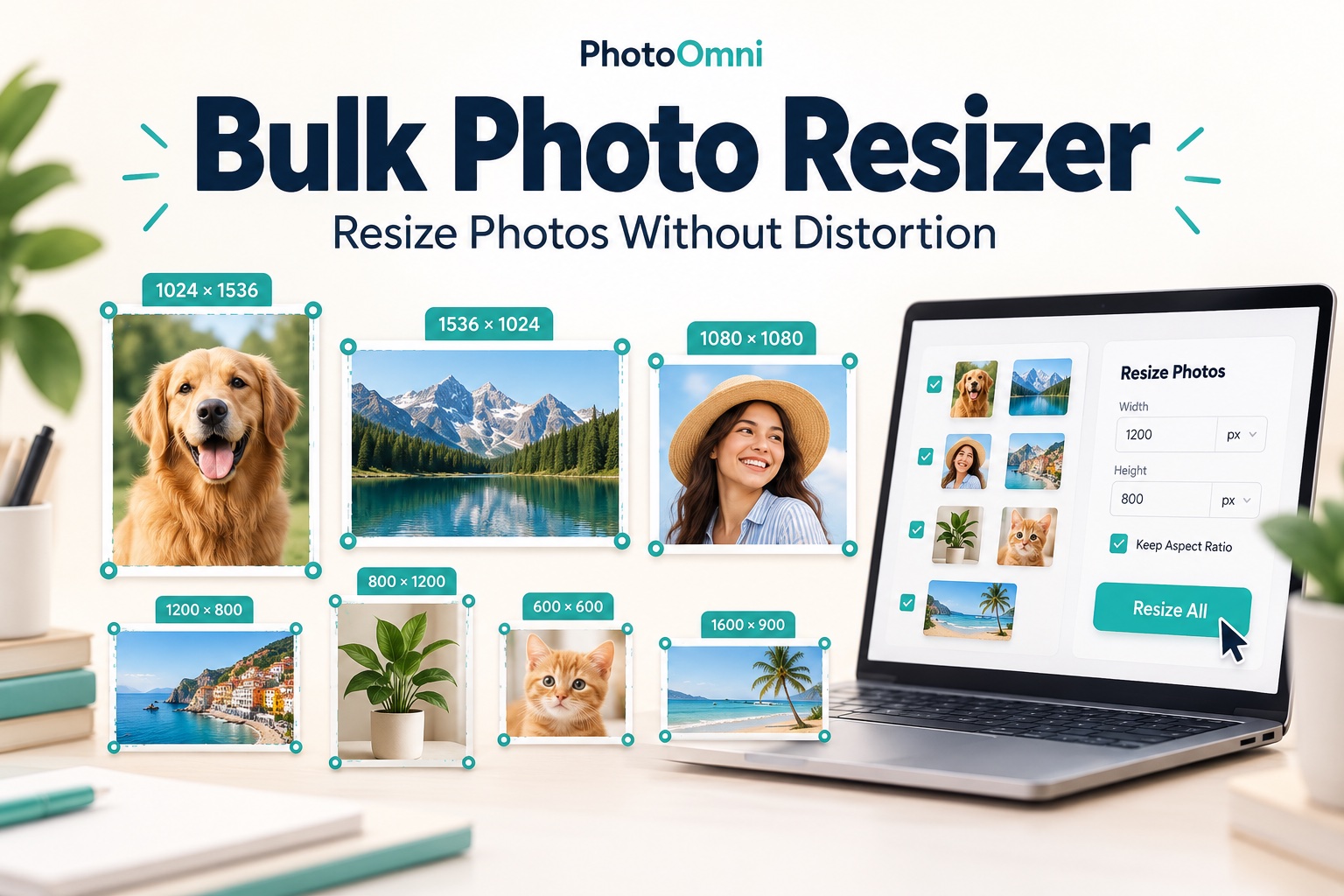
Bulk Photo Resizer: How to Resize Photos in Bulk Online (and Why Passport Photos Need Care)
Resize photos in bulk without stretching faces. Compare resize settings, protect personal photos and keep passport upload limits in view.
Read article →Blog topic
Practical guidance for taking, editing, checking, and submitting compliant photos.
Resize photos in bulk without stretching faces. Compare resize settings, protect personal photos and keep passport upload limits in view.
Read article →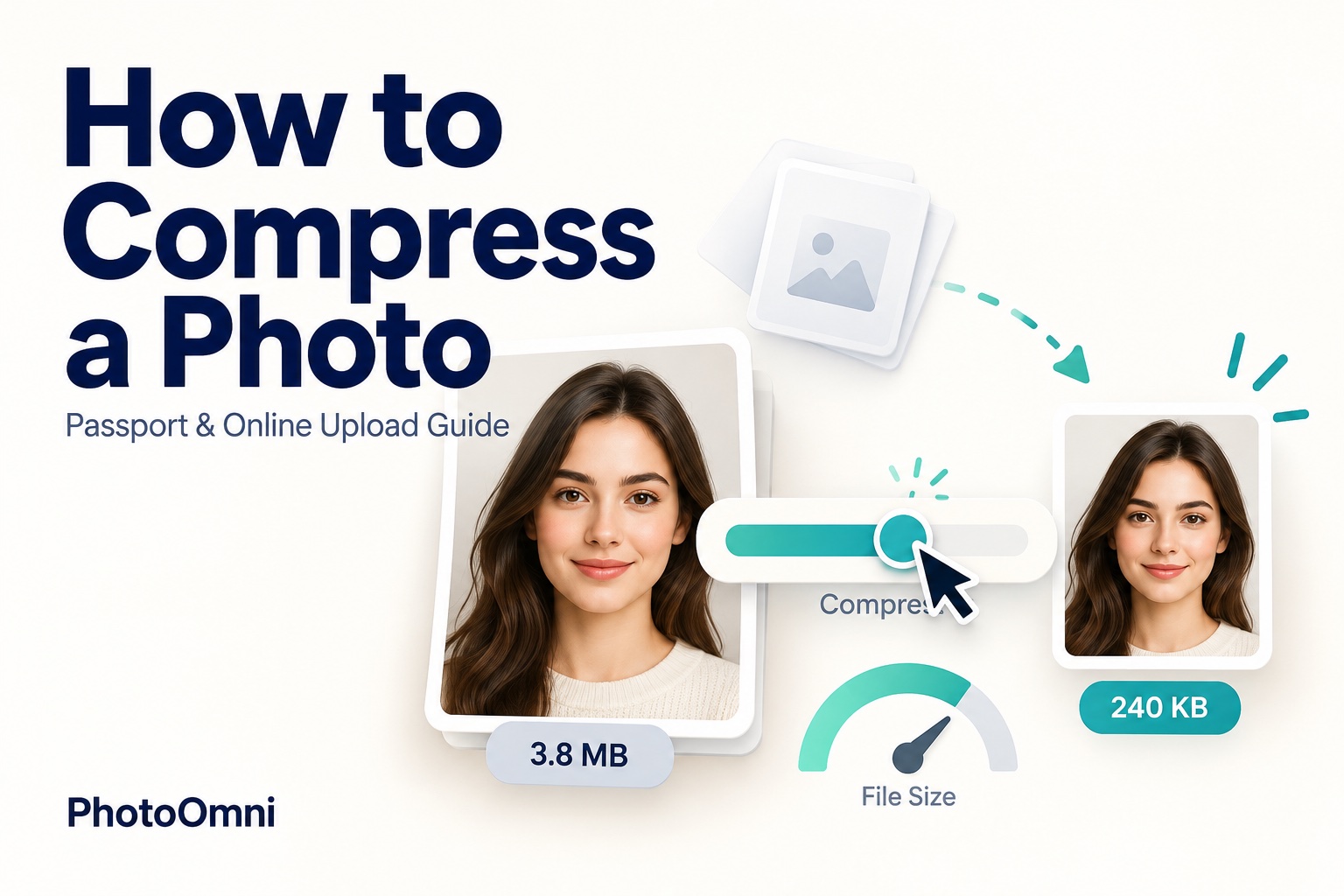
Learn how to compress a photo, check upload limits, preserve pixel dimensions and avoid damaging passport or visa photos.
Read article →
Fill out a passport money order with the correct payee, applicant memo and exact fees, keeping the acceptance facility payment separate.
Read article →
Prepare a first US passport application for a child: DS-11, citizenship evidence, parental consent, separate fees and a compliant photo.
Read article →
Avoid red eye, flash glare and uneven exposure in a US passport photo by improving the lighting and taking a new, unedited photo.
Read article →
Set up soft window light or balanced lamps, diagnose shadows and retake your passport photo without digitally changing the image.
Read article →
Learn when scanned passport photos are rejected and how original digital files differ from printed photos in US, Canadian and UK applications.
Read article →
Choose DS-5504, DS-82 or DS-11 for a passport name change after marriage, and prepare the right evidence, fees and photo.
Read article →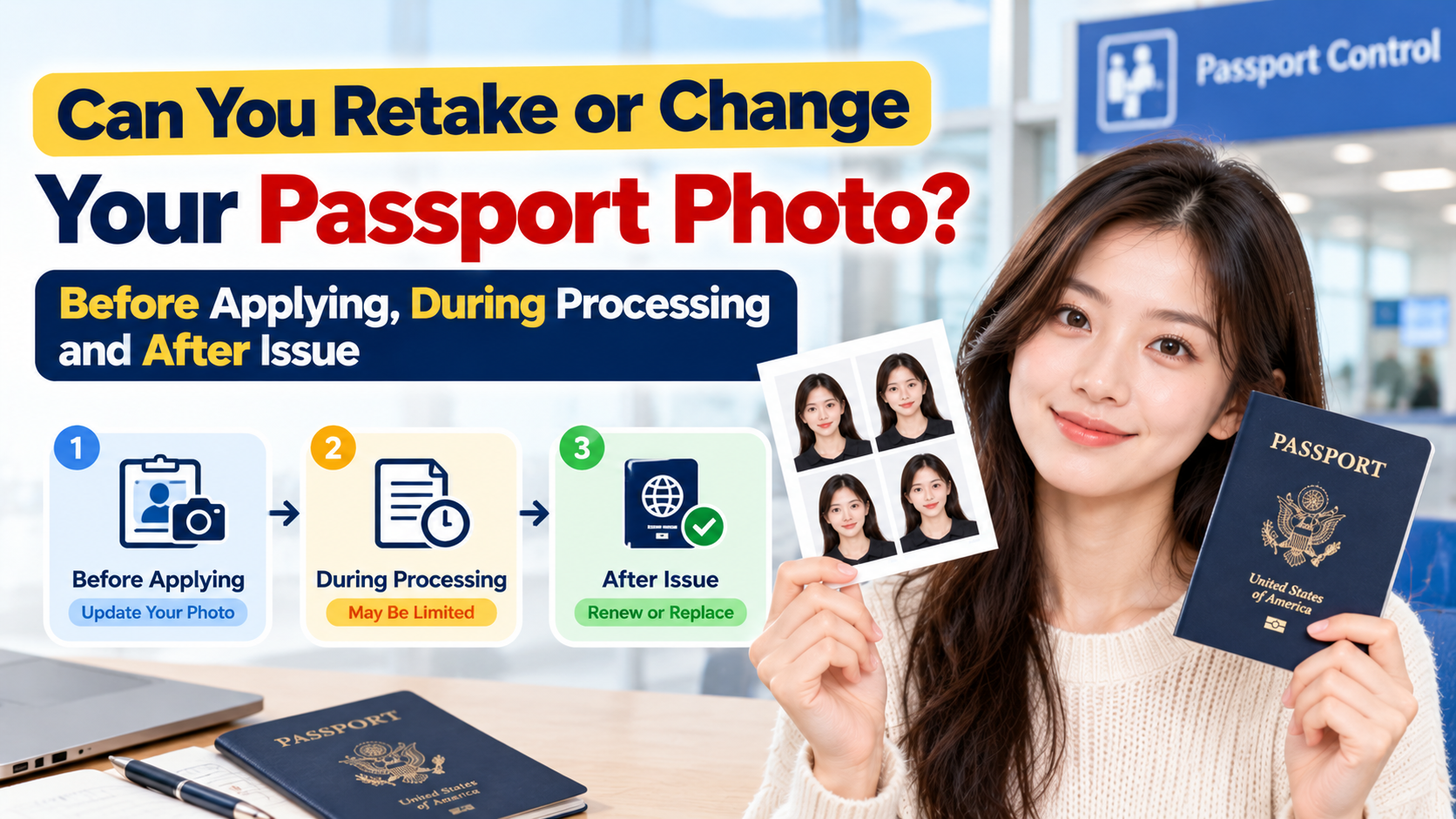
Understand photo retakes before applying, replacement-photo requests during processing, and paid reapplication versus correction after passport issue.
Read article →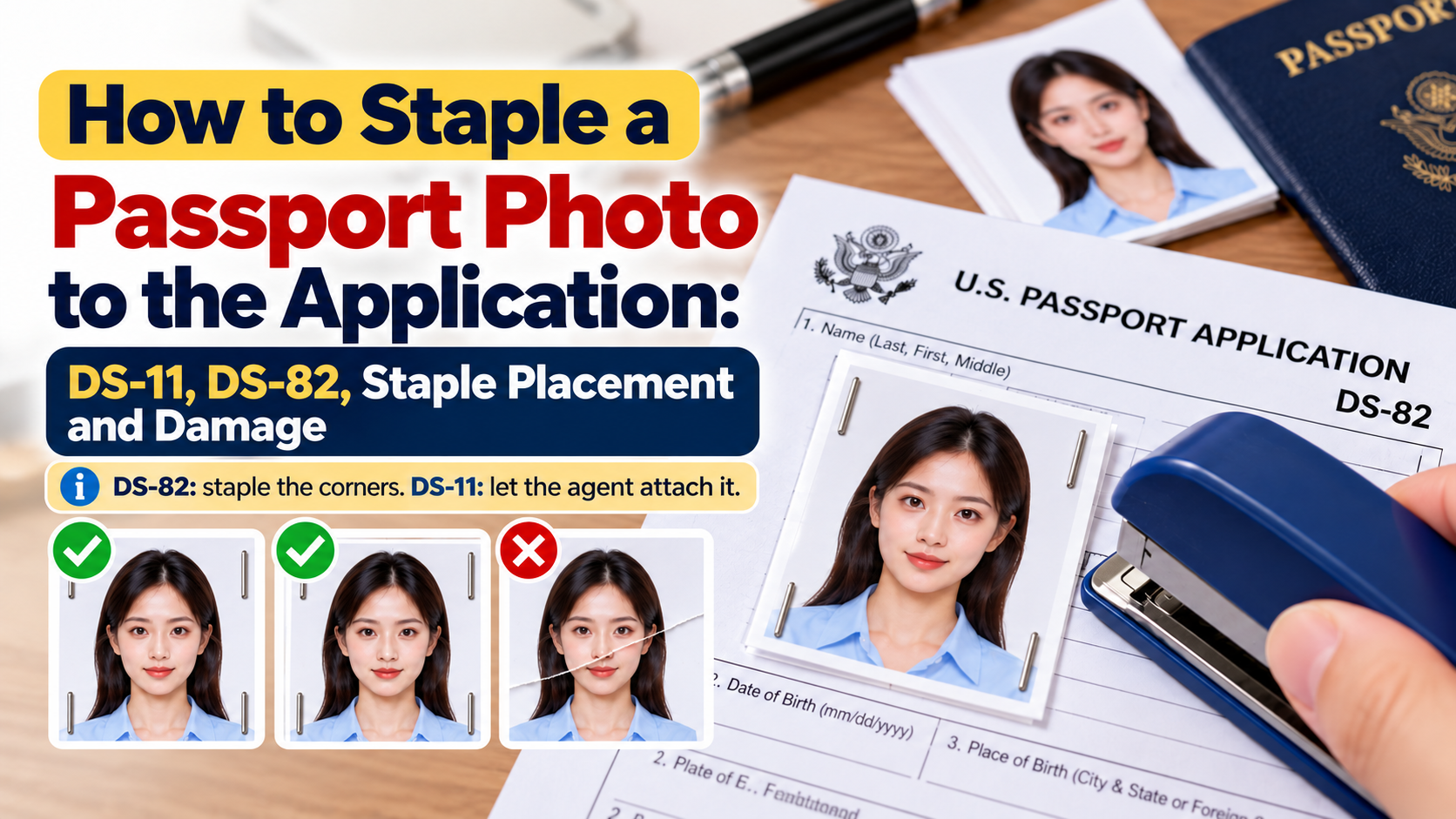
DS-82 mail renewals use four vertical corner staples; DS-11 applicants bring a loose photo. Check form instructions, photo placement and damage.
Read article →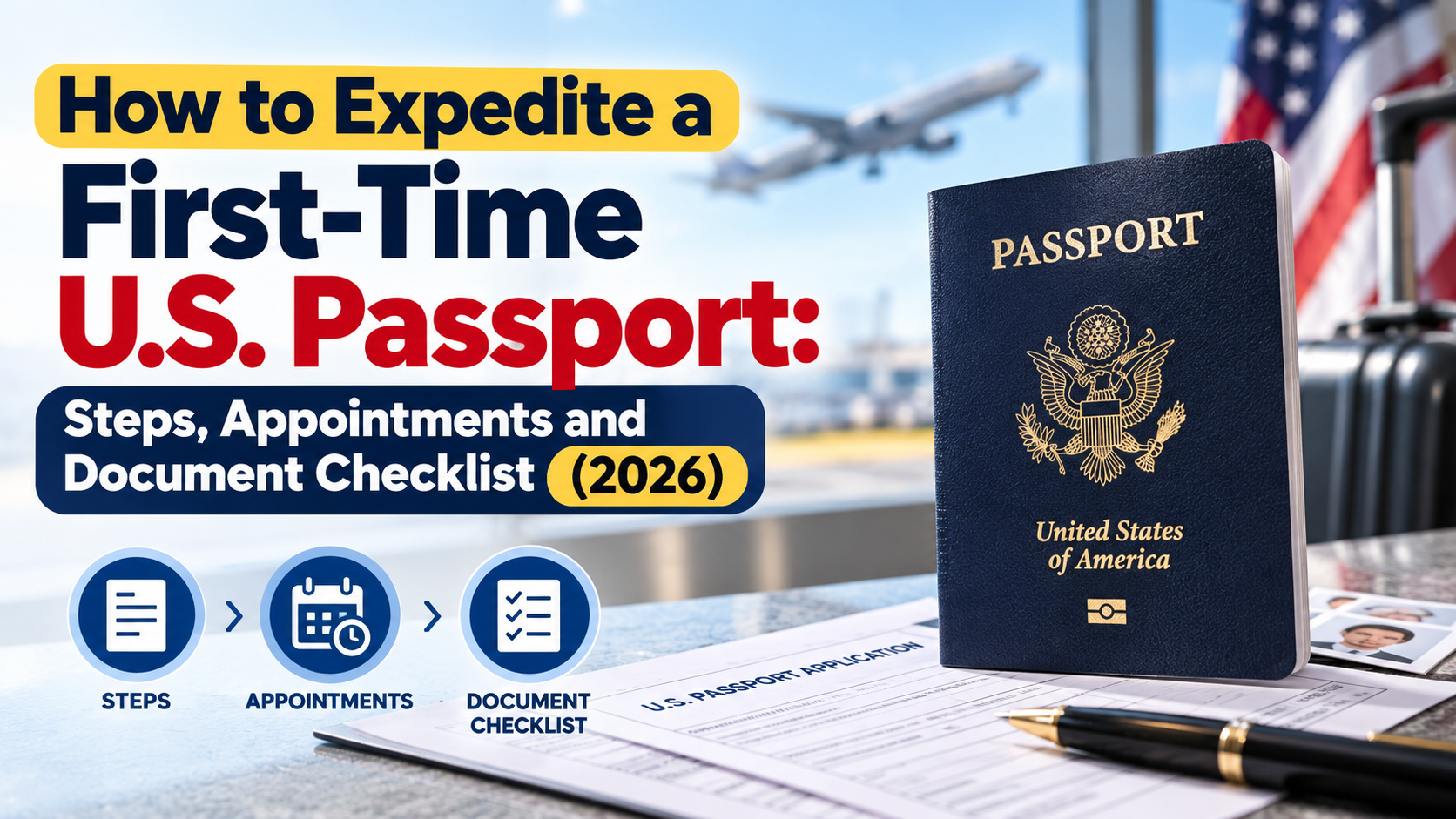
Prepare a first-time DS-11 application, compare expedited and urgent-travel routes, and check current fees, mailing time, documents and photo rules.
Read article →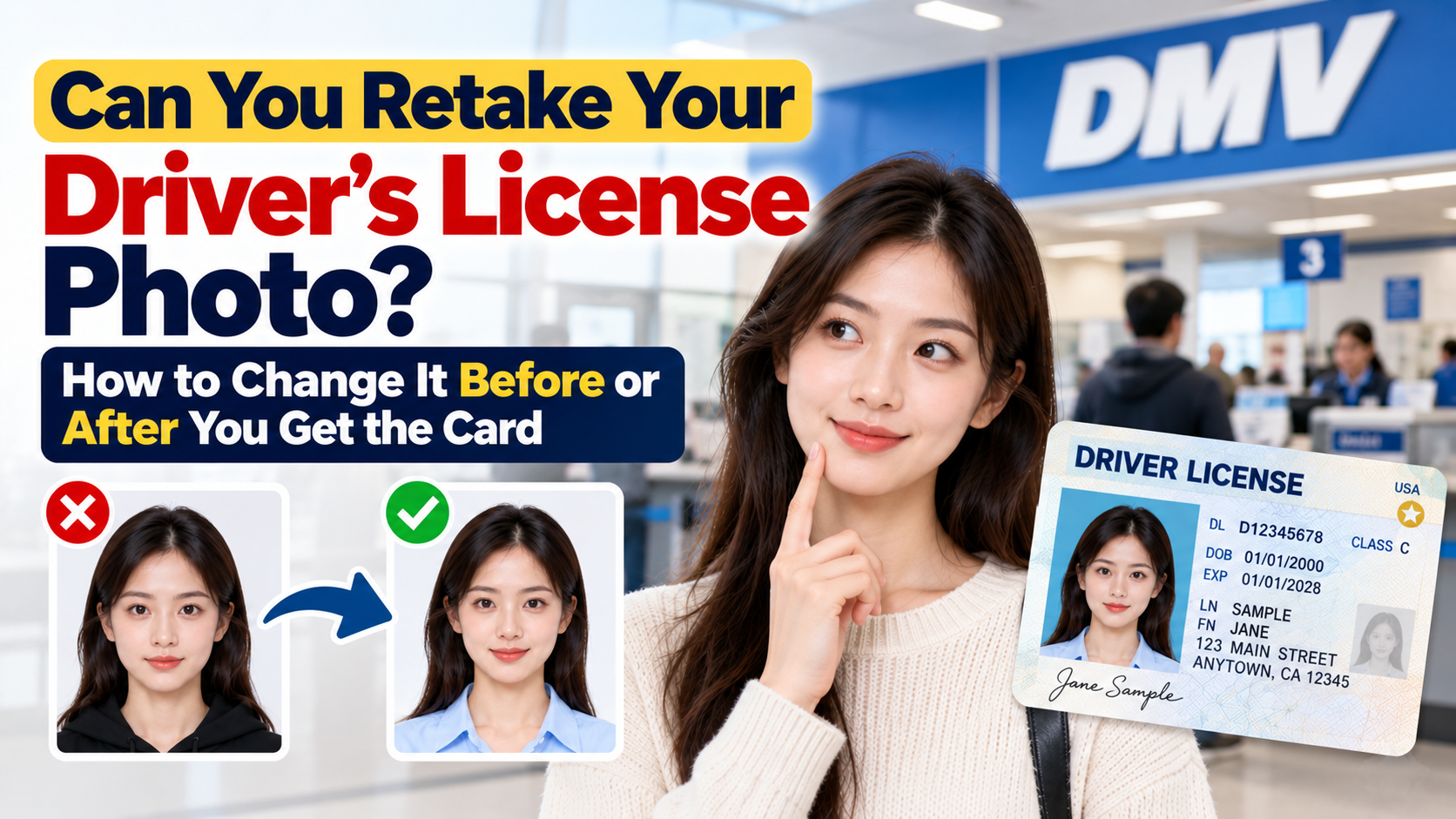
Learn when to ask for a DMV photo retake, how a photo update differs from a replacement, and what official state pages say about online selfies.
Read article →