
Digital Passport Photos Near Me: Get Compliant Photos Online in 2026
Searching for digital passport photos near me? Compare local photo services vs online AI passport photo makers in 2026. Save time, cut costs by 70%, and get government-compliant photos in minutes.
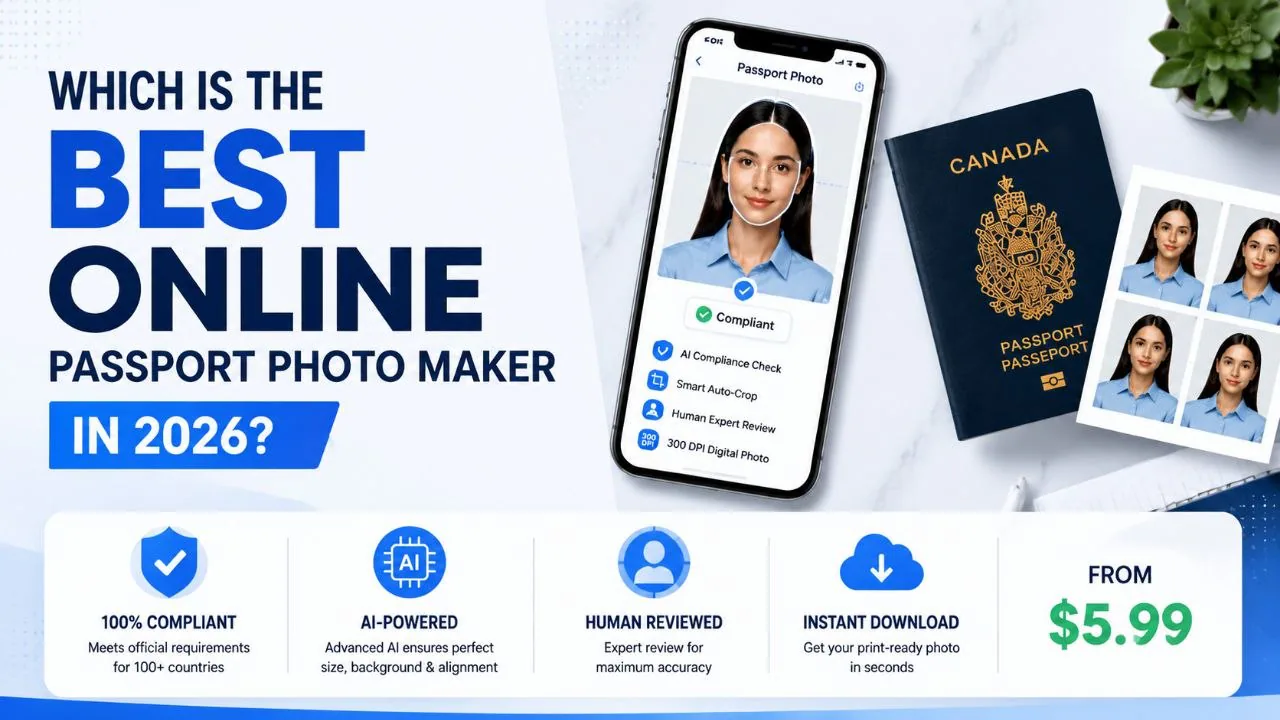
Quick Answer
If you are searching for digital passport photos near me, you can choose between local photo providers and online passport photo makers.
Traditional options such as pharmacies, retail stores, and professional photo studios can provide passport photos, but they often require a store visit and may cost more. Online passport photo makers allow you to take a photo with your smartphone, automatically check passport photo requirements, and receive a ready-to-use digital passport photo within minutes.
For most travelers, the fastest and most affordable option in 2026 is an AI-powered passport photo service that combines automatic compliance checking, digital delivery, and optional expert review.
If you prefer to prepare the file online, the US passport photo maker can help check the crop, background, and passport-photo format before submission.
What Are Digital Passport Photos?
A digital passport photo is an electronic image file that meets official passport or visa application requirements.
A US passport photo maker can apply these dimensions and formatting checks to the uploaded photo.
Unlike traditional printed passport photos, digital passport photos are designed for:
- Online passport applications
- Visa applications
- Digital identity documents
- Government forms requiring image uploads
A compliant digital passport photo must usually meet specific requirements, including:
- Correct dimensions
- Plain background
- Proper head positioning
- Clear facial features
- High image quality
- No filters or excessive editing
For example, a US passport photo requires:
| Requirement | Standard |
|---|---|
| Photo size | 2 x 2 inches (51 x 51 mm) |
| Background | White or off-white |
| Head size | 1–1 3/8 inches (25–35 mm) |
| Expression | Neutral expression |
| Color | Full color |
| Quality | Clear, high-resolution image |
Because small mistakes can delay passport applications, many users now prefer digital passport photo tools with built-in compliance checks.
Where Can I Get Digital Passport Photos Near Me?
When people search for digital passport photos near me, they usually want one of these solutions:
- A nearby place to take photos
- A digital file instead of only printed photos
- A low-cost option
- A fast solution without appointments
The most common options include:
- Pharmacies
- Retail stores
- Professional photo studios
- Online AI passport photo makers
Digital Passport Photo Options Compared
| Option | Digital File | Average Cost | Processing Time | Best For |
|---|---|---|---|---|
| Professional Photo Studio | Usually | $15–$30 | 15–60 minutes | Professional assistance |
| Pharmacy Passport Photos | Often available | $14–$20 | 10–30 minutes | Convenient locations |
| Retail Photo Services | Sometimes | $10–$20 | 10–30 minutes | Walk-in customers |
| Online AI Passport Photo Maker | Yes | $5–$10 | 5–15 minutes | Fast digital delivery |
Key Insight
Online passport photo makers can reduce costs by approximately 50–70% compared with traditional photo studios because they eliminate studio fees and photographer costs.
Local Places That Offer Digital Passport Photos
Pharmacies
Many pharmacies offer passport photo services.
Advantages:
- Easy to find
- No appointment usually required
- Professional equipment
Disadvantages:
- Higher cost
- Travel required
- Limited customization options
Pharmacies are useful when you need a photo immediately, but they may not be the most convenient option if you only need a digital passport photo file.
Professional Photo Studios
Photo studios provide a traditional photography experience.
Advantages:
- Professional lighting
- Experienced photographers
- Better guidance during shooting
Disadvantages:
- Higher prices
- Need to travel
- Limited opening hours
A studio is suitable for users who prefer personal assistance, but online solutions are often faster for simple passport photo needs.
Digital Passport Photos Near Me vs Online Passport Photo Makers
Many people searching for "near me" are actually looking for the easiest way to get an approved digital passport photo.
| Feature | Local Photo Service | Online AI Passport Photo Maker |
|---|---|---|
| Travel required | Yes | No |
| Available 24/7 | No | Yes |
| Smartphone photo | Usually no | Yes |
| Digital download | Sometimes | Yes |
| Automatic checking | Limited | Available |
| Price | Higher | Lower |
Online passport photo services allow users to create passport photos from home without searching for a nearby store.
Digital Passport Photo Cost Comparison in 2026
The cost of passport photos depends heavily on where you create them.
Average Passport Photo Prices
| Service Type | Average Price |
|---|---|
| Professional photo studio | $15–$30 |
| Pharmacy passport photos | $14–$20 |
| Retail photo service | $10–$20 |
| Online passport photo maker | $5–$10 |
Cost Saving Example
A traveler choosing an online passport photo service instead of a professional studio may save approximately:
$10–$25 per passport photo session.
For families applying for multiple passports, the savings can become significant.
How Much Time Can Digital Passport Photos Save?
Traditional passport photo preparation usually includes:
- Traveling to a store
- Waiting for service
- Taking photos
- Receiving prints or digital files
The complete process may take:
30–90 minutes.
Online passport photo creation usually requires:
- Taking a smartphone photo
- Uploading the image
- Receiving the processed file
Typical processing time:
5–15 minutes.
This means online passport photo tools can reduce preparation time by approximately:
70–85% compared with visiting a physical location.
How to Take a Digital Passport Photo take passport photos at home
Creating a passport photo at home is simple if you follow the correct steps.
Step 1: Prepare the Background
Use:
- White wall
- Off-white background
- Clean and evenly lit space
Avoid:
- Patterns
- Furniture behind you
- Strong shadows
Step 2: Position Your Camera
For better results:
- Keep the camera at eye level
- Look directly into the camera
- Keep your face centered
- Avoid wide-angle distortion
A smartphone rear camera often provides better quality than a front-facing selfie camera.
Step 3: Use Proper Lighting
Good lighting helps prevent why passport photos get rejected.
Recommended:
- Natural daylight
- Even lighting on both sides of your face
- No harsh shadows
Avoid:
- Flash reflections
- Dark rooms
- Backlighting
Step 4: Check Compliance Requirements
Before submitting, confirm:
- Correct dimensions
- Correct background
- Proper face position
- Accepted file format
AI-powered passport photo tools can automatically analyze many of these requirements for you.
Common Digital Passport Photo Problems
Incorrect Background
Common issues:
- Gray background
- Shadows
- Objects visible behind the person
Solution: Use a plain white or off-white background.
Wrong Photo Size
Problems:
- Incorrect crop
- Wrong dimensions
- Incorrect head size
Solution: Use a passport photo tool that automatically formats the image.
Poor Image Quality
Problems:
- Blurry photo
- Low resolution
- Compression artifacts
Solution: Use a high-quality smartphone camera and avoid editing filters.
Facial Position Problems
Common mistakes:
- Looking away
- Head tilted
- Face too close to camera
Solution: Keep a neutral expression and look straight ahead.
Why Are AI Passport Photo Tools Becoming Popular?
AI-powered passport photo makers solve several common problems.
1. Automatic Compliance Checking
AI can analyze:
- Face position
- Background quality
- Image dimensions
- Lighting problems
This helps users identify problems before submitting applications.
2. Faster Digital Delivery
Users can create a passport photo without:
- Driving to a store
- Waiting in line
- Scheduling appointments
The final digital file can usually be downloaded within minutes.
3. Lower Cost
Online passport photo tools reduce expenses by removing:
- Studio rental costs
- Photographer fees
- Transportation costs
Digital Passport Photo Checklist Before Submission
Before uploading your passport photo, check:
| Requirement | Checklist |
|---|---|
| Background | White or off-white |
| Expression | Neutral |
| Glasses | Usually not allowed for US passports |
| Filters | Not allowed |
| Retouching | Not allowed |
| File format | JPEG |
| Image quality | Clear and high resolution |
Smartphone Passport Photos: Can Your Phone Replace a Camera?
Yes.
Modern smartphones can capture suitable passport photos when used correctly.
A smartphone passport photo should have:
- Good lighting
- Sharp focus
- Correct distance
- No filters
- Proper background
The advantage of smartphone-based passport photos is convenience:
- No professional camera needed
- No appointment needed
- Photo can be created anywhere
Best Digital Passport Photo Maker Features in 2026
When choosing an online passport photo service, look for these features:
AI Compliance Check
The tool should check:
- Photo size
- Background
- Face alignment
- Government requirements
Multiple Country Support
A strong passport photo service should support:
- Passport photos
- Visa photos
- ID photos
- Different country requirements
Expert Review Option
For important applications, human review provides additional confidence.
Digital and Print Ready Files
The final photo should support:
- Online submission
- Digital upload
- Professional printing
Frequently Asked Questions
Can I get digital passport photos near me?
Yes. You can get digital passport photos from pharmacies, photo studios, retail stores, or online passport photo makers.
Is it cheaper to make passport photos online?
Usually yes. Online passport photo services often cost $5–$10, while traditional photo locations commonly cost $10–$30.
How long does it take to get a digital passport photo?
Online services usually take around 5–15 minutes, while physical locations may take 30–90 minutes including travel and waiting time.
Can I take a passport photo with my phone?
Yes. Modern smartphones can capture passport-quality images if lighting, background, and framing requirements are followed.
Are online passport photos accepted?
Yes, if the final image follows the official requirements of the passport authority.
What is the cheapest way to get a digital passport photo?
The most affordable option is usually taking a photo with your smartphone and using an online passport photo maker.
Digital Passport Photos Near Me: Final Comparison
| Question | Answer |
|---|---|
| Cheapest option | Online passport photo maker |
| Fastest option | AI digital passport photo service |
| Most traditional option | Photo studio |
| Average local cost | $10–$30 |
| Average online cost | $5–$10 |
| Online processing time | 5–15 minutes |
| Main rejection risks | Background, size, lighting |
Final Thoughts
Searching for digital passport photos near me no longer means you must visit a local photo store.
In 2026, smartphone cameras combined with AI-powered passport photo technology allow travelers to create government-compliant digital passport photos from home.
Local photo studios and pharmacies remain useful for people who prefer in-person service, but online passport photo makers provide a faster, cheaper, and more flexible solution.
For travelers who need a reliable digital passport photo, choosing a service with AI compliance checking, expert review, and instant digital delivery can reduce mistakes and make the passport application process easier.
About the Author
Emma Richardson is a travel documentation specialist and contributing writer at PhotoOmni. With over 8 years of experience in passport and visa photo compliance, she helps travelers navigate the complexities of government photo requirements across 150+ countries. Emma is passionate about making travel documentation accessible, affordable, and stress-free through AI-powered solutions.
Related Articles
- Passport Photo Size Guide: Complete Dimensions for Every Country
- How to Take a Passport Photo at Home: Step-by-Step Guide
- Why Was My Passport Photo Rejected? 15 Common Reasons & Fixes
Data Sources: U.S. Department of State (20–25% rejection rate; 5–6M annual retakes). Background standards: US white/off-white; UK cream ≤10% reflectance; Schengen RAL 7035. Resolution: 300 DPI official vs 72 DPI smartphone (4x gap); sRGB color space mandatory.
Before choosing a file format, read how e-passport, biometric and digital passport photos differ. For a U.S. application, our online U.S. passport photo tool guide explains the limits of AI checking and photo editing.