
What Is an E-Passport Photo? Biometric vs Digital Passport Photos
Learn what an e-passport photo really means, how biometric and digital passport photos differ, and which country-specific rules to check.
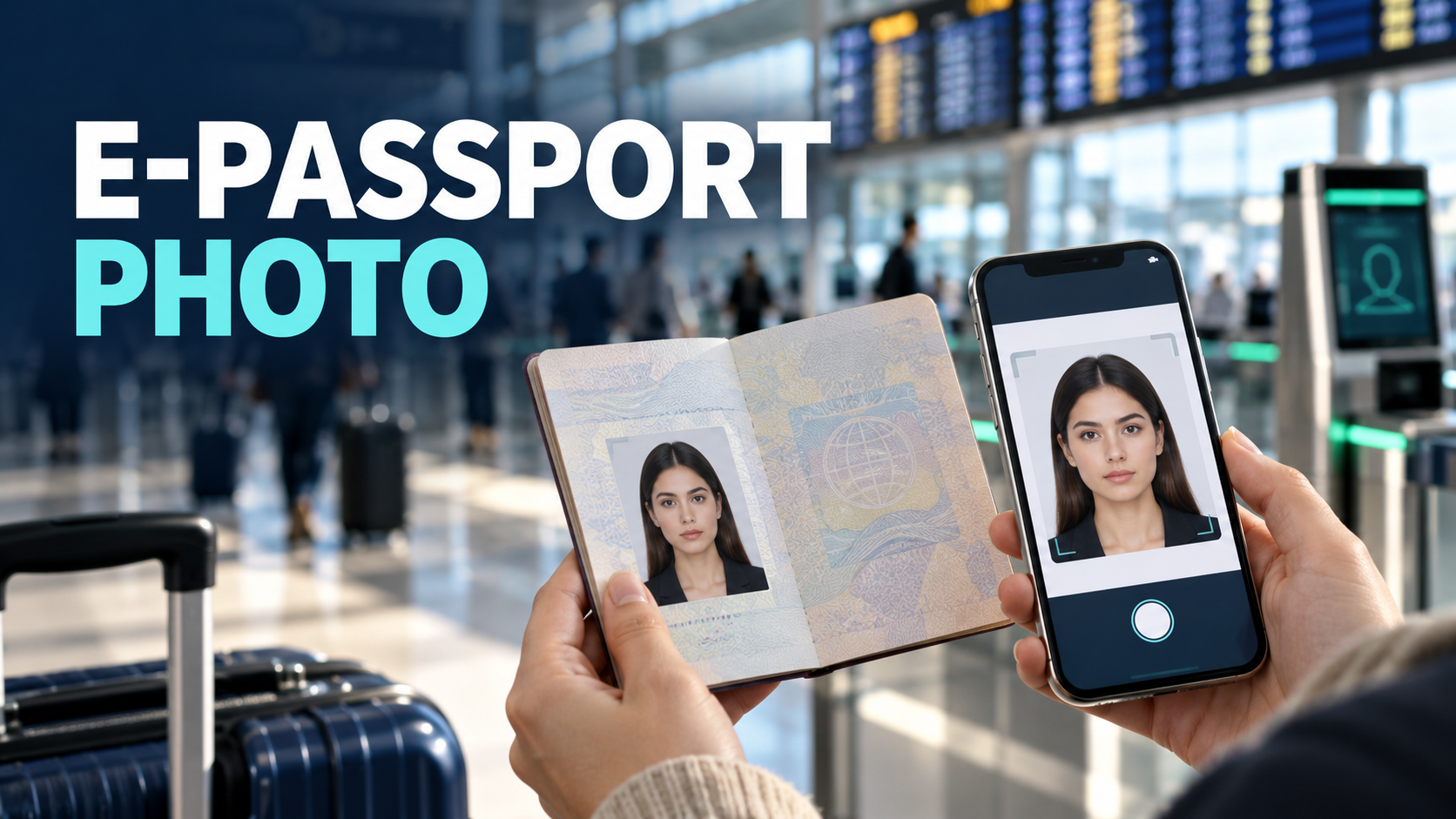
Quick answer: “E-passport photo” is not a universal official photo category. An e-passport is a physical passport with a contactless chip. A biometric passport photo is an image prepared to meet the facial-image and composition rules used by the issuing authority. A digital passport photo is an image file submitted through an online application. One photo can be both biometric and digital, but the words describe different things.
| Term | What it means | Where it applies |
|---|---|---|
| E-passport | A physical passport containing a contactless electronic chip | The passport document |
| Biometric passport photo | A facial image prepared to meet the authority’s pose, expression, lighting and framing rules | Printed or digital submission |
| Digital passport photo | An image file submitted through an online portal | Online passport, visa or immigration applications |
What Is an E-Passport?
An e-passport—also called an electronic passport or biometric passport—is a physical passport containing a contactless integrated-circuit chip. It is usually marked with the international chip symbol on the cover.
Under the International Civil Aviation Organization’s e-passport framework, the chip contains the machine-readable-zone data and a facial image, protected by a digital signature. A country may store additional biometrics under its own laws and passport program, so fingerprints should not be assumed to be present in every passport.
The chip does not create a separate category of application photo called an “e-passport photo.” The issuing authority still defines how the applicant must provide a photo.
Biometric vs Digital Passport Photos
What is a biometric passport photo?
“Biometric photo” commonly means a passport-style facial image suitable for identity comparison. It normally needs:
- a clear, recent likeness;
- a straight-on pose with the face visible;
- the required expression;
- even lighting and an acceptable background; and
- the correct head size and position.
There is no single crop, background color or pixel size that works for every country and every application route. Always follow the rules of the authority receiving the photo.
What is a digital passport photo?
A digital passport photo is simply a photo supplied as an image file rather than as a physical print. The application portal may specify:
- accepted file formats;
- minimum and maximum file size;
- pixel dimensions or aspect ratio;
- color requirements; and
- whether cropping or other processing is permitted.
A file being digital does not automatically make it compliant. It must satisfy both the visible photo rules and the portal’s technical requirements.
For country-specific dimensions, use our passport photo size and country requirements guide.
What Does the E-Passport Chip Store?
The minimum e-passport data includes information from the machine-readable zone and the passport holder’s facial image. The stored data is digitally signed so inspection systems can detect unauthorized changes.
At a compatible border checkpoint or e-gate, the system can read the chip and compare its facial image with the traveler. The exact inspection process and any additional biometrics depend on the issuing country and border authority.
The image printed on the data page and the image stored on the chip are created during passport issuance. Your application photo therefore needs to be a reliable likeness that can remain useful throughout the passport’s validity.
Digital Passport Photo Rules: Country Examples
The examples below show why “digital passport photo” cannot be treated as one worldwide specification.
United States
For eligible online passport renewal, the U.S. Department of State accepts JPG, JPEG, PNG, HEIC and HEIF files between 54 KB and 10 MB. The image must be in color, taken within the last six months and uploaded from an original digital capture. Do not upload a scan or a photo of a printed picture.
Paper and in-person applications use a printed 2 × 2 inch photo instead. Visa and Diversity Visa uploads have separate digital-image rules, so do not reuse their 240 KB limit for online passport renewal. See the U.S. online renewal photo guide.
Canada
Canada’s online passport-renewal route requires a digital photo taken in person by a commercial photographer. The current specifications require a JPEG/JPG file, a portrait-oriented 3:2 aspect ratio, dimensions from 1,200 × 1,800 to 3,000 × 4,500 pixels, and a file size from 200 KB to 5 MB.
Canada does not accept a scan of a printed photo and says the image must not be altered—including cropping, background replacement, filters or technical enhancements. Applicants must also provide the photographer or studio name, address and date taken. For this route, use the original professional file and do not run it through an editing workflow.
Ireland
Ireland requires a color image for an online passport application. The image printed in the finished Irish passport is converted to black and white. For paper applications, black-and-white prints are recommended, although color prints are accepted.
Other countries
The UK, Australia, India and other countries use their own combinations of photo codes, pixel rules, print sizes and upload checks. Select the country, document and application method before preparing the file.
Digital or Printed: Which One Do You Need?
| Application route | Usually required |
|---|---|
| Online passport renewal | Digital image or an approved photo code |
| Paper or in-person application | Printed photo, unless the authority says otherwise |
| Online visa or immigration application | Digital image with portal-specific limits |
| Uncertain or changing route | Check the current application instructions before paying for a photo |
Getting both a digital file and a print-ready version can be convenient when the authority permits the same original photo for both routes. It is not universal: Canada, for example, imposes strict rules on who takes the digital photo and prohibits editing.
How to Prepare a Digital Passport Photo
- Choose the exact document. Passport, visa, residence card and lottery photos can have different rules.
- Choose the application route. Confirm whether you need a digital upload, a photo code or printed copies.
- Read the issuing authority’s current instructions. Note the required pose, background, dimensions, file type and file size.
- Take a new original photo. Use even light and keep your face clearly visible. Avoid filters and beauty modes.
- Apply only permitted formatting. Some authorities allow cropping and background preparation; others, including Canada’s online passport-renewal program, prohibit alteration.
- Export the correct deliverable. Keep the original file and create the required upload or print version only when the rules allow it.
- Check the result before submission. A portal’s automated check may catch basic errors, but the issuing authority makes the final decision.
When editing is permitted, PhotoOmni can prepare a country- and document-specific digital file plus a print-ready sheet from an uploaded phone photo. The current service is $5.99 and normally delivers the files in 3–15 minutes, with automated checks and expert review. Confirm that your chosen application route permits this type of preparation before ordering.
Common Reasons Digital Passport Photos Are Rejected
- Uploading a scan of a printed photo. Many online routes require the original digital capture.
- Using the wrong file rules. Passport renewal, visa and lottery portals may use different limits.
- Compressing the image too heavily. Pixelation and lost detail can make the face unsuitable for review.
- Using filters or appearance edits. Do not reshape facial features or apply beauty effects.
- Using the wrong background. Required colors vary, and uneven shadows can cause failure.
- Incorrect head size or position. A correct outer file size does not guarantee correct facial framing.
- Ignoring route-specific restrictions. A tool that is suitable for one country may be prohibited for another.
If a U.S. online-renewal upload fails, see our photo-upload troubleshooting guide. For broader problems, review common passport-photo rejection reasons.
Is an E-Passport the Same as a Passport on Your Phone?
No. An e-passport is still a physical passport booklet containing a chip. A photo or scan saved on a phone is only a copy and does not replace the travel document.
Some governments and international organizations are developing digital travel credentials, but availability and legal use depend on the specific program. Do not assume a phone image, wallet pass or scanned data page can replace the physical passport required for a journey.
10-Point Digital Passport Photo Checklist
- I selected the correct country, document and application route.
- I confirmed whether I need a file, a photo code, a print or both.
- The photo is recent and clearly looks like me.
- The image is an original capture, not a scan of a print.
- The file type, dimensions and size match the portal.
- The pose, expression, head position and background meet the authority’s rules.
- The face and eyes are clear, with no glare or obstruction.
- I did not use filters or change my facial appearance.
- Any cropping or background preparation is allowed for this application route.
- I reviewed the final file before uploading it.
Frequently Asked Questions
Is an e-passport photo different from a normal passport photo?
Not as a universal category. “E-passport photo” usually means the photo used when applying for a chip-equipped passport. The application method determines whether you submit it digitally, as a code or as a print.
Is a biometric passport photo the same as a digital passport photo?
No. “Biometric” describes the image’s suitability for identity comparison and the authority’s facial-image rules. “Digital” describes how the image is supplied. A digital passport photo normally also needs to meet biometric-style composition rules.
Does the chip store my passport photo?
An e-passport chip stores a digital facial image. It also stores machine-readable passport data protected by a digital signature. Additional biometrics vary by country.
Can I upload a scanned printed photo?
Do not assume so. The U.S. online-renewal program and Canada’s online passport-renewal route both reject scans of printed photos.
Can I smile in a biometric passport photo?
Rules vary, but many authorities require a neutral expression with the mouth closed. Follow the exact instructions for your passport authority.
What if my digital photo is rejected?
Read the portal message or official request carefully. Correct the stated problem—such as file format, shadows, framing or an impermissible edit—and submit a new original photo when necessary.
Bottom Line
An e-passport is a physical passport with a contactless chip. A biometric passport photo is prepared for reliable identity comparison, while a digital passport photo is supplied as an image file. One photo may meet both descriptions, but the submission rules depend on the country and application route.
Check the official instructions first, use only permitted processing and keep the original image. When online preparation is allowed, PhotoOmni can provide a checked digital file and print-ready sheet from your phone photo.