
Malaysia Passport Photo for MyOnline Renewal (2026): Size, Upload Errors & How to Fix Them
Current Malaysia MyOnline Passport photo rules, the official 35 × 50 mm print size, common upload problems, fees, eligibility, and practical fixes.
Quick answer
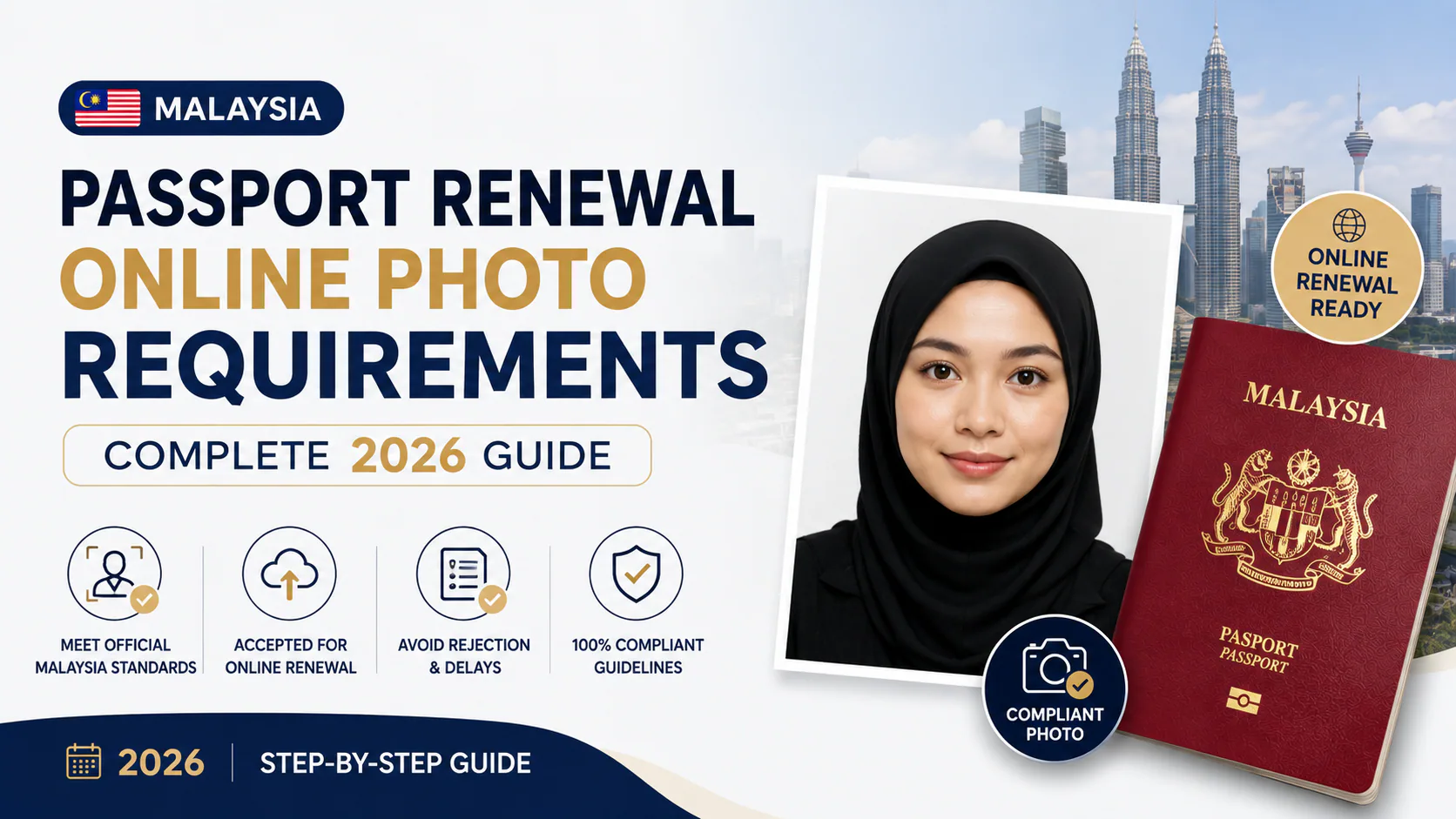
For a MyOnline Passport renewal, you must upload a recent digital photo. Use a plain, shadow-free white background; wear dark clothing that covers the shoulders and chest; face the camera with your eyes open and mouth closed; and remove glasses, contact lenses, and face, ear, or head accessories. If you wear a hijab, use a dark, unpatterned one that does not cover your face.
Malaysia's Immigration Department (JIM) also states that an application may be rejected if the uploaded photo is generated or altered with artificial intelligence. Use the official MyOnline Passport instructions as the final authority before submitting.
Do you need to bring a printed photo?
It depends on how and where you apply:
- At a JIM passport counter in Malaysia: JIM normally captures your image with its Facial Live Capture system. The department specifically lists a printed 35 × 50 mm photo for children under four.
- Through MyOnline Passport: you upload a recent digital photo during the renewal application.
- At a Malaysian embassy or consulate overseas: requirements vary by mission, but many ask for printed 35 × 50 mm photos. Check the mission handling your application before attending.
The Malaysian International Passport page confirms live capture at passport offices and lists the special printed-photo requirements for young children.
Malaysia passport photo requirements
| Requirement | What to prepare |
|---|---|
| Printed size, when requested | 35 × 50 mm |
| Background | Plain, shadow-free white |
| Pose | Full face, looking straight at the camera |
| Expression | Eyes open and mouth closed |
| Clothing | Dark clothing covering shoulders and chest |
| Glasses and contacts | Not allowed |
| Headwear | No hats or accessories; a dark, unpatterned hijab is permitted if it does not cover the face |
| Recency for MyOnline Passport | Taken within the last month |
For printed photos that are required by a mission or for a child under four, official guidance uses a 35 × 50 mm frame. JIM's reference for children under four gives a face height of 25–30 mm. Do not assume that every overseas mission uses exactly the same recency or copy-count rule—check its current instructions.
35 × 45 mm or 35 × 50 mm?
Official Malaysian passport guidance uses 35 × 50 mm when a printed photo is required. The 35 × 45 mm format is common in other countries, which is why it appears in generic passport-photo templates, but it should not replace Malaysia's published 35 × 50 mm format.
How the MyOnline Passport photo step works
MyOnline Passport is an online renewal service. You enter your details, upload a current photo, pay online, choose a collection office, and collect the new passport in person. Applicants aged 13 and above may use the service if they satisfy its conditions. For applicants under 18, a legal parent or guardian must attend collection.
The portal can suspend an application and ask for a new upload when the photo does not meet its specifications. It may reject an application—and the payment may not be refunded—when the photo is AI-generated, AI-altered, or otherwise non-compliant.
Why a photo may fail the upload check
The portal does not always identify one precise cause. Check these items before trying again:
- The background is white but has shadows, texture, or a warm/off-white cast.
- The photo is not recent or no longer matches your appearance.
- Hair covers the face or, for applicants not wearing a hijab or turban, the ears are hidden.
- The forehead or part of the face is covered.
- Glasses, coloured contact lenses, earrings, or head accessories remain visible.
- Clothing is too light or does not cover the shoulders and chest.
- The face is not looking straight at the camera, the eyes are closed, or the mouth is open.
- The image has been generated or visibly altered by AI.
If the portal shows “Permohonan Bermasalah. Sila Rujuk Pejabat Imigresen,” JIM says the problem may instead involve missing or damaged fingerprint data, ineligibility for online renewal, or information that conflicts with its records. That message is not necessarily a photo error.
Can you use a phone photo?
The official MyOnline Passport page focuses on the appearance of the uploaded image rather than naming a required camera. A clear phone photo can meet those visible requirements if another person takes it with even lighting and a clean white background. Avoid portrait-mode blur, beauty filters, generative fill, face reshaping, or background generation because JIM expressly warns against AI-generated or AI-modified photos.
Before you upload, you can use the PhotoOmni Malaysia passport photo page to review the 35 × 50 mm crop and Malaysia-specific checklist. Always compare the result with the current JIM portal rules, especially the warning about AI alteration.
Fees and online-renewal eligibility
Current JIM passport fees include:
| Applicant | 5-year passport | 10-year passport |
|---|---|---|
| Age 18–59 | RM200 | RM350 |
| Under 18 | RM200 | Not eligible |
| Under 12 | RM100 | Not eligible |
| Age 60+ | RM100 | RM175 |
Other concessions and exemptions apply to certain students, Hajj pilgrims, people with disabilities, and government categories. Confirm your category on JIM's current passport fee table.
MyOnline Passport is for renewals, not every passport case. First-time applications and lost or damaged passport cases require the appropriate in-person process. Read all eligibility conditions on the portal before paying.
FAQ
Is the Malaysia passport photo 35 × 45 mm or 35 × 50 mm?
Use 35 × 50 mm when a printed Malaysian passport photo is requested. That is the size stated by JIM and Malaysian overseas missions.
Do I need a photo at a JIM counter in Malaysia?
JIM normally takes the photo at the passport division using Facial Live Capture. Its published guidance separately asks for one 35 × 50 mm white-background photo for children under four.
Why does MyOnline Passport keep rejecting my photo?
Check the white background, shadows, recent appearance, face visibility, dark clothing, glasses or accessories, pose, and any AI alteration. If the portal displays the “problematic application” message, the issue may be fingerprint data, eligibility, or conflicting information rather than the image.
Can I use an AI passport-photo editor?
JIM currently says photos generated or altered with AI can cause rejection. Do not use generative face edits or artificial changes. Treat any preparation tool as a checklist and cropping aid, then compare the final image with the official portal instructions.
Bottom line
For an online Malaysian passport renewal, concentrate on a recent, natural-looking image with a shadow-free white background, dark clothing, an unobstructed face, and no glasses or accessories. Use 35 × 50 mm when a printed photo is requested, but follow the MyOnline Passport upload screen for the digital file. Most importantly, do not submit an AI-generated or AI-modified portrait, and verify the latest requirements on JIM's official pages before paying.